How the Apple Card Makes Apple Pay a Wallet Powerhouse That Will Lock You to iPhone Forever
Read our Apple Card review to learn about the rewards, incentives, customer support, pros and cons, and whether it’s right for you.
Apple Pay makes it easy to pay with your iPhone, Apple Watch, or Mac in stores, in apps, and online. We cover how to set it up, where it works, how to troubleshoot issues, and how to use it alongside Apple Card and Wallet.
If you want to ditch your physical wallet or just use Apple Pay more confidently, our guides have you covered.
Get the best Apple insights, tips, and future Apple Pay updates every Friday in just 5 mins.
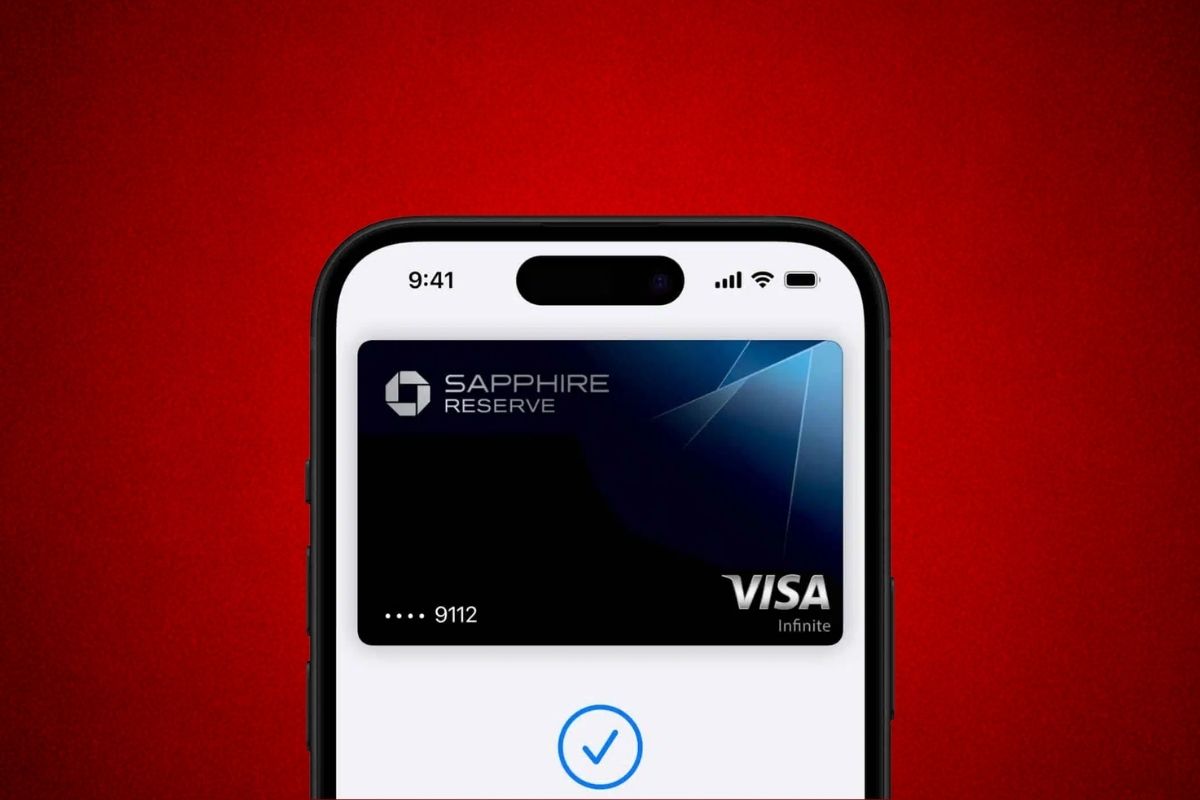
Read our Apple Card review to learn about the rewards, incentives, customer support, pros and cons, and whether it’s right for you.
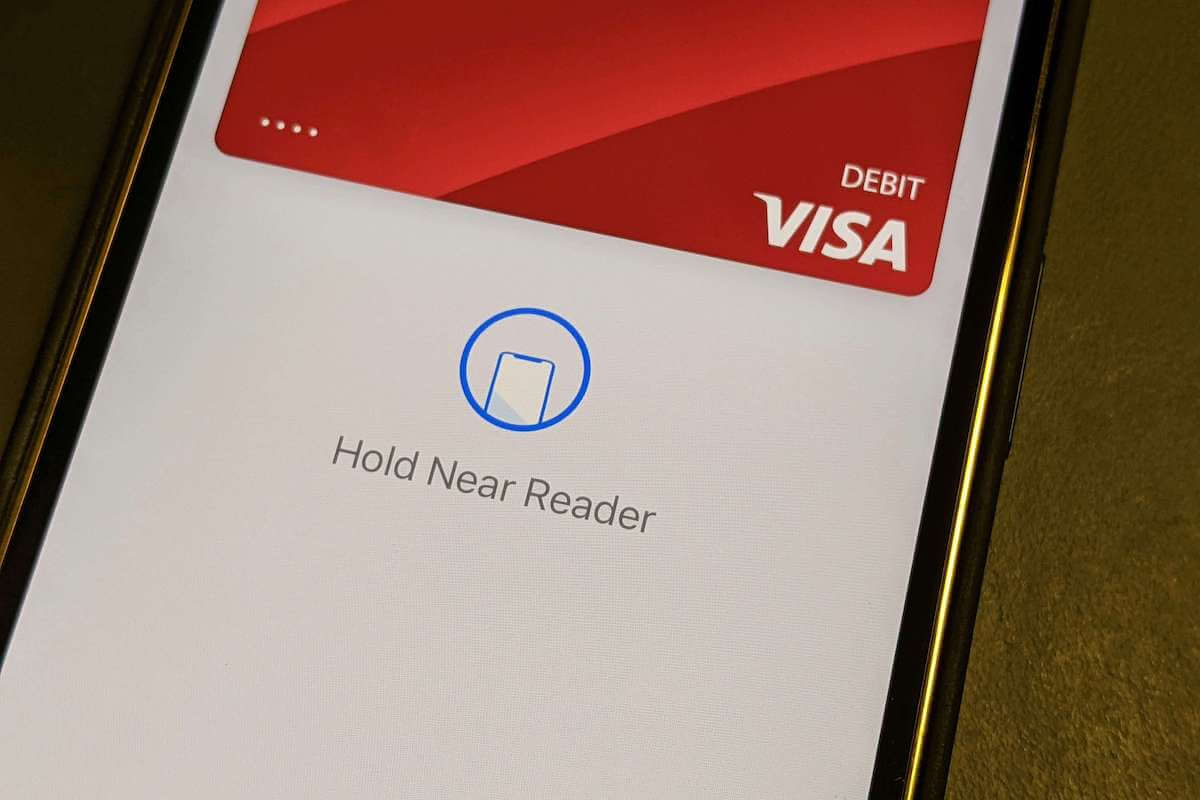
Understand the behind-scenes of how Apple Pay works, from adding your card to the Apple Wallet to paying at the point-of-sale terminal (POS).
Can’t add card to Apple Pay? Don’t worry. These troubleshooting steps will show you how to fix this problem quickly and easily.
Wondering where Apple Pay is accepted? We’ve rounded up this extensive list of stores that accept Apple Pay.
Are you wondering whether Home Depot takes Apple Pay as a payment method? We’ve done some research and here’s what we found.
Unfortunately, Lowe’s does not accept Apple Pay as a payment method at any of its stores nor online, and here’s the reason behind this decision.
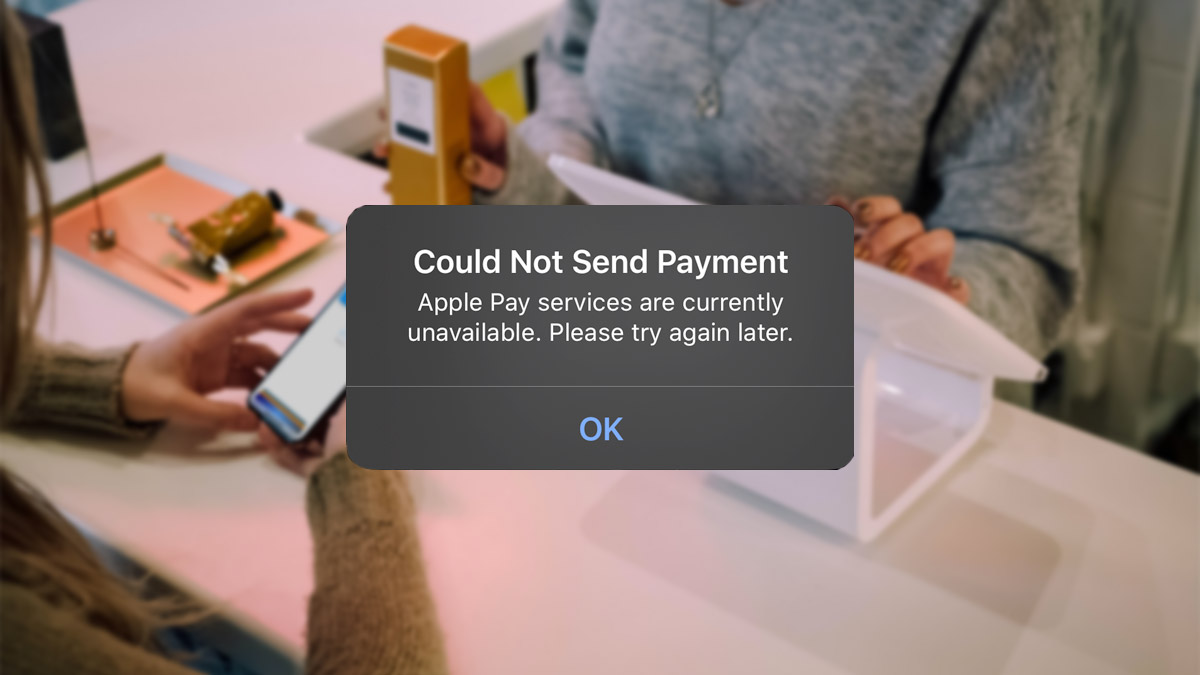
Wondering how to fix Apple Pay not working? This guide walks you through several troubleshooting steps you can try.
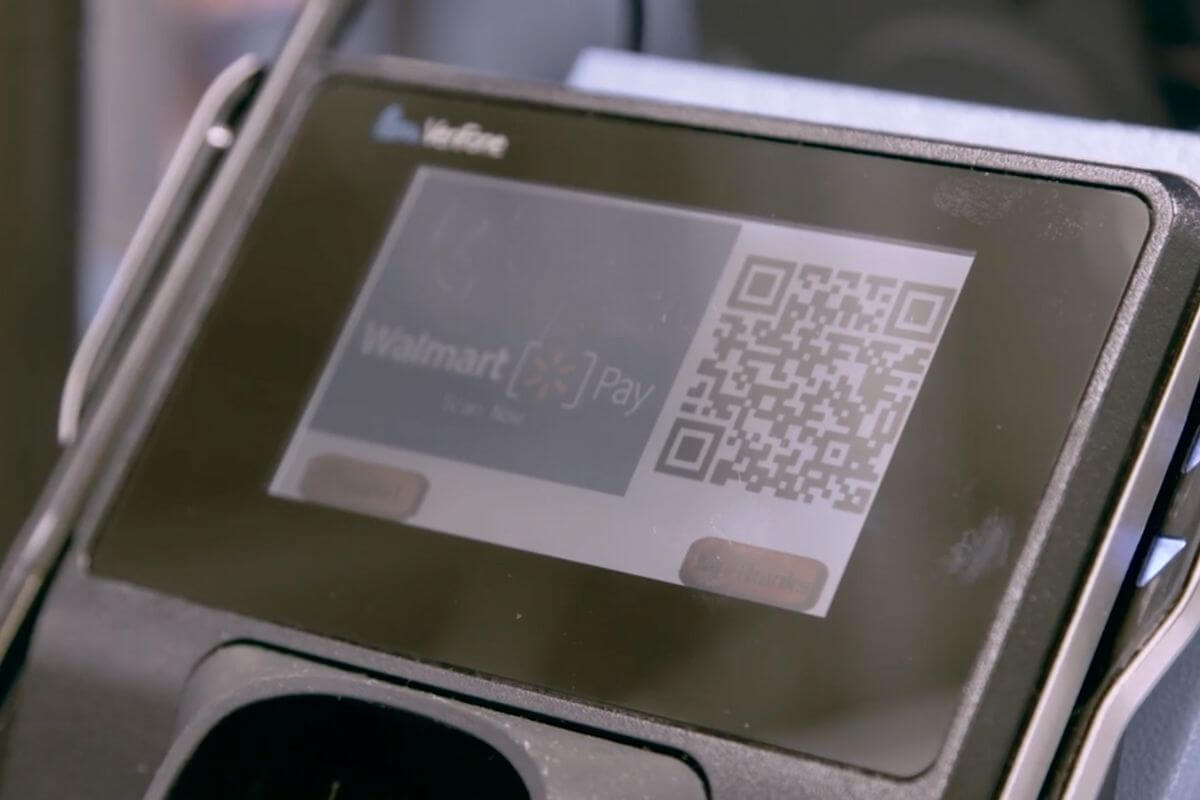
Unfortunately, Walmart doesn’t take Apple Pay. But you can use Walmart Pay through the Walmart app instead. Here’s how.
Not sure whether a place accepts Apple Pay? Apple Maps can help. This quick guide will show you how to find places that accept Apple Pay.
Setting up Apple Pay is simple and easy. Learn how to set up and use Apple Pay with this complete beginner’s guide.