Apple Just Did Something Nobody Predicted: It Sided With Google Against the EU
Apple filed an official EU submission backing Google’s position on Android AI access. Here’s the surprising reason it matters for your phone’s security.

iPhone is Apple’s flagship product and the device most people interact with hundreds of times a day. We cover everything from hidden iOS settings and camera tips to troubleshooting, comparisons, and the latest iPhone news.
Whether you just got a new iPhone or have been using one for years, there’s always something new to learn. Our guides are written to help you get more out of the device in your pocket, no tech background required.
Get the best Apple insights, tips, and future iPhone updates every Friday in just 5 mins.
Apple filed an official EU submission backing Google’s position on Android AI access. Here’s the surprising reason it matters for your phone’s security.

Apple is overhauling the Camera app in iOS 27 with a widget system that lets you customize controls. Here’s what else is quietly changing.

Gemini is coming to Google Maps on CarPlay, and the reason why reveals something big about how Apple just rewired its own platform.

iOS 26.5 patches over 50 vulnerabilities including 10 in Safari’s engine. Here’s why the fix itself could put unpatched iPhones at greater risk.

For years, iPhone-to-Android texts had zero encryption. iOS 26.5 just fixed that. Here’s what changed and what you need to check right now.

iOS 26.5 brings cross-platform encrypted messaging, EU wearable changes, and 50+ security fixes. Here’s what actually affects you.
Amazon’s Mother’s Day Apple sale includes rare discounts on AirPods, iPads, Apple Watch models and the new M5 MacBook Air.

Apple’s next AirPods include built-in cameras with one rule: no photos allowed. Here’s what they actually do and why Siri is the real bottleneck.
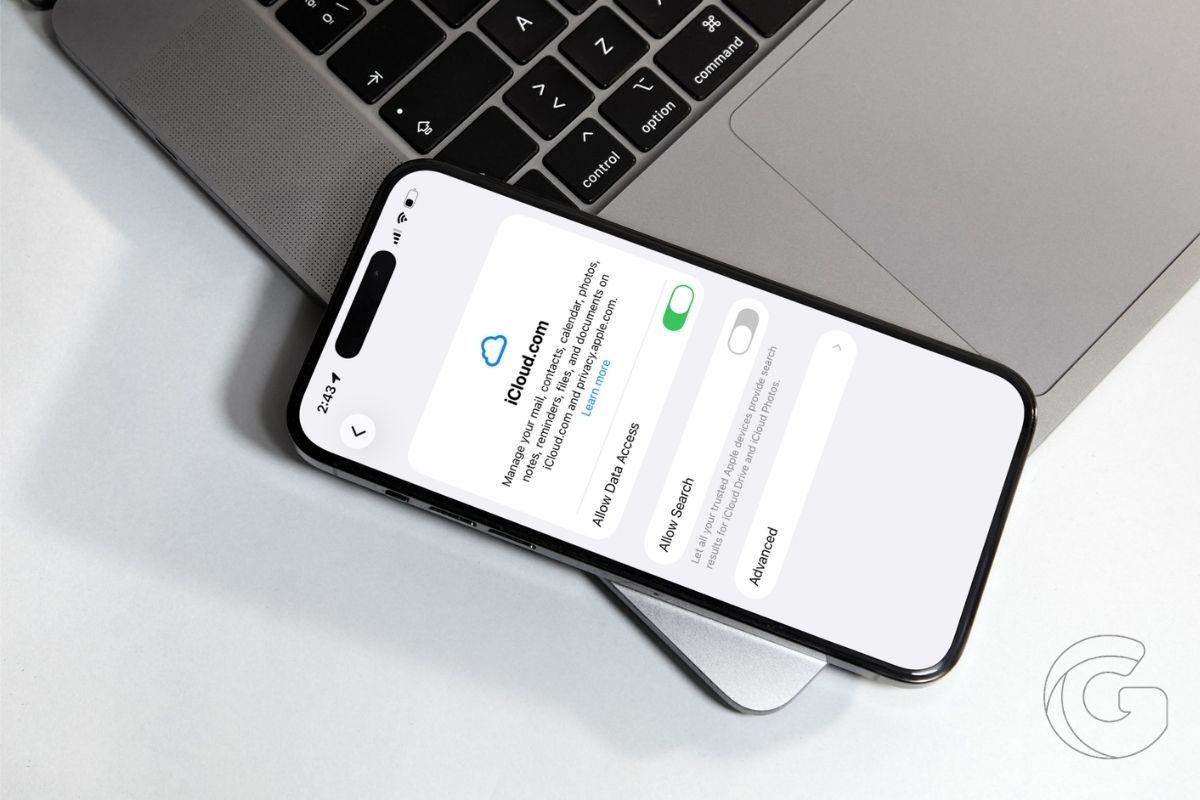
A UK tribunal green-lit a £3 billion Apple lawsuit covering people who never paid for iCloud. Here’s the unusual legal theory making it possible.
A supply chain leaker says Apple’s iPhone 18 delay is no accident. Here’s the quiet strategy behind the downgrade and what it means for your next upgrade.
Gotechtor participates in various affiliate marketing programs, which means we may get paid commissions on editorially chosen products purchased through our links to retailer sites.
