
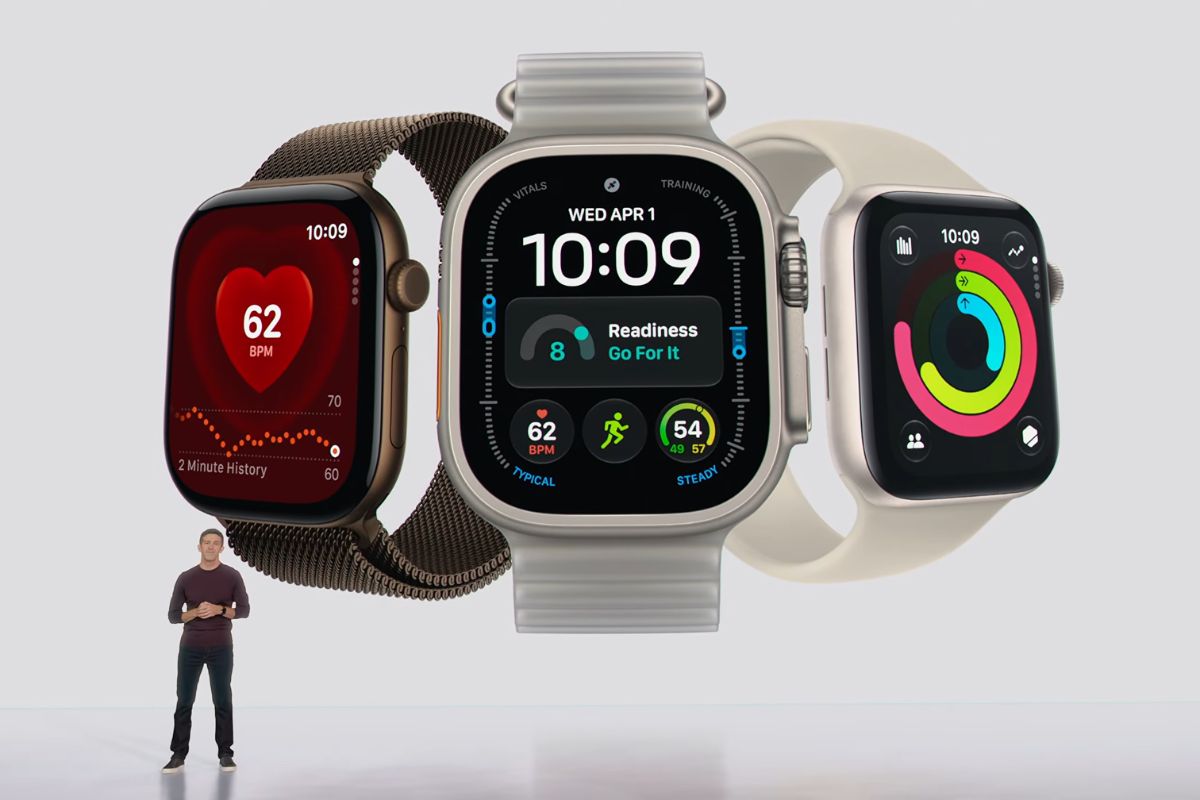
Apple’s new Live Rewind feature, coming to Apple Watch Series 12 and Ultra 4, continuously listens to ambient audio and can surface a 15-second transcript on demand.
To address privacy concerns, Apple is making the feature impossible to trigger without alerting nearby people.
When a wearer double-presses the Digital Crown to activate Live Rewind, the watch emits an audible chime from its speaker regardless of whether the device is set to silent or headphones are connected. At the same time, a full-screen animation and microphone indicator appear on the display.
Apple designed that combination specifically to signal to those nearby that the feature has been switched on.
What Live Rewind Actually Does
The feature is straightforward: it shows the last 15 seconds of spoken audio as a text snippet on the watch face, letting wearers catch something they missed or replay an unfamiliar phrase. Snippets can be forwarded to Siri for additional context or saved to the Siri app.
Outside of that deliberate activation, Live Rewind does not transcribe in the background, and Apple says all processing happens on-device using the S11 chip’s Secure Exclave, a hardware-isolated compartment that keeps sensor data separate from the operating system, apps, and Apple itself.
No audio recordings are generated at any point; audio enters the Secure Exclave, is processed, and is deleted.
Transcripts that aren’t saved disappear from the watch roughly 30 seconds after the display dims.
Privacy Concerns Aren’t Going Away
None of those safeguards have fully quieted the backlash. Users have drawn comparisons to Meta’s smart glasses, which faced widespread criticism for enabling discreet recording.
The audible chime addresses the most obvious covert-use scenario, but it doesn’t completely close the loophole.
Someone could speak with the wearer, walk away, and the wearer could activate Live Rewind within the 15-second window after the conversation has already ended.
Apple’s notification system depends on physical proximity, leaving room for situations where the other person is no longer close enough to hear the alert.
There are also broader questions about normalizing always-on listening in consumer devices, even when the company behind the hardware has a strong privacy track record.
The watch listens continuously in order to hold that 15-second rolling buffer, a capability that exists whether or not Live Rewind is ever invoked.
Availability and Requirements
Live Rewind requires an Apple Watch Series 12 or Ultra 4 paired with an iPhone 16 or later, though the iPhone 16e is excluded.
Apple Intelligence and Siri AI must both be enabled, and the feature is restricted to users 13 and older. It won’t ship with the initial releases of watchOS 27 and iOS 27, arriving instead in a later software update.

