
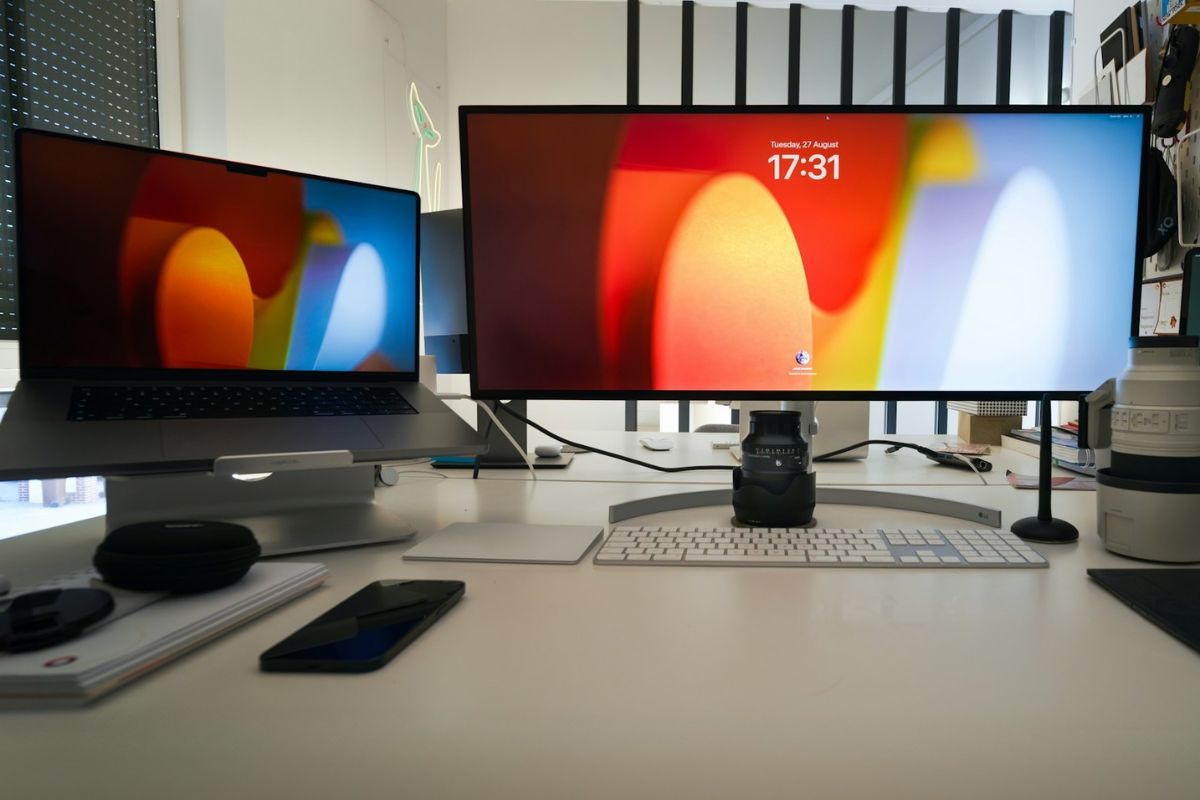
One of the more overlooked announcements in macOS 27 Golden Gate has nothing to do with AI.
Apple is finally improving support for ultrawide displays, an area where Mac users have relied on third-party utilities and workarounds for years.
If you’ve ever used an ultrawide monitor with a MacBook, there’s a good chance you’ve run into at least one of these issues.
Certain HiDPI resolutions weren’t available without extra software. Disconnecting and reconnecting a display could sometimes mean rearranging windows and display settings all over again.
None of these problems were deal-breakers, but they never felt particularly Apple-like either. With macOS 27, Apple is addressing both.
The update adds native support for additional ultrawide display resolutions, including options that many users previously accessed through apps such as BetterDummy and SwitchResX.
For people using 5K2K monitors, that means more flexibility in how the desktop is scaled without relying on third-party tools.
For me, the more useful change is display memory. macOS can now remember how an external monitor was configured and restore those settings when it’s reconnected.
If you regularly move between a desk setup and working on the go, that eliminates one of those small annoyances that never seemed important enough to complain about but became repetitive over time.
What’s surprising is that many of these capabilities have existed elsewhere in the Mac ecosystem for years.
The community built utilities to solve the problem long ago because users clearly wanted them. Apple is only now bringing some of those solutions directly into macOS.
That’s good news for anyone using an ultrawide display today. The less time spent tweaking resolutions and rebuilding monitor layouts, the more the setup fades into the background and simply works the way you’d expect, and honestly, that’s how it probably should have worked all along.

