
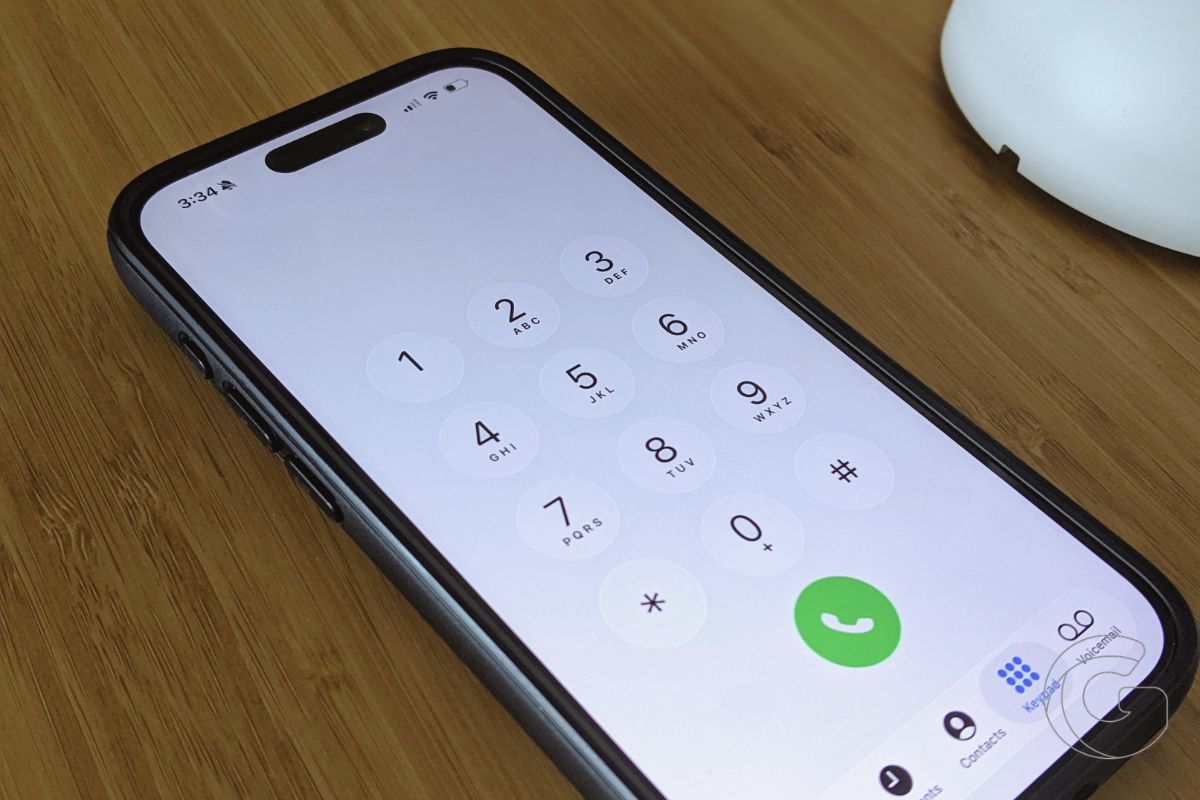
Apple’s iOS 27 includes a Phone app addition called Call Context that pulls relevant information from your other apps and displays it on screen while you’re speaking with a business.
The feature runs on Apple Intelligence, which means it works across iPhone, iPad, Mac, and Apple Watch models that support Apple’s on-device AI system. At launch, Call Context is limited to English.
What Call Context Actually Does During a Call
Dialing a business now surfaces relevant personal data right on your call screen. For instance, calling an airline automatically brings up your booking confirmation code from Mail, saving you from scrambling through your inbox while waiting on hold.
In one documented case with Southwest Airlines, iOS 27 displayed flight details on screen during the call and offered to read the confirmation number aloud.
When multiple bookings existed with the same carrier, the secondary reservation appeared beneath the first, accessible with a single tap.
That behavior addresses one of the more common friction points in calling a business. Customers are typically asked for order numbers, reservation codes, or account details within the first thirty seconds of reaching a representative.
Locating that information while staying on the line, especially on a mobile device, usually means switching apps, losing the call screen, and scrambling to find what the agent is waiting for.
Where It Fits in Apple’s Phone App Changes
Apple updated the Phone app in iOS 26 with two upgrades that could save you time every day.
Call Screening has Siri answer unknown numbers and ask who’s calling, while Hold Assist waits through the hold music and alerts you when someone finally gets on the line.
Call Context continues that pattern of reducing the attention required to manage a phone call.
Together, these three features shift the Phone app from a passive dial-and-wait interface into something that actively manages more of the call on your behalf.
If you’ve ever sat through hold music, screened an unknown number, or repeated your account details three times, you’ll probably notice the difference the first time you use the updated Phone app.
Call Context is available in the current iOS 27 beta and will ship to all compatible Apple Intelligence devices when the software releases publicly this fall.

