Apple Maps Is Getting Ads Because Privacy Doesn’t Pay Anymore—And iPhone Users Are Furious About It
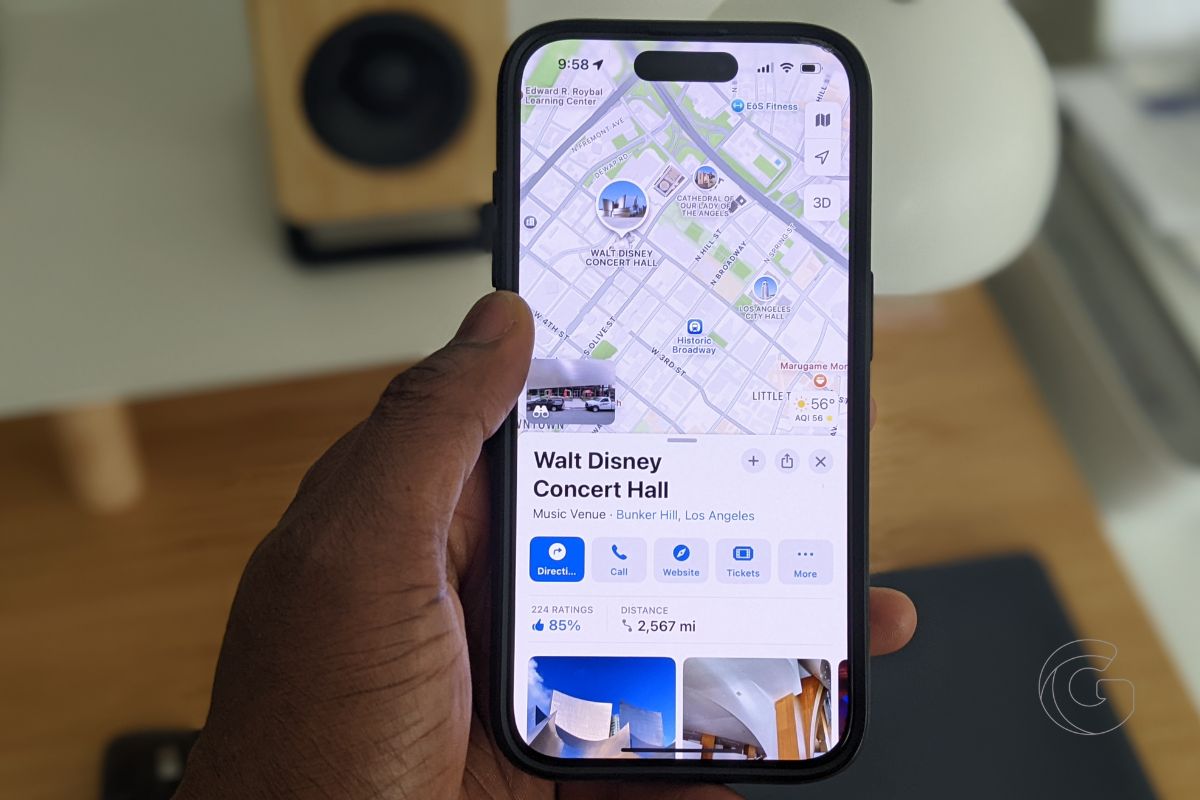
From sponsored spots to subtle ad placements, Apple’s “privacy-first” empire is starting to look a lot more like Google’s.

iPhone is Apple’s flagship product and the device most people interact with hundreds of times a day. We cover everything from hidden iOS settings and camera tips to troubleshooting, comparisons, and the latest iPhone news.
Whether you just got a new iPhone or have been using one for years, there’s always something new to learn. Our guides are written to help you get more out of the device in your pocket, no tech background required.
Get the best Apple insights, tips, and future iPhone updates every Friday in just 5 mins.
From sponsored spots to subtle ad placements, Apple’s “privacy-first” empire is starting to look a lot more like Google’s.

Apple’s control over the App Store is under fire, and the UK verdict might finally force the company to rethink how it charges you.

The iPhone 17 and 17 Pro dominate every tier, and the Air’s minimal compromises may be too little for buyers who crave real value.

Apple says the new rules are dangerous, Europe says it’s anti-competitive, and the outcome could shift how millions use their iPhones every day.

Apple’s next glasses may rely on voice and ecosystem pairing, but software struggles could make them feel more gimmick than game-changer.

Titanium frame, potential screen crease, and hinge concerns have fans nervous and excited—$2,000 never felt so complicated for a new iPhone.

Apple is trying to erase an embarrassing display issue that left its premium phones looking worn out and this fix proves it knows the damage is real.

The EU is calling Apple’s bluff on privacy, demanding transparency that could rewrite how iPhones, data, and user trust actually work.

Apple fought to protect your privacy for years. Now a Texas law demands it verify users’ ages, forcing the company to break its biggest promise.

AltStore is live, giving iPhone users more freedom and more risk. Here’s why this small change feels like a big crack in Apple’s walled garden.
Gotechtor participates in various affiliate marketing programs, which means we may get paid commissions on editorially chosen products purchased through our links to retailer sites.
