
Your iPhone Has a Hidden Feature That Can Protect Your Eyes From Blue Light Damage

This step-by-step guide with screenshots covers how to use your iPhone Screen Distance to prevent eye strain and myopia.

This step-by-step guide with screenshots covers how to use your iPhone Screen Distance to prevent eye strain and myopia.

Whether you want to check your blocked numbers or no longer want to block a specific number, here’s how to see blocked numbers on iPhone.
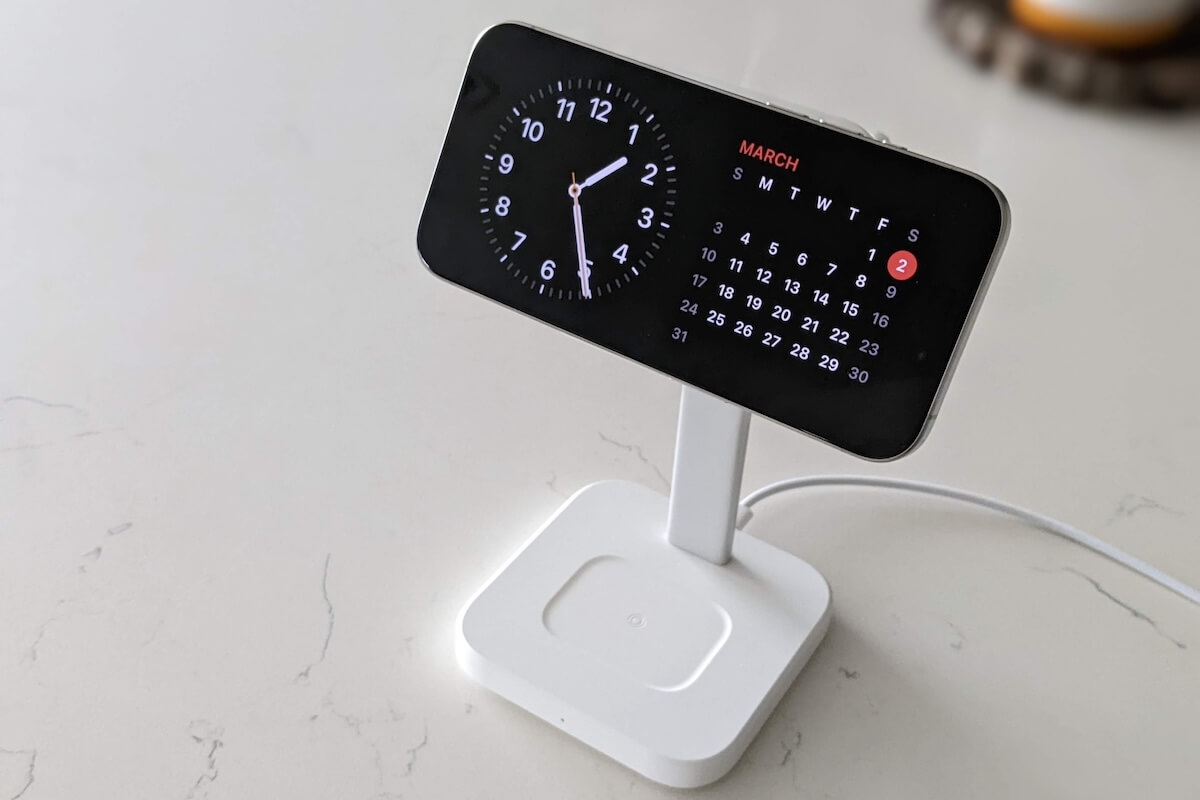
Despite a buggy release, the iPhone 15 Pro is the most “Pro” iPhone Apple has ever shipped. Check out our review for an in-depth look.

Are you tired of nosy friends swiping through your camera roll when you show them a photo? This simple iPhone feature lets you show just one photo.

No more sifting through piles of paperwork! Here’s how to easily scan documents using your iPhone to digitize paperwork and reduce clutter

Looking for a free white noise machine? Your iPhone has one built-in! Discover how to use your iPhone for better sleep.

From taking advantage of the Action button to some fancy Photoshop-like tools, here are 3 things you’ll want to do with your iPhone 15 Pro.
Whether you’re shopping in-store or online, these Black Friday shopping tips will help you get the best deals without breaking your wallet.
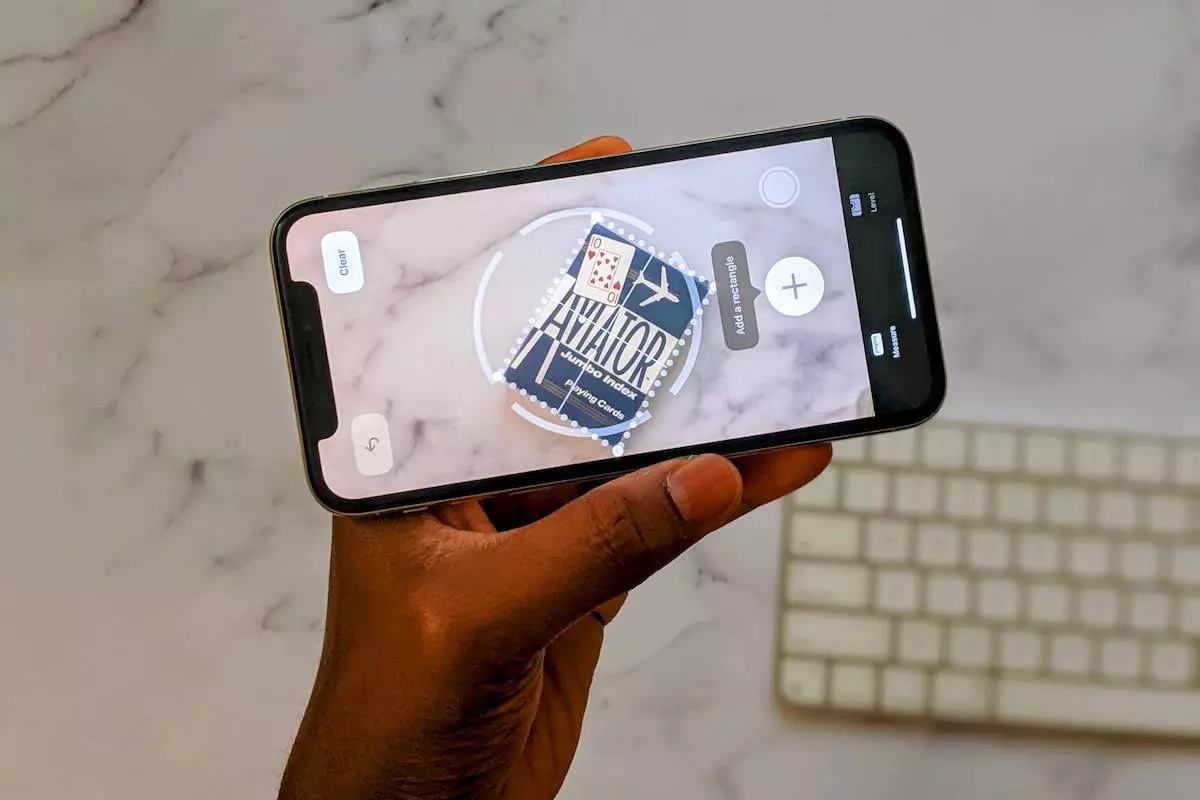
From little-known shortcuts to savvy settings, these iPhone tips and tricks will make your life easier and more productive.

Do you need help dealing with your AirPods flashing green? This guide explains what it means, why it happens, and how to fix this problem.
Gotechtor participates in various affiliate marketing programs, which means we may get paid commissions on editorially chosen products purchased through our links to retailer sites.
