Here’s How to Actually Fix the “No SIM Card Detected” Error on Your Android Phone
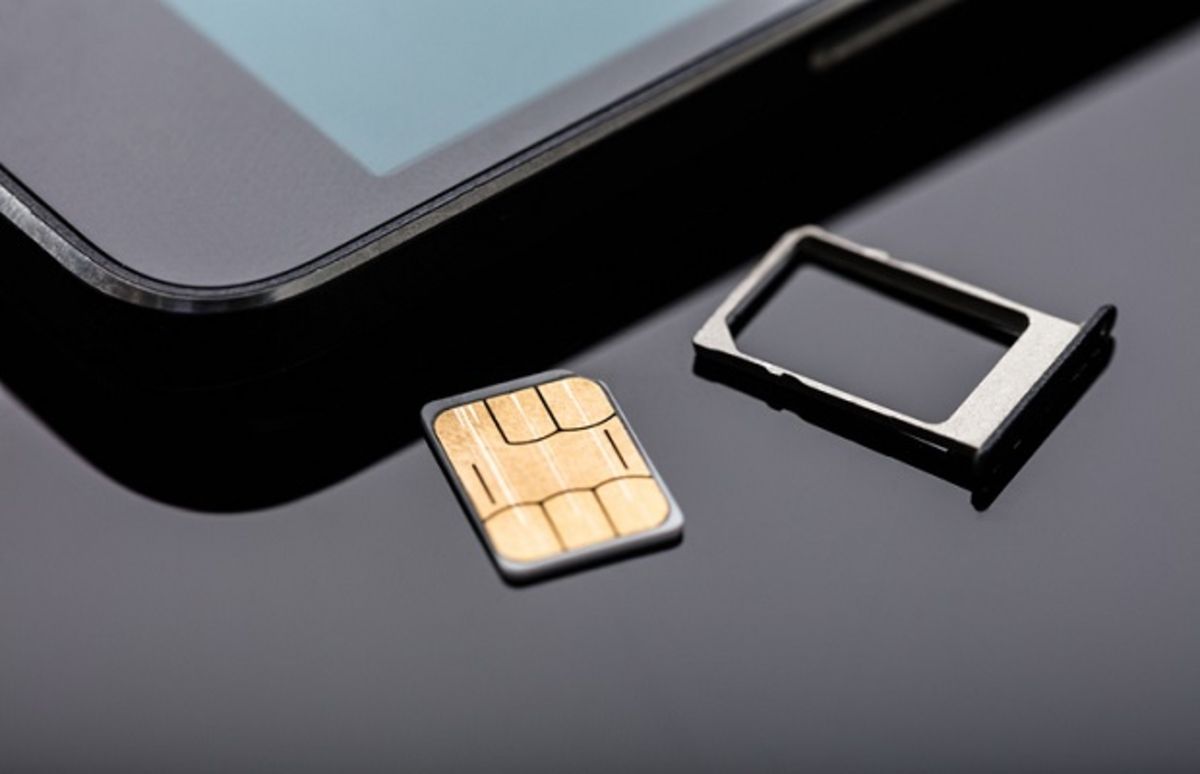
If your Android phone is showing a “No SIM Card Detected error”, then you can’t connect to your wireless carrier network. Here’s how to fix it.

Learn how to get the most out of your Apple devices with our step-by-step tutorials covering iPhone, iPad, Mac, Apple Watch, iOS, and macOS. Our beginner-friendly guides simplify complex features so you can use your Apple tech with confidence.
Get the best Apple insights, tips, and future Android updates every Friday in just 5 mins.
If your Android phone is showing a “No SIM Card Detected error”, then you can’t connect to your wireless carrier network. Here’s how to fix it.

If you find yourself running out of space on your Android device, this guide will show you how to free up space on Android in a matter of minutes.

Is your Apple TV not working? These troubleshooting tips will help you figure out what could be going wrong and fix the issue ASAP.
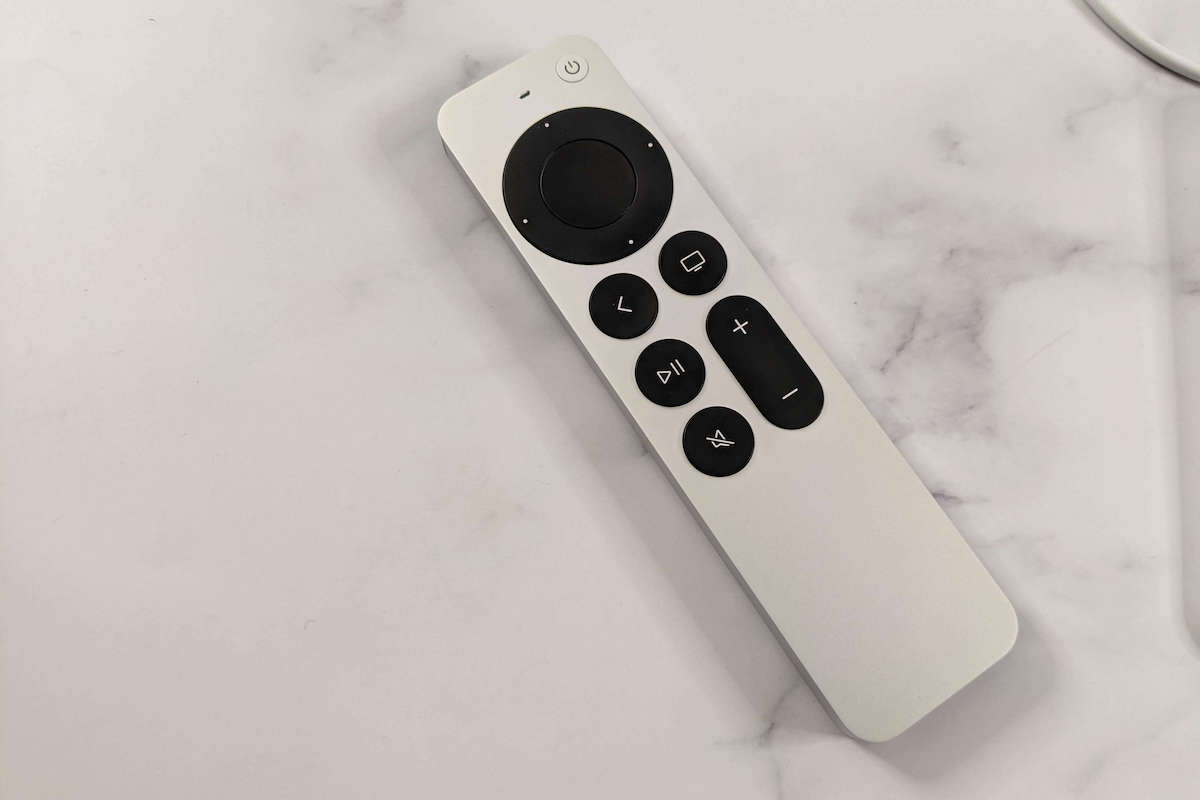
Don’t worry about your Apple TV remote not working. Follow these troubleshooting recommendations to get the remote working again.
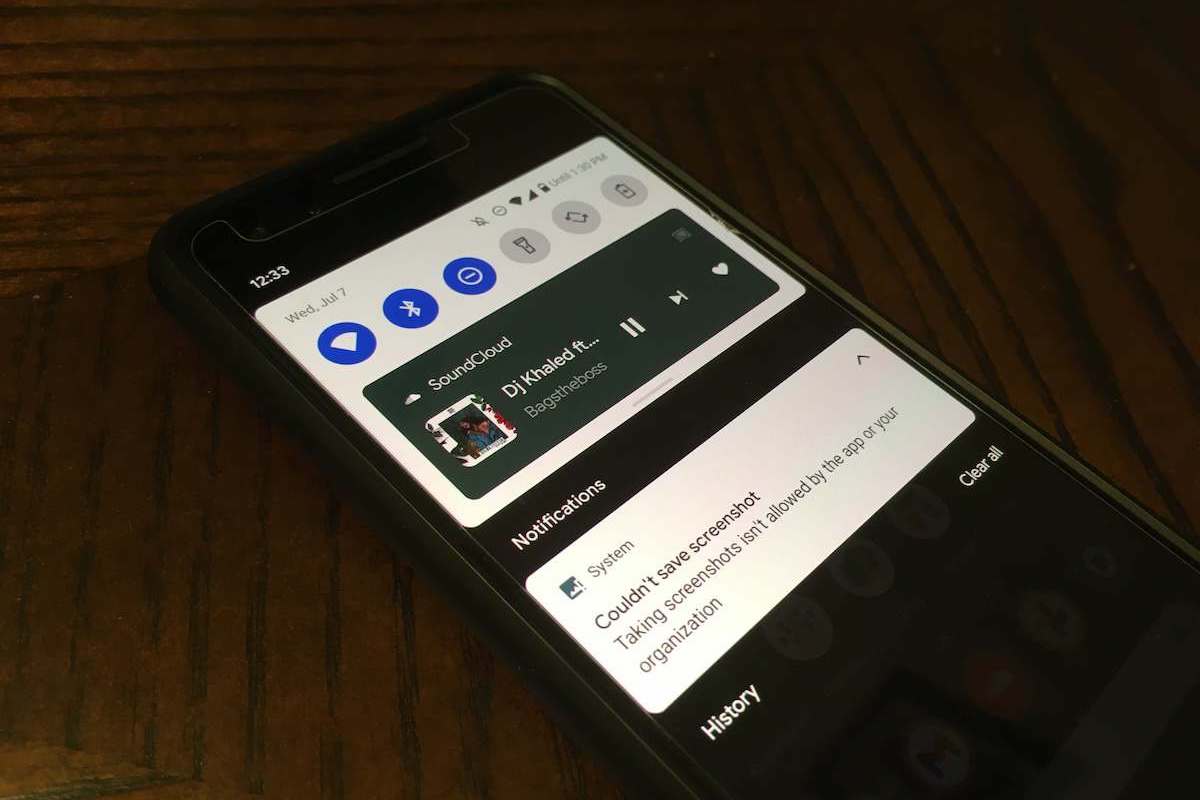
Learn how to bypass the “Taking screenshots isn’t allowed by the app” error on Android with this step-by-step guide.

The number you Have dialed Is unallocated means a phone number that has not been assigned to a specific customer.

STOP! Before you share your next picture, you should remove the EXIF data. Learn what EXIF data is and how to remove it from your photos.
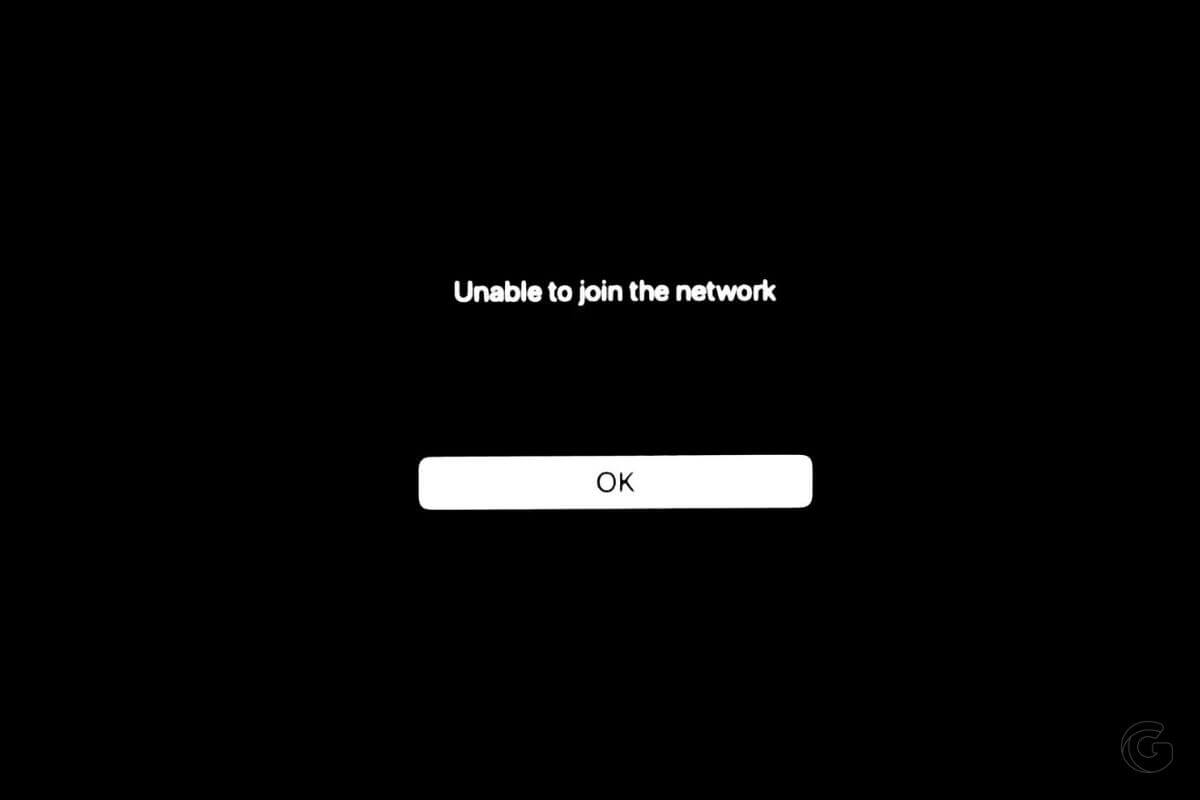
If your Apple TV won’t connect to WiFi, you need to restart your TV and Wi-Fi router. Check the step-by-step instructions for more details.
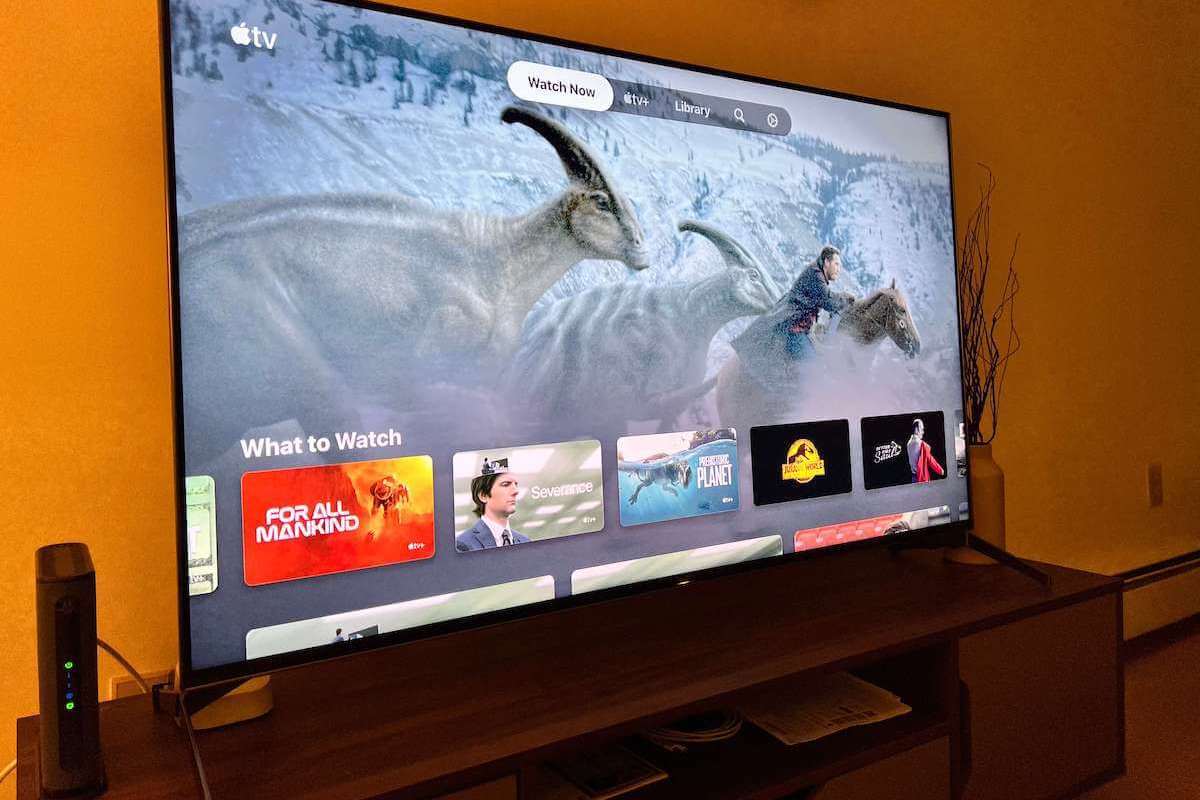
Wondering how to connect your Apple TV to WiFi without a remote? Follow these tips to connect your Apple TV to WiFi now.
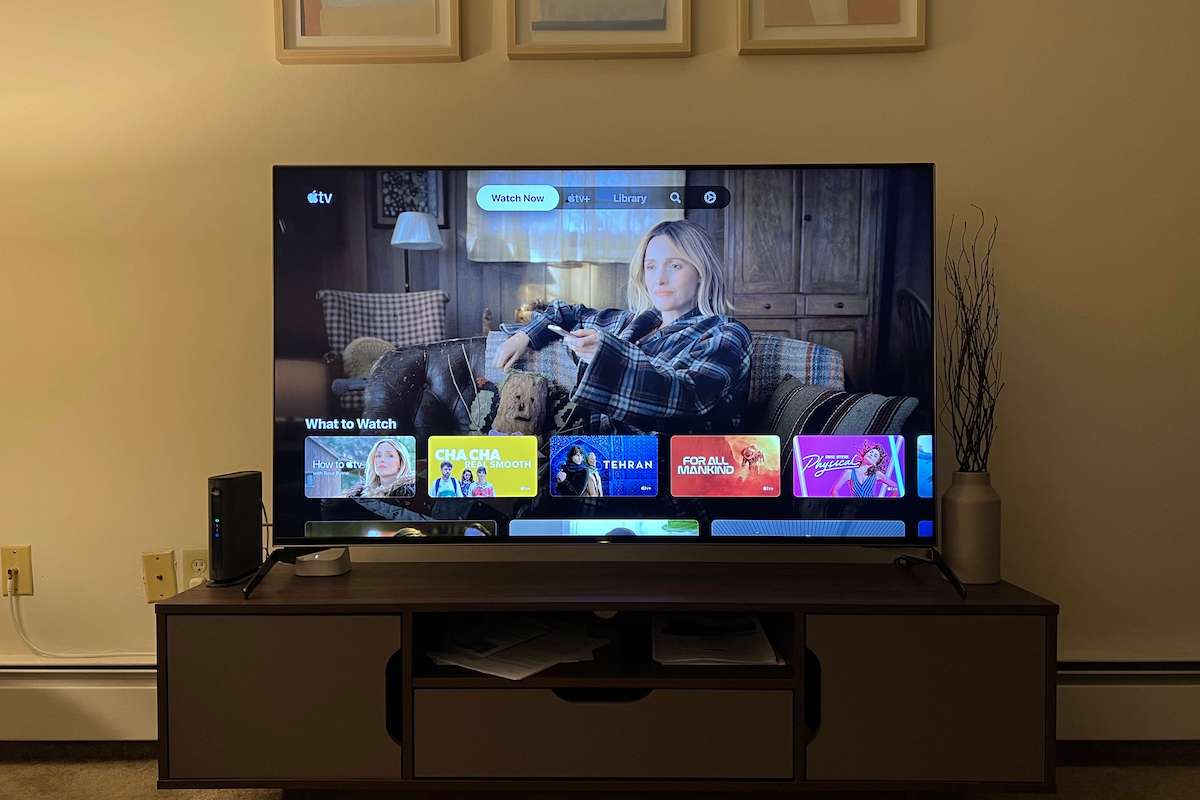
Apple TV sound not working? This article walks you through several troubleshooting steps to solve your Apple TV no sound issue.
Gotechtor participates in various affiliate marketing programs, which means we may get paid commissions on editorially chosen products purchased through our links to retailer sites.
