
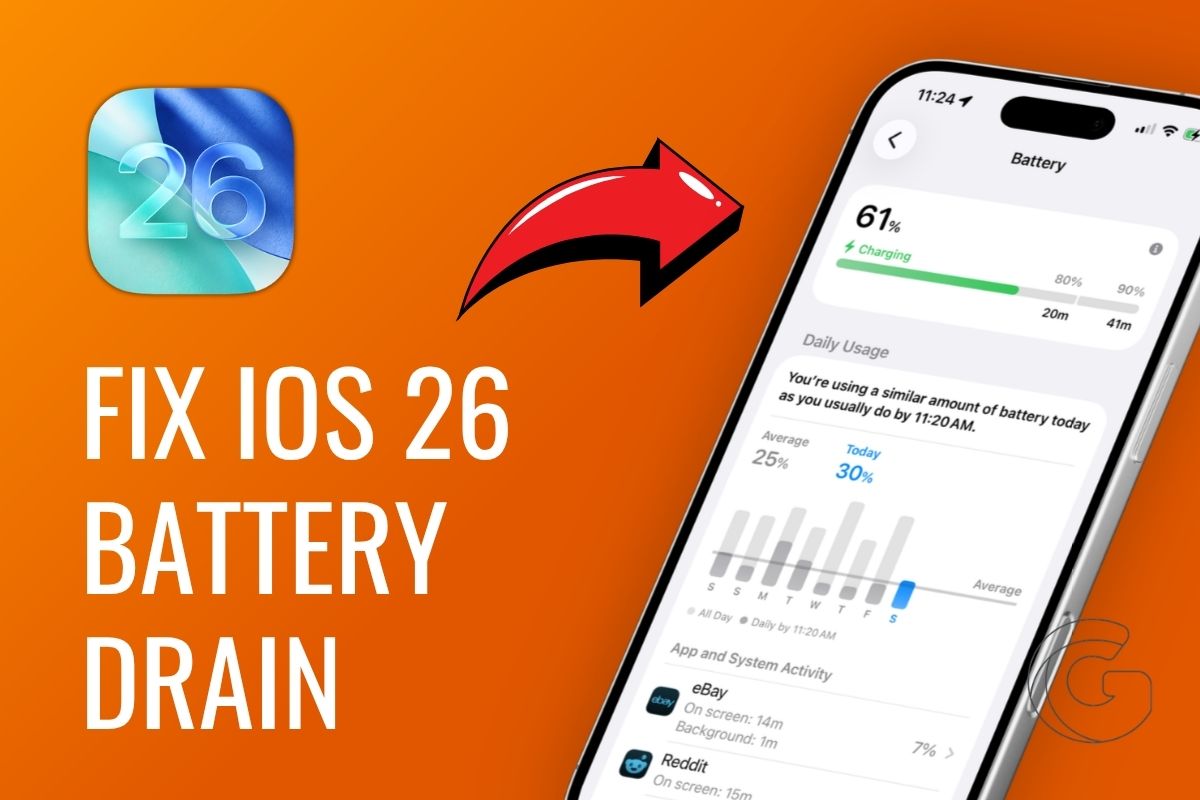
If your iPhone battery suddenly feels unreliable after installing iOS 26.5, you are far from the only person noticing it.
The update introduced new background processes, smarter AI features, and system changes that can quietly drain power faster than expected, especially in the first few days after the update.
The good news is that most of the battery drain is tied to settings you can actually control.
From hidden background activity to display tweaks and Apple Intelligence features, these simple adjustments can help your iPhone last noticeably longer without slowing down the experience you paid for.
Start With What You Can See
iOS 26.5 introduced Liquid Glass visual effects, and if your lock screen is running an animated wallpaper on top of those effects, your GPU is basically doing cardio 24 hours a day.
That single combination is responsible for more battery complaints than almost anything else in this update cycle.
Swap that animated wallpaper for something static and turn off Liquid Glass effects in your display settings. Those two moves alone can meaningfully change how your phone behaves throughout the day.
While you are in there, take a hard look at your lock screen widgets. Weather trackers and stock tickers update constantly, and each refresh pulls from both your processor and your location hardware simultaneously.
The Stuff Running When You Are Not Looking
Background App Refresh is one of those features that sounds harmless until you realize dozens of apps are silently phoning home every few minutes.
Go into Settings and shut it off for anything that does not genuinely need live data. Pair that with a quick audit of location permissions.
Most apps have no real reason to know where you are, and those set to Always On pull GPS data around the clock.
Switching them to “While Using” the App makes a noticeable dent, and disabling precise location for anything except navigation takes it further.
Apple Intelligence Is Hungrier Than You Think
Siri and the proactive suggestions engine are constantly learning your habits in the background.
If you rarely use either, trimming their permissions cuts a steady trickle of background processing you probably never notice, but your battery absolutely does.
The same logic applies to haptic feedback. Limiting vibrations to silent mode may sound minor, but the haptic engine relies on physical movement, and that consumes real energy across hundreds of micro-interactions per day.
A Few Habits Worth Keeping Long Term
Low Power Mode gets dismissed as a panic button, but using it during stretches when you are not actively on your phone is a smart preventive move.
Keep your iPhone away from hot cars and cold windowsills since temperature swings degrade battery chemistry faster than almost any software issue can.
Stick with Apple-certified cables and chargers, because off-brand accessories can feed inconsistent current that quietly chips away at battery health over months.
And every once in a while, let the phone drain fully before charging back to 100 percent to keep the battery indicator reading accurately.

