
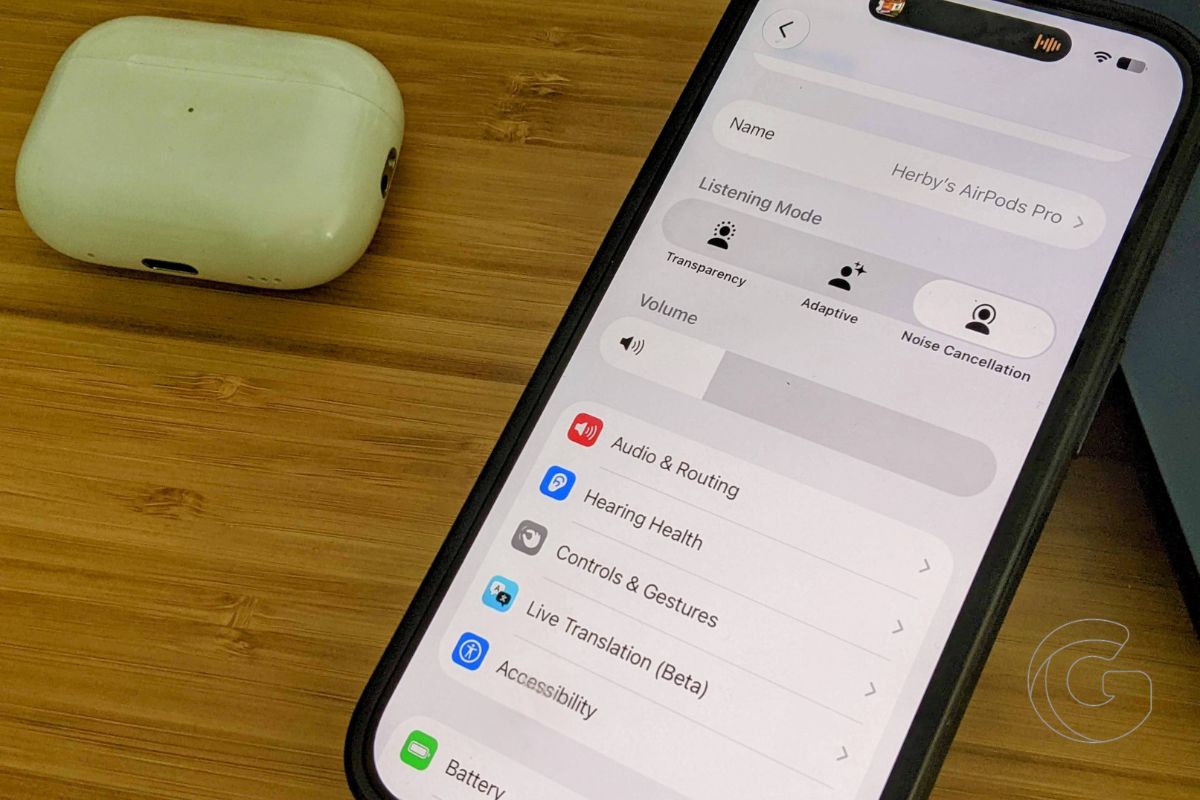
Apple has completely redesigned the AirPods settings screen, and after spending a little time with it, I’m surprised it took this long.
If you own AirPods Pro and use features like Adaptive Audio, Live Translation, or Hearing Health, you know what the current settings screen feels like.
You’ve got a long, disorganized list. Everything stacked vertically with no clear grouping. Finding the noise cancellation adjustment means scanning through options you never use. It takes longer than it should, every single time.
That screen has quietly grown messier with each new AirPods feature Apple added over the past few years. The settings never got reorganized to match until iOS 27 brought a fix.
The first developer beta of iOS 27 ships with a completely rebuilt AirPods settings menu. Apple grouped everything into clearly labeled categories, each with its own icon.
- Audio and Routing
- Hearing Health
- Controls and Gestures
- Accessibility
- Live Translation
- Battery
- Find My
Instead of one sprawling list, you get a compact screen that points you directly to where you need to go.
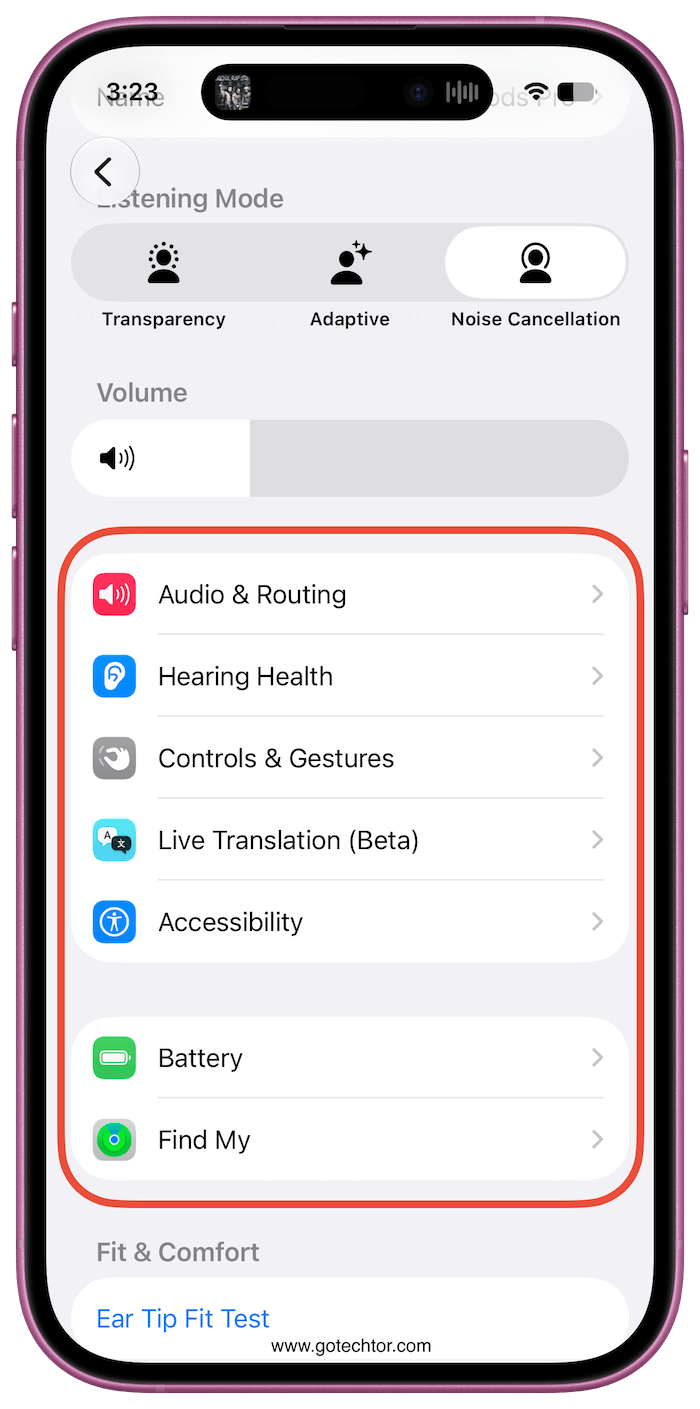
A volume slider now sits right beneath the Listening Mode toggles. That alone saves a few taps every day for anyone who adjusts the volume manually in settings rather than with physical controls.
The same redesign carries over to macOS 27 Golden Gate. Whether you manage your AirPods on an iPhone or a Mac, the experience is the same. No more learning two different layouts depending on which device you grab first.
Why This Matters More Than a Visual Update
AirPods are used by hundreds of millions of people. Many of those users never explore the settings deeply because the screen feels overwhelming. Reorganizing the layout into focused categories removes that hesitation.
People who never knew Adaptive Audio had multiple strength levels might actually find that adjustment now, since it lives in a clearly labeled section rather than being buried mid-scroll.
Hearing Health, in particular, benefits from this. AirPods Pro already function as over-the-counter hearing aids in multiple countries. Those controls need to be findable, not accidentally skipped past.
Giving Hearing Health its own dedicated section with a visible icon changes how accessible that feature actually feels to ordinary users.
iOS 27 moves to public beta next month. The full release follows in fall 2026. Any iPhone paired with AirPods will automatically get this.

