
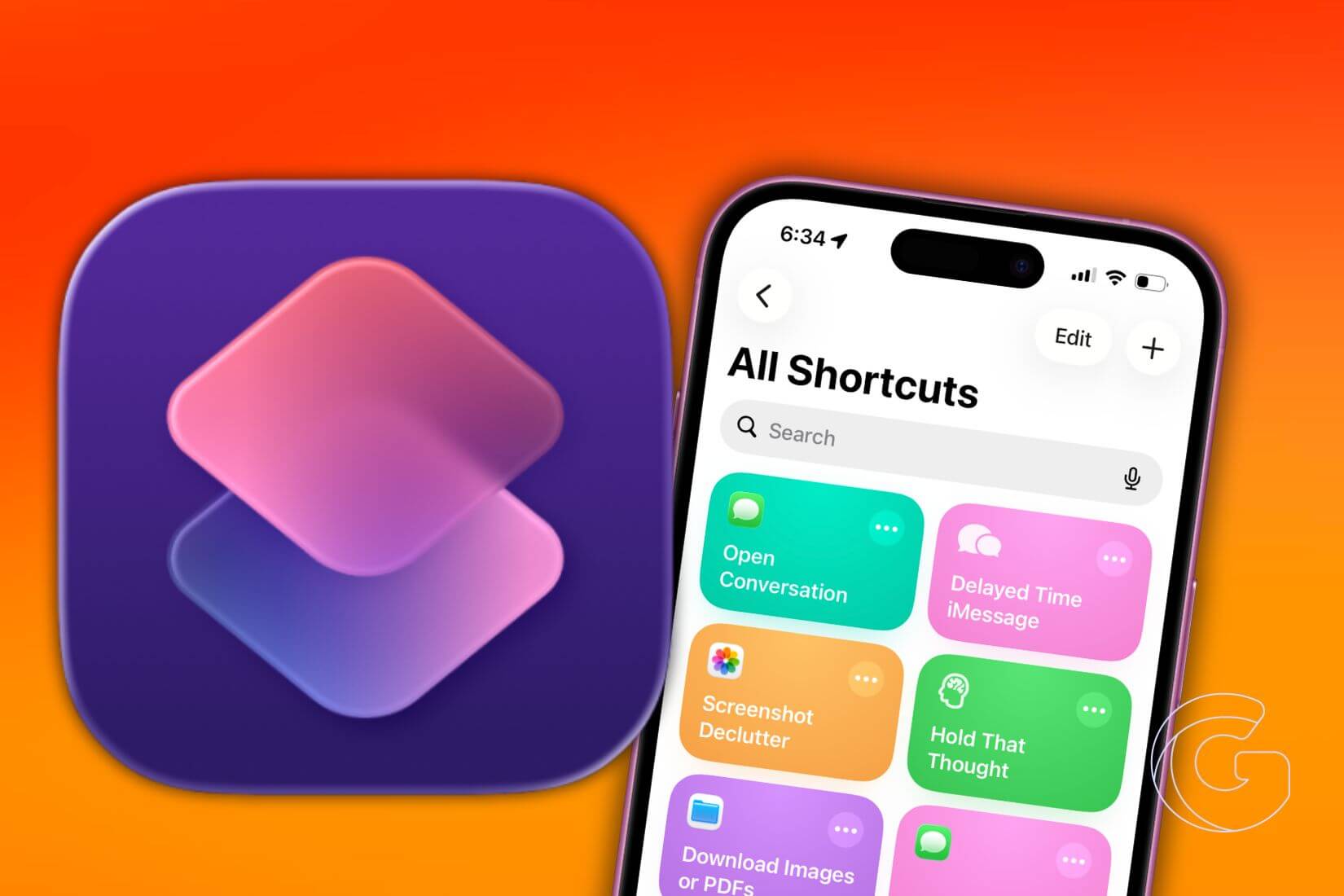
Most people who have ever opened the Shortcuts app on an iPhone have closed it again within five minutes, completely lost.
The action blocks, variable wiring, and conditional logic have always made it feel like a mini-coding environment disguised as a consumer feature.
Which makes what Apple is doing in iOS 27 genuinely surprising: you just type what you want, in plain sentences, and the shortcut builds itself.
The Part That Actually Changes Everything
Apple demonstrated someone typing a request to automatically send their ETA to a contact whenever they leave home.

Apple Intelligence reads the sentence, identifies the necessary pieces, and assembles the entire workflow behind the scenes. The user never sees the construction, only the finished result, ready to run.
That example is deceptively simple. Sending an ETA quietly involves pulling your current location, calculating travel time, formatting a readable message, and firing it to the right contact at the right moment.
Connecting those steps manually is exactly the kind of thing that sent most people running from Shortcuts in the first place.
Why Shortcuts Always Had a Learning Curve
The traditional Shortcuts workflow asks you to think like a programmer even if you have never written a line of code.
You search for each individual action, arrange them in sequence, and then figure out how the output of one step feeds into the input of the next.
Get any of that wrong and nothing works, with no particularly helpful error messages to guide you. The feature has had devoted fans for years, but they have always been a small, technically patient group.
What You Need to Actually Use This
The natural language builder is part of iOS 27 and requires Apple Intelligence to be active on your device. Apple Intelligence does not run on every iPhone, and availability still varies by region and language, so not everyone will get access on day one.
If you do have it enabled, the flow is straightforward: open Shortcuts, describe the automation you want in plain text, and let the system handle the rest.
Worth reviewing what gets generated before you rely on it for anything critical, since AI-built outputs can occasionally miss what you had in mind.
There Is Already More Under the Hood
Even now, before the full natural language builder lands, Shortcuts already has a Use Model action that lets you tap Apple Intelligence mid-workflow.
You can use it to summarize text, generate an image, or send a custom prompt and pipe the response into later steps.
Three model options handle different kinds of requests: on-device processing for simpler tasks that don’t require network access, Private Cloud Compute for heavier jobs with privacy protections, and a ChatGPT extension for requests that go beyond Apple’s own models.
The Shortcuts Gallery has an Apple Intelligence category with ready-made examples to explore before iOS 27 arrives.

