
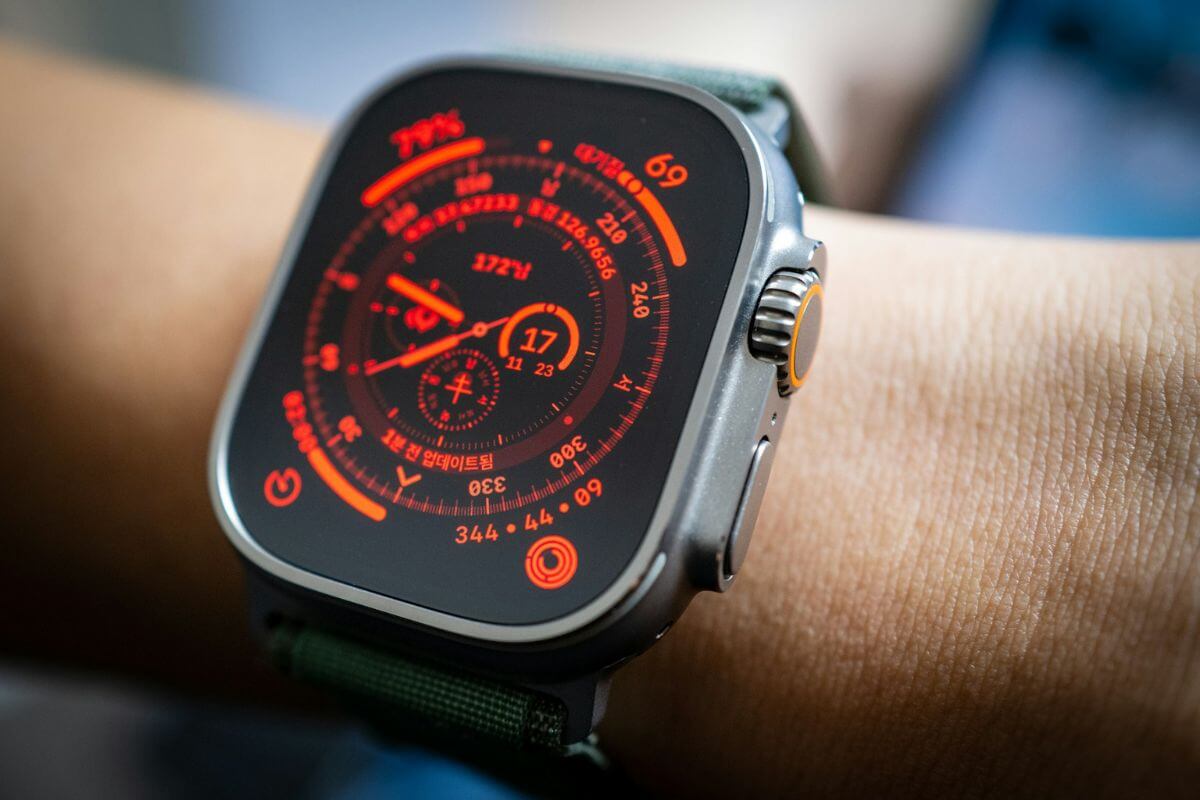
Your Apple Watch has a handy feature that lets you check the time without looking at the screen, and you might not even know it’s there.
It’s called Taptic Time, and instead of displaying the time or reading it aloud, your watch uses gentle vibrations against your wrist to tell you what time it is.
It’s especially useful during meetings, at the movies, or whenever you want to check the time discreetly.
How Taptic Time Works on Apple Watch
Once enabled, simply touch and hold two fingers on your watch face to feel the current time through a series of taps.
Apple offers three vibration patterns:
- Digits: Uses long taps for tens and short taps for individual numbers to communicate the hours and minutes.
- Terse: Taps out the hours, followed by the number of 15-minute intervals that have passed.
- Morse Code: Uses dots and dashes to communicate each digit of the time.
Digits is a good place to start if you want to know the exact time without learning Morse code.
Terse is simpler if you only need a rough idea of the time.
Originally designed as an accessibility feature, Taptic Time is useful for anyone who wants to check the time without raising their wrist or lighting up the display.
How to Enable Taptic Time
You can turn it on directly from your Apple Watch:
- Open Settings.
- Scroll down and tap Clock.
- Select Taptic Time.
- Turn on Taptic Time.
- Choose Digits, Terse, or Morse Code.
You can also enable it from your iPhone by opening the Watch app > My Watch > Clock > Taptic Time.
If the gesture speaks the time aloud instead of tapping it, check the Speak Time setting under Clock and enable Control With Silent Mode, then put your watch in Silent Mode.
For VoiceOver users, Taptic Time can also be activated by double-tapping the watch face while the display is off.
Other Apple Watch Gestures Worth Knowing
Taptic Time isn’t the only useful feature that works without navigating menus.
On supported Apple Watch models, Double Tap lets you answer calls, dismiss notifications, and control music by tapping your thumb and index finger together twice.
You can also silence an incoming alert by covering the watch display with your palm for about three seconds, provided Cover to Mute is enabled.
And for hands-free tasks, Siri can set timers, send messages, or check information without requiring you to touch the screen.
Taptic Time is particularly worth trying because it works quietly, requires no additional apps, and makes checking the time as simple as holding two fingers against your watch.

