
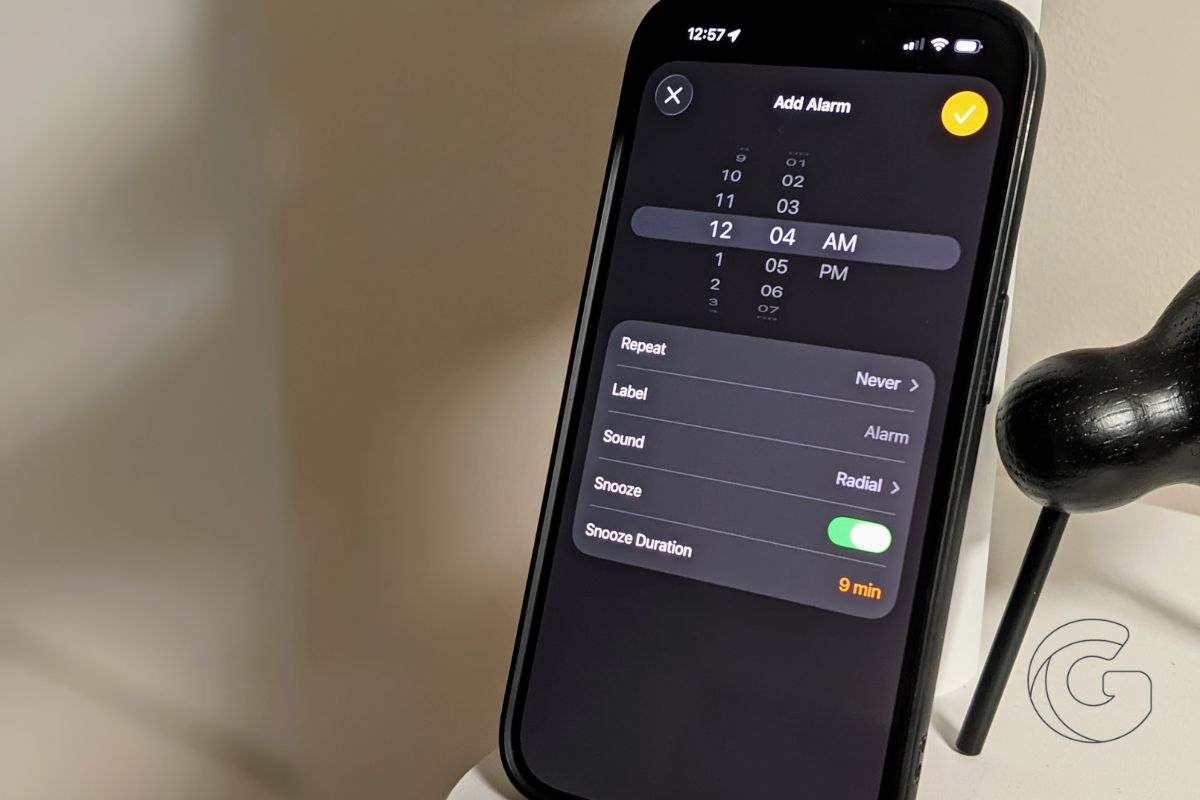
iOS 26 adds a faster way to set times in the Calendar and Clock apps, and it removes one of the most tedious steps in everyday iPhone use.
Instead of scrolling through hour and minute wheels, you can now type the exact time you want.
In the Calendar app, create a new event and tap the start or end time. When the time field is selected, a keypad appears, allowing you to enter a specific time using numbers.
For example, if your event starts at 7:13 p.m., you can type it directly instead of adjusting the minutes in five-minute increments. After confirming the entry, the typed time becomes the event’s start time.
The same behavior works in the Clock app when setting a new alarm. Tap the time, enter the hour and minutes, and save.
This makes it easier to set precise alarms, especially if you rely on specific times rather than rounded intervals.
While the change may seem small, it noticeably reduces the time it takes to create events and alarms.
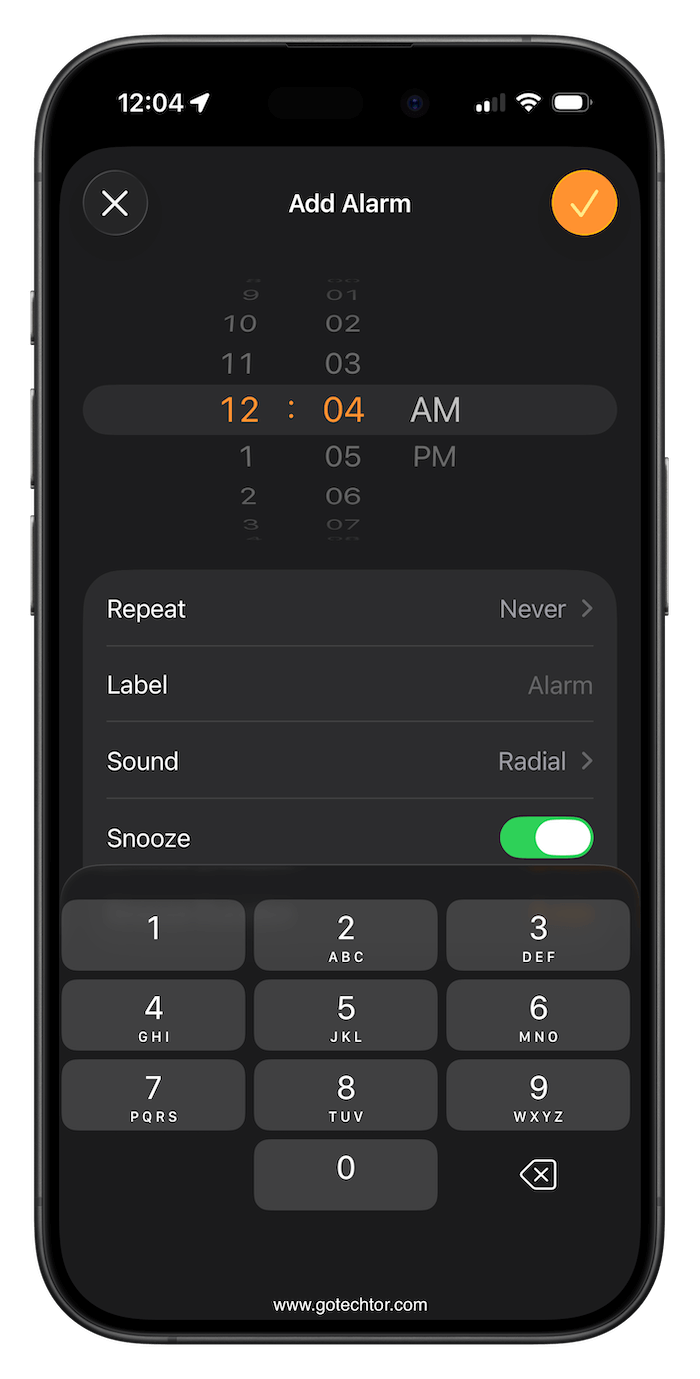
Scrolling through time pickers has long been one of the slower interactions in iOS, particularly when you need an exact minute.
Typing a time is quicker and more accurate, especially for users who schedule multiple events throughout the day.
If you regularly use your iPhone to manage events or alarms, this is one of those features that quickly becomes part of your routine. After getting used to typing times, returning to scrolling feels unnecessary.

