

Apple is quietly solving one of the most persistent, minor frustrations of iPhone ownership: the awkward wallpaper crop.
Tucked inside the upcoming iOS 27 lock screen updates is an AI feature that looks at your favorite photo and invents scenery that never existed.
If a shot is too tight or framed too vertically for your screen, the phone simply fills in the missing edges with convincing, generated detail.
It is a clever trick on its own, but it arrives alongside four other design overhauls. Together, they represent a significant shift toward user control on the iPhone.
A Minimalist Clock
While previous updates pushed the lock screen clock into a massive, bold design element, iOS 27 introduces a compact mode.
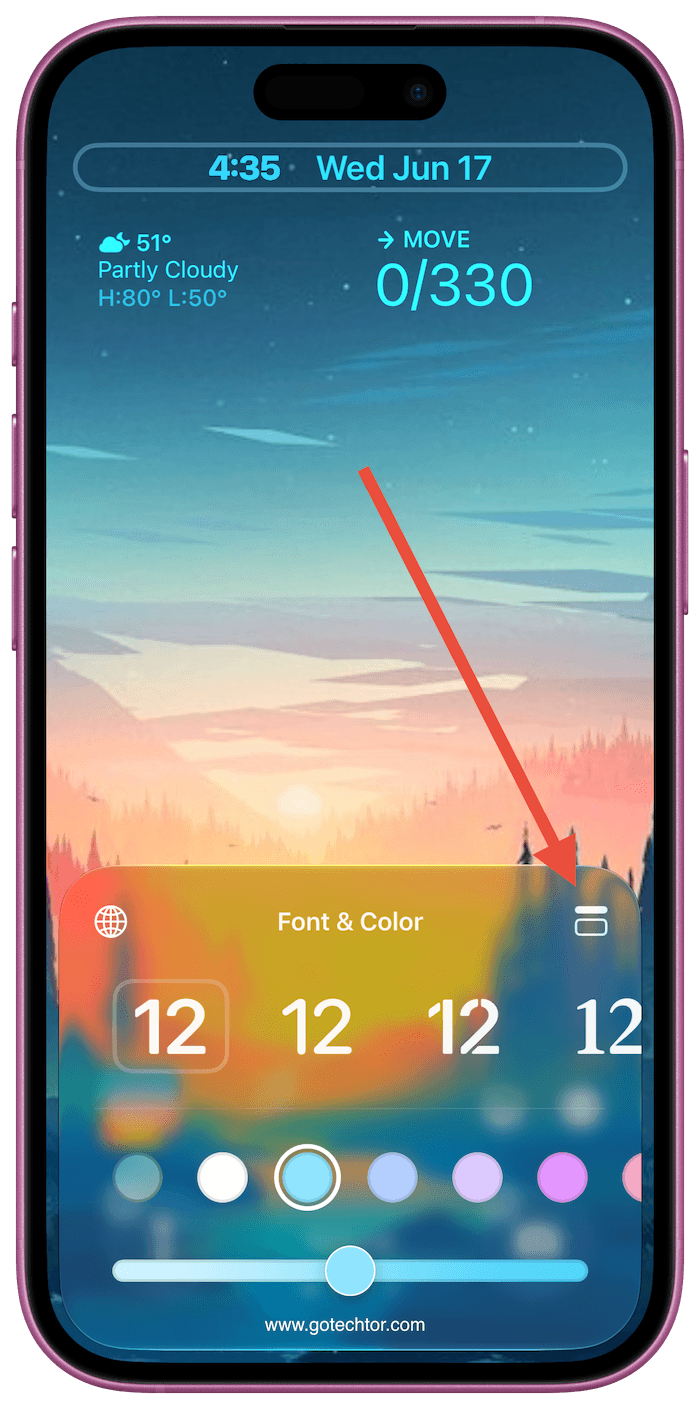
This setting shrinks the time display into the top corner of the screen, neatly aligning it with the date and battery icons.
It is a welcome adjustment for anyone who wants their wallpaper to be the central focus without the time-consuming process of obscuring the image. The option is located within the standard Font and Color editing panel.
Also: Apple just removed a feature millions used daily on Apple Watch — and hasn’t said a word about it
Text-to-Wallpaper Generation
Apple is integrating its Image Playground tool directly into the wallpaper settings. Users can type a descriptive prompt, select an art style, and generate a completely custom background from scratch.
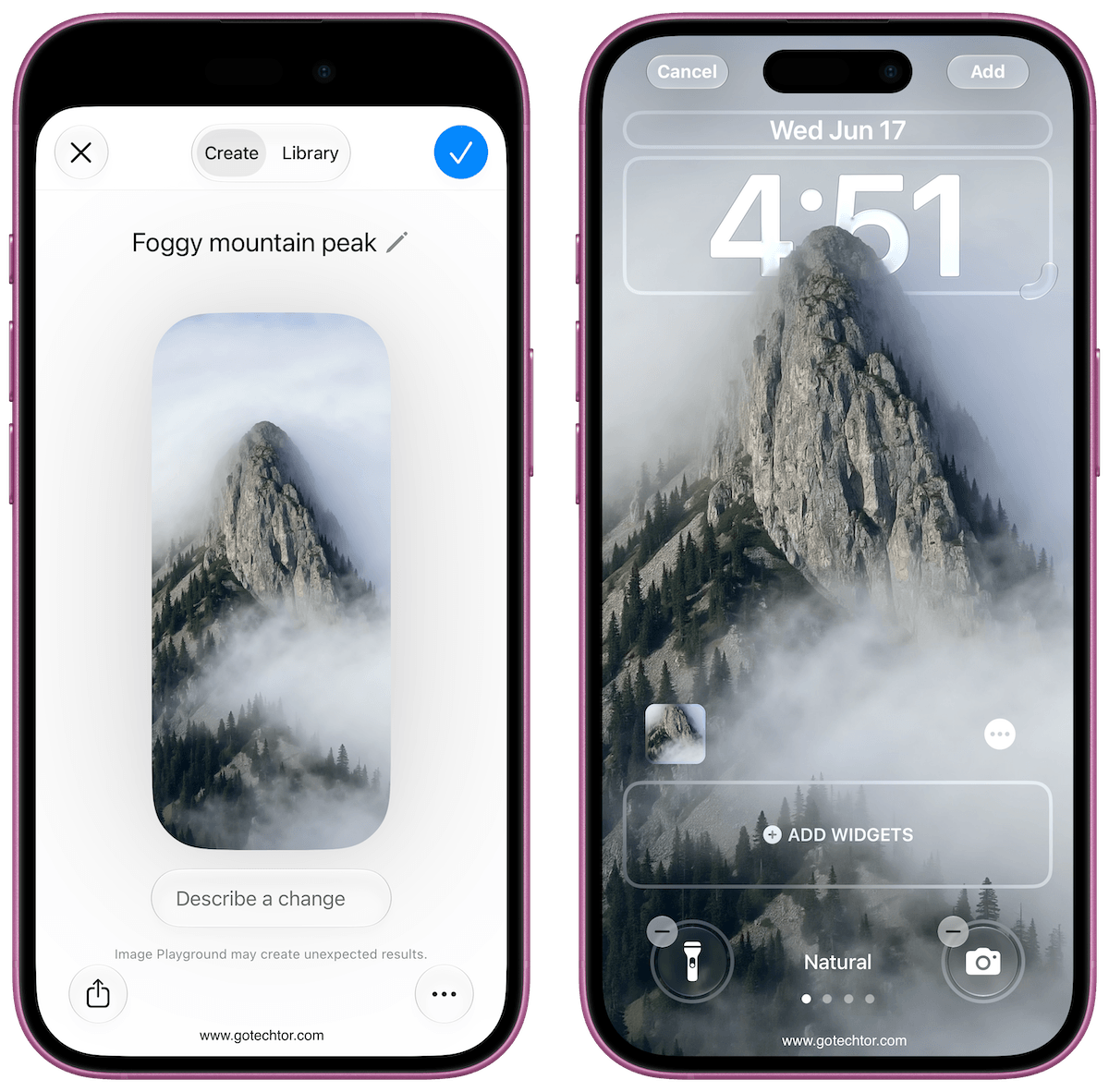
The feature eliminates the need to hunt through stock photo galleries or third-party apps for a specific aesthetic, instantly rendering a unique image.
Seamless Photo Extension
The new “Extend” option uses Apple Intelligence to generate background detail around the borders of any photo.
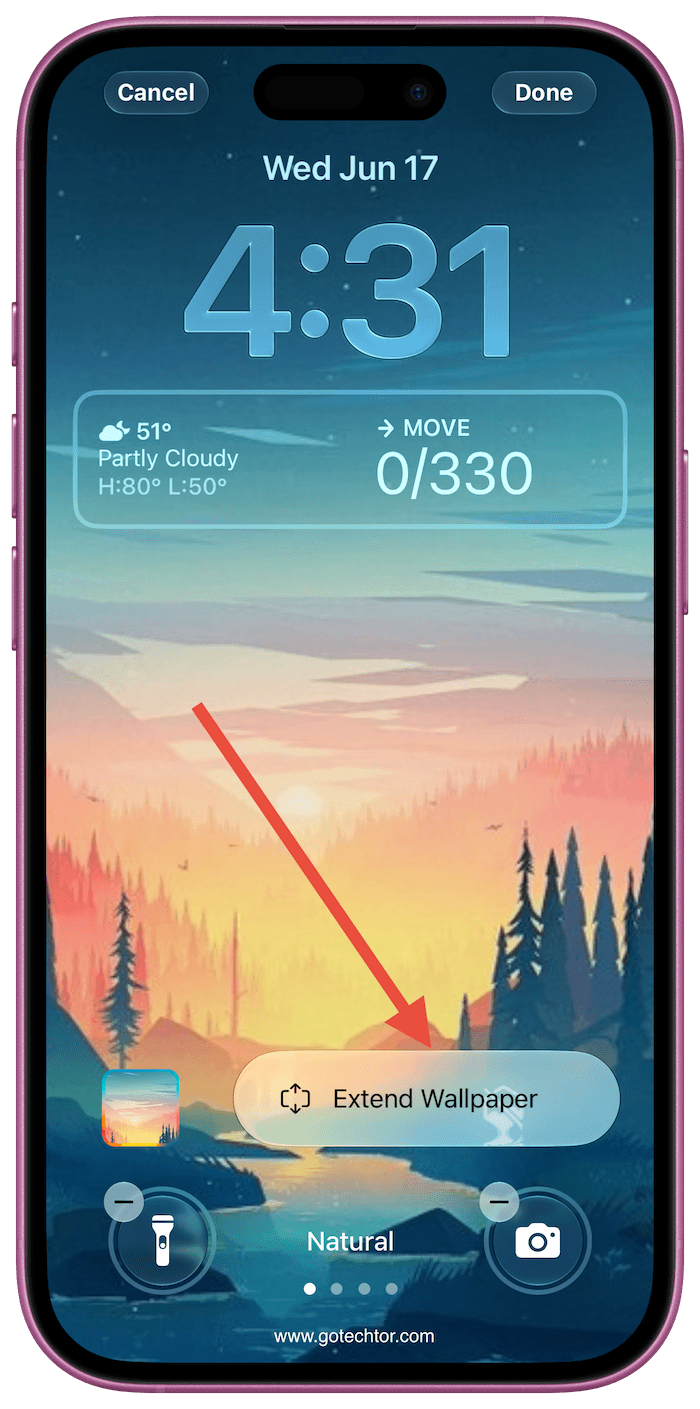
The system analyzes the lighting, texture, and subject matter of your existing image to build out matching scenery.
Because this tool is embedded within both the lock screen customizer and the core Photos app, you no longer have to compromise between an awkward zoom or an aggressive crop to make an image fit the display.
A Refined Siri Animation
The full-screen glowing border that previously accompanied Siri requests has been replaced by a localized animation inside the Dynamic Island.
Voice responses and data readouts now drop down from this hardware cutout rather than taking over the entire display. The change keeps your lock screen visible and makes interacting with the assistant feel much less intrusive.
Adjustable Glass Transparency
To counter readability issues caused by the translucent “Liquid Glass” interface, the update introduces a dedicated opacity slider.
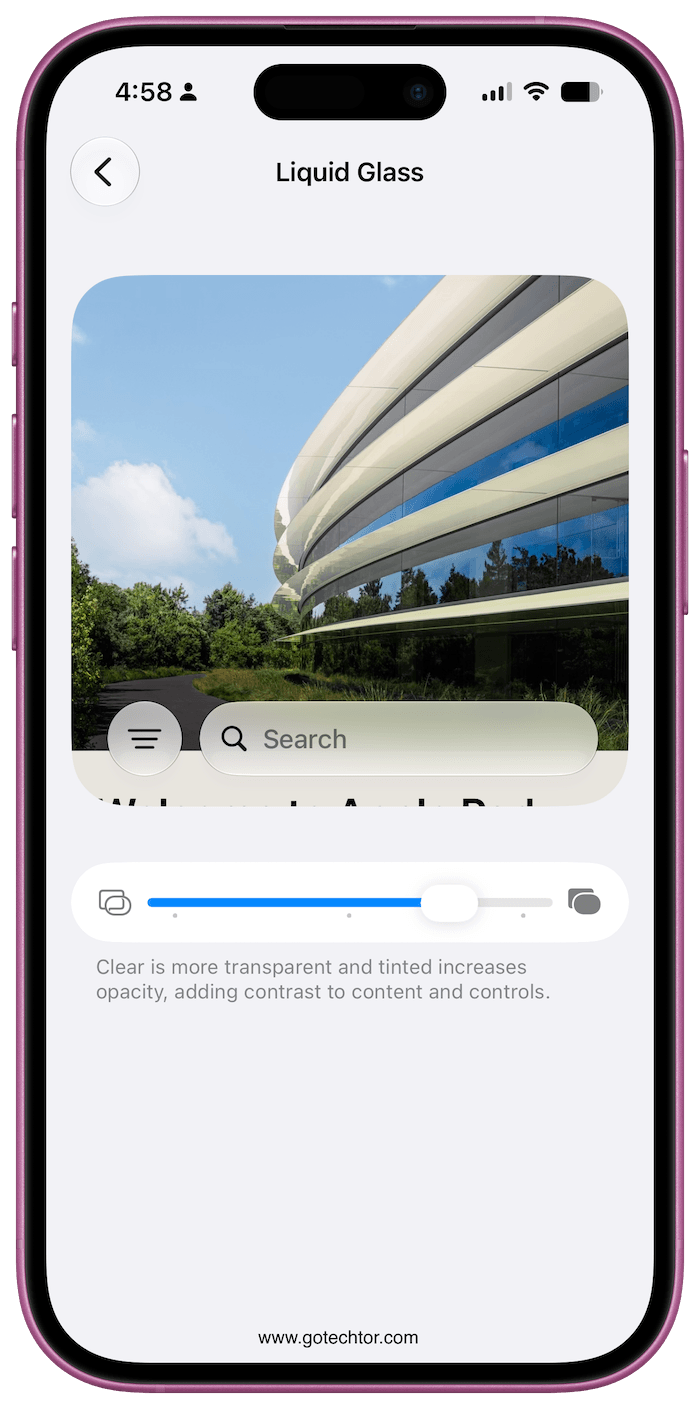
Found under Settings > Appearance > Liquid Glass, the control lets you adjust how heavily the background blurs across your menus.
Sliding it toward opaque sharpens the contrast for text, widgets, and incoming notifications, a functional fix for a purely cosmetic design choice.
Availability
These updates will debut in the public beta next month, with the final version of iOS 27 launching as a free software update in the fall.

