
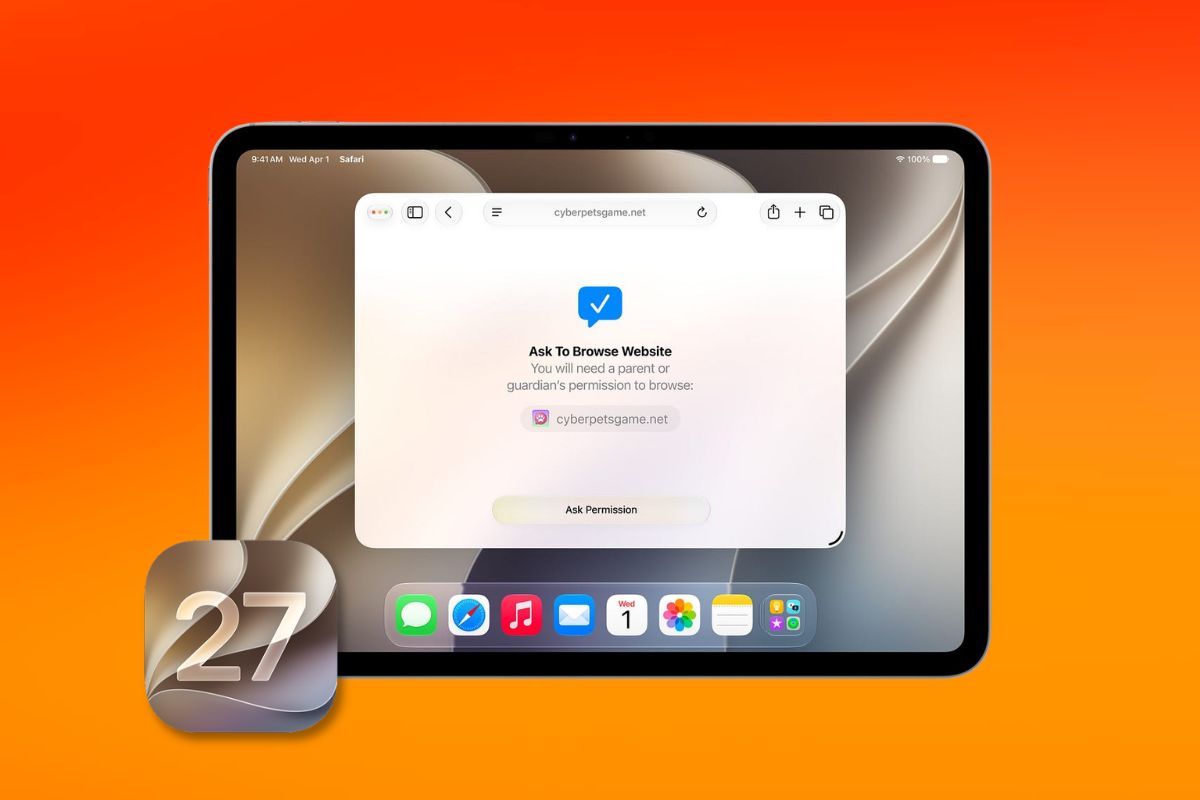
Apple opened iPadOS 27 to public beta testers on Sunday, letting any iPad owner install the software months before its official fall release.
The update brings a redesigned Siri experience, speed improvements across several core functions, and parental control changes that parents have been asking about for years.
The most visible change for most users will be how Siri works. Apple gave it a standalone app and built a new systemwide gesture into the software.
Pulling down from the top of the screen now opens a combined search interface that folds Siri and all Spotlight features into one place.
On compatible iPad models, Siri AI handles requests with more contextual awareness than before. Older iPads will not get the AI features.
Day-to-day speed is also part of the pitch. Apple says AirDrop transfers, file browsing, window switching, and menu bar access all respond faster in iPadOS 27.
Those are tasks that iPad users run into constantly, and the improvements do not require any hardware upgrade to notice.
Screen Time and parental controls received an overhaul that many families have waited a long time to see.
Apple has not spelled out every change publicly yet, but the update is described as a substantial revision to how parents manage app access and usage limits for their children.
Apple Intelligence, the company’s on-device AI layer, now lets users generate custom iPad wallpapers from scratch.
It also adds a Grammarly-style writing assistance tool directly into the keyboard, available across apps without requiring a third-party download.
The home screen and interface got several practical additions. Extra-large widgets now appear in the Today view. iPhone apps can be resized when running on iPad.
The name of the active app shows up in the status bar, and users can keep the menu bar visible at all times instead of having it auto-hide.
There is also a new slider that lets users adjust the intensity of the Liquid Glass visual design that Apple introduced this year.
To install the public beta, go to beta.apple.com, enroll your device, then open Settings on your iPad, tap General, then Software Update, and select iPadOS 27 Public Beta under Beta Updates.
Apple advises against running beta software on a primary device, as bugs and performance issues are common before the final release.

