

Most people learning a new language spend money on apps, flashcard subscriptions, or online tutors.
But there’s a surprisingly handy trick already built into your iPhone that nobody really talks about, and it works right in your regular text conversations.
Your iPhone can automatically translate every message you send and receive, in real time, directly inside the Messages app.
You type in English, and the translation appears right next to it. Someone replies in French, Spanish, or Japanese, and the English version shows up alongside it, too.
This feature runs on Apple Intelligence, so your phone needs to support it. That means an iPhone 15 Pro or Pro Max, or any iPhone model released after that.
To confirm it’s active on your device, go to Settings, look for Apple Intelligence and Siri, and make sure the toggle is switched on.
Turning It On Takes About 30 Seconds
- Open a conversation in Messages, then tap the contact’s name at the very top of the screen.
- You’ll see an option called Automatically Translate. Flip that on and choose the language you want.
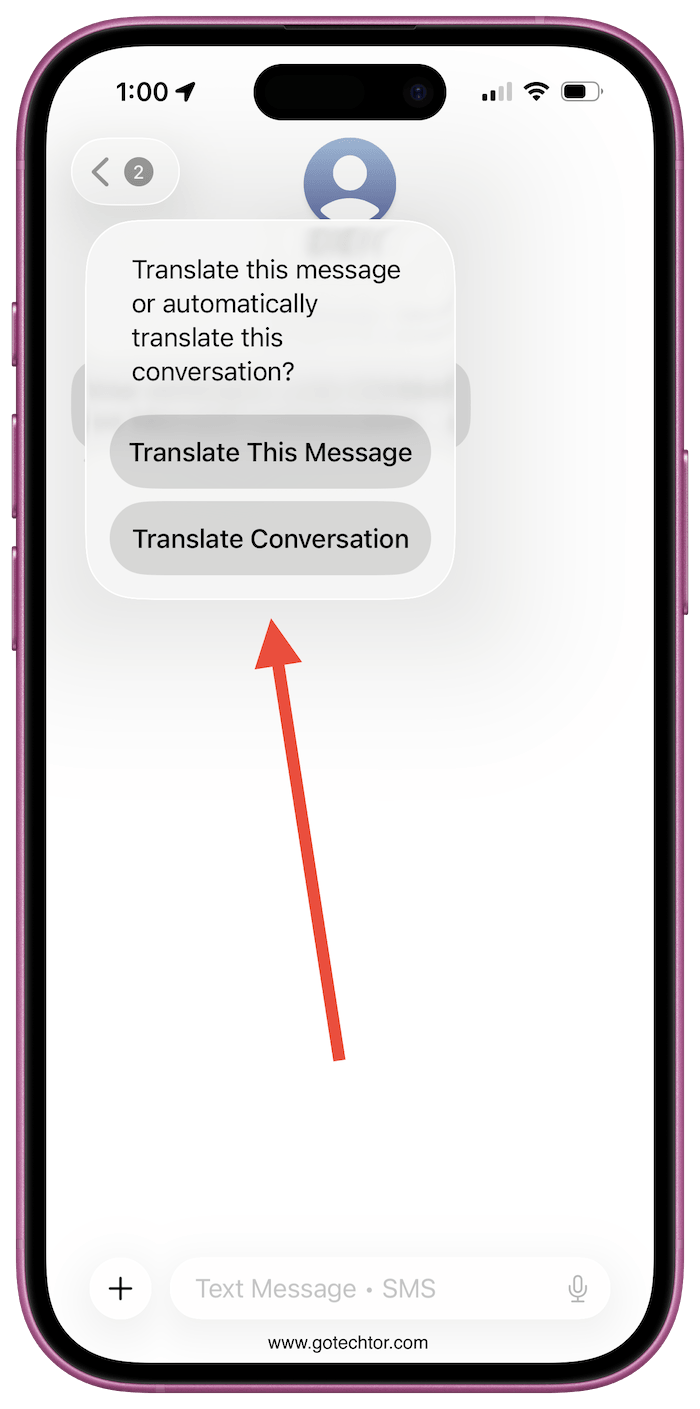
Right now, there are 20 languages to pick from, and you can swap between them whenever you feel like it.
A small dropdown menu sits just above your keyboard during the conversation, giving you quick access to change languages or shut off the feature entirely.
The other person doesn’t need Apple Intelligence on their phone for this to work, and it even works when someone texts you from an Android device.
Do you think this replaces translation apps, or is it just a nice extra?


Why isn’t Pilipino (Tagalog) in many translation apps? There are Filipinos all over the world and a large percentage of iPhone users.