
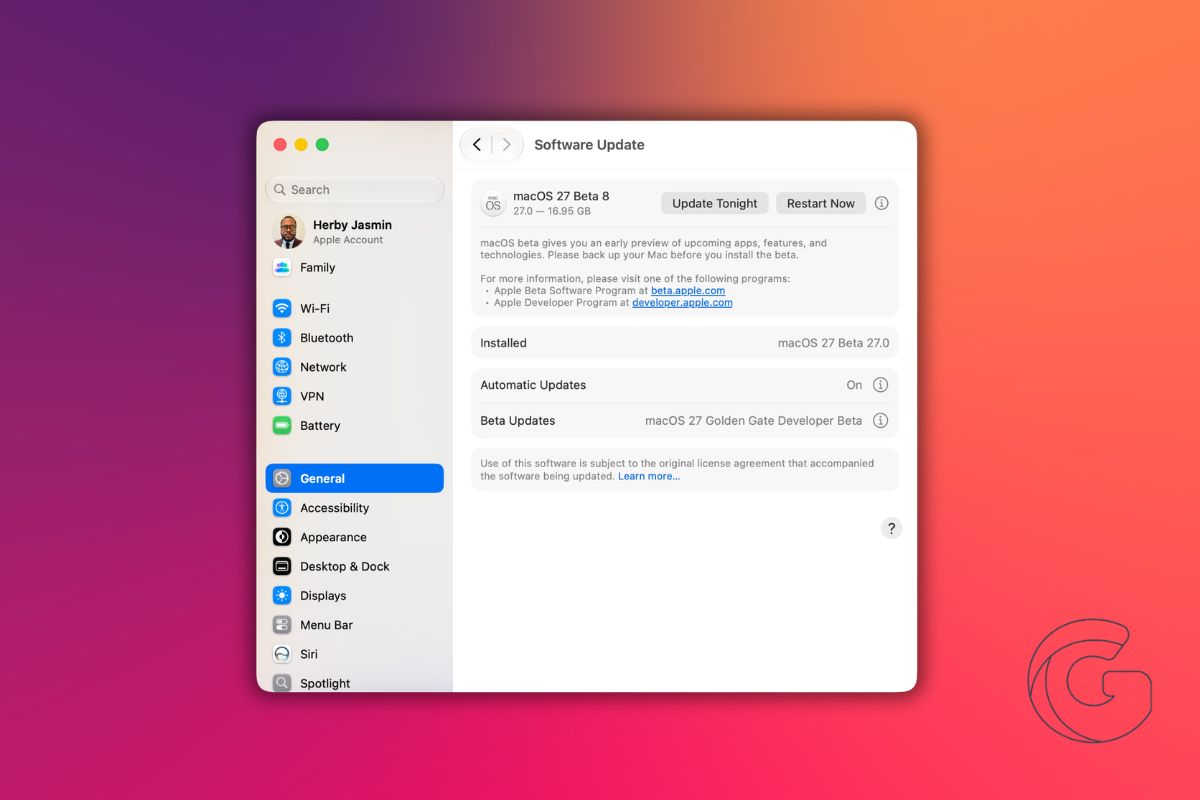
Apple released macOS 27 Golden Gate developer beta 8, pushing Mac users another step closer to the operating system’s public launch expected within weeks. Public beta testers gained access to the same build later that same afternoon.
At this point in the beta cycle, Apple appears to be concentrating on stability rather than new features. Beta 7, released the previous week, also arrived without notable user-facing changes.
The more visually substantive update came with beta 6, which introduced redesigned traffic light window controls styled with a translucent, Liquid Glass appearance that aligns with the broader visual direction of macOS 27.
What macOS 27 Golden Gate brings
The release adds a standalone Siri app alongside Apple’s revamped AI assistant, replacing the previous implementation.
An AI-powered Shortcuts app can now generate automations from plain-language descriptions, and Safari gains a built-in extension builder that works the same way.
macOS 27 also corrects a controversial design decision from macOS 26, which introduced window corners that dynamically adjusted their radius depending on context.
Golden Gate restores fixed-radius corners throughout the system. New Golden Gate-themed wallpapers and screensavers are also included.
How to install beta 8
Developers and enrolled public beta testers can install the update through System Settings.
Open General, select Software Update, tap the info icon next to Beta Updates, and choose the appropriate macOS Golden Gate Beta from the dropdown. Apple recommends backing up your Mac before installing any beta software.
macOS beta releases can take longer to reach Software Update than the corresponding iOS, watchOS, and iPadOS builds, so the update may not appear immediately for everyone.
Apple has not announced an official release date for macOS 27 Golden Gate, though the company typically ships its annual macOS update in September alongside new iPhone hardware.

