
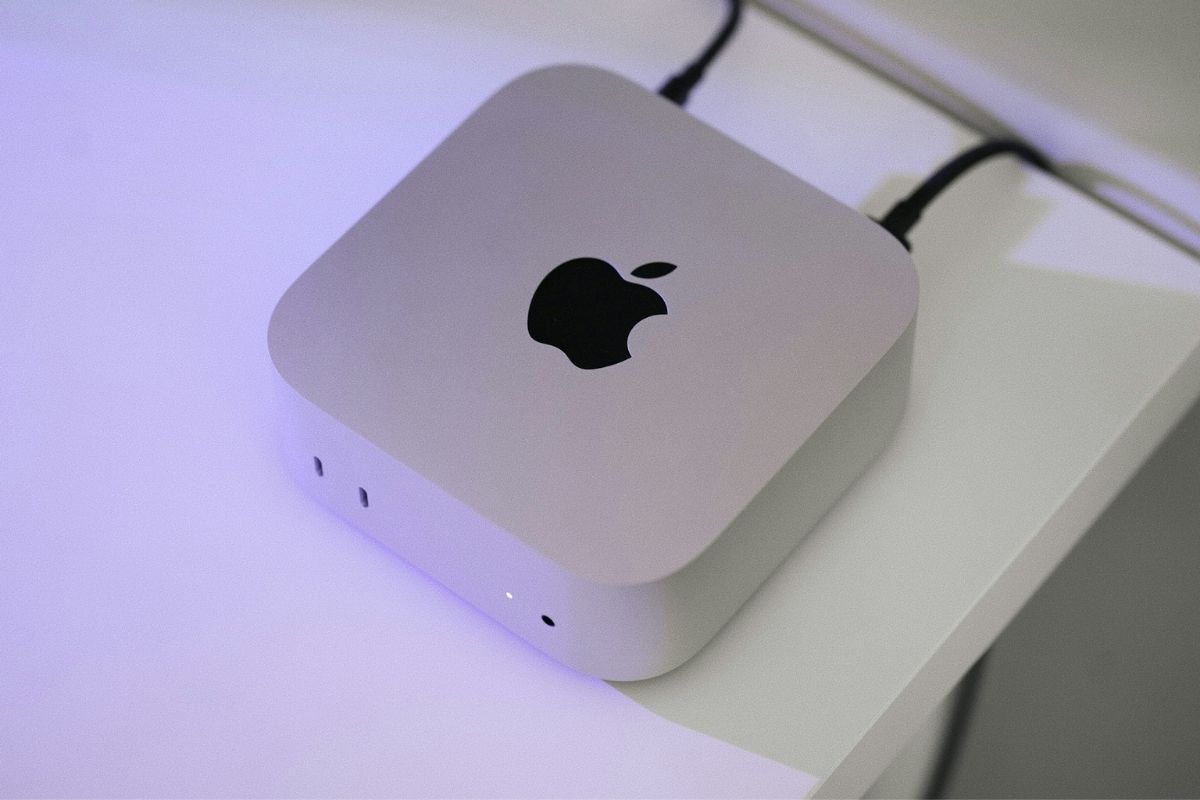
Apple has removed one of the best things about last year’s Mac mini: the ability to upgrade storage after you buy it.
The new M6 Mac mini and higher-end M5 Pro model have their NAND storage soldered to the logic board, replacing the removable modules found inside the M4 generation.
The change has since been confirmed by aftermarket storage specialists, who say the new models are unlikely to support upgrades.
That matters most if you’re considering the cheapest 256GB Mac mini. Not only are you stuck with that amount of storage once you buy it, but new testing shows the base configuration also has substantially slower SSD performance than models with 512GB or more.
The 256GB model uses a single NAND chip
The 256GB M6 Mac mini uses a single NAND chip, while models with at least 512GB use two that can operate in parallel. In Blackmagic Disk Speed Test results, that translated into roughly twice the storage performance for the 512GB model.
The 512GB Mac mini reached about 6,371 MB/s for reads and 6,577 MB/s for writes. The 256GB version managed about 3,216 MB/s and 3,000 MB/s, respectively.
That’s a considerable gap, although the cheaper model isn’t actually slower than the Mac mini it replaces. The previous 256GB M4 Mac mini reached roughly 2,792 MB/s reads and 2,014 MB/s writes in the same testing.
So you’re still getting faster storage than last year. You’re just not getting the full SSD performance available from the M6 Mac mini unless you step up to at least 512GB.
For web browsing, streaming, office work, and other everyday tasks, that difference probably won’t be obvious. It matters more when moving large files or doing storage-intensive work such as video editing and software development.
This time, you can’t upgrade later
The M4 and M4 Pro Mac mini used removable NAND modules, which eventually allowed third-party companies to develop replacement storage that owners could install after purchase.
That option is gone with the new models. The M6 and M5 Pro Mac mini have their NAND storage soldered directly to the logic board, leaving external storage as the only practical way to add capacity later.
The removable storage in the M4 generation was actually an exception. Earlier M1 and M2 Mac minis also used soldered storage, so Apple is returning to the design it used before last year.
The difference is that the 256GB configuration now comes with two compromises buyers need to consider upfront: less internal storage and slower SSD performance than the 512GB model.
External drives can solve the capacity problem later, but they won’t change the performance of the Mac mini’s internal SSD.
If 256GB already feels tight or your workload benefits from faster storage, moving to 512GB gets you both twice the capacity and the faster two-chip SSD configuration.

