
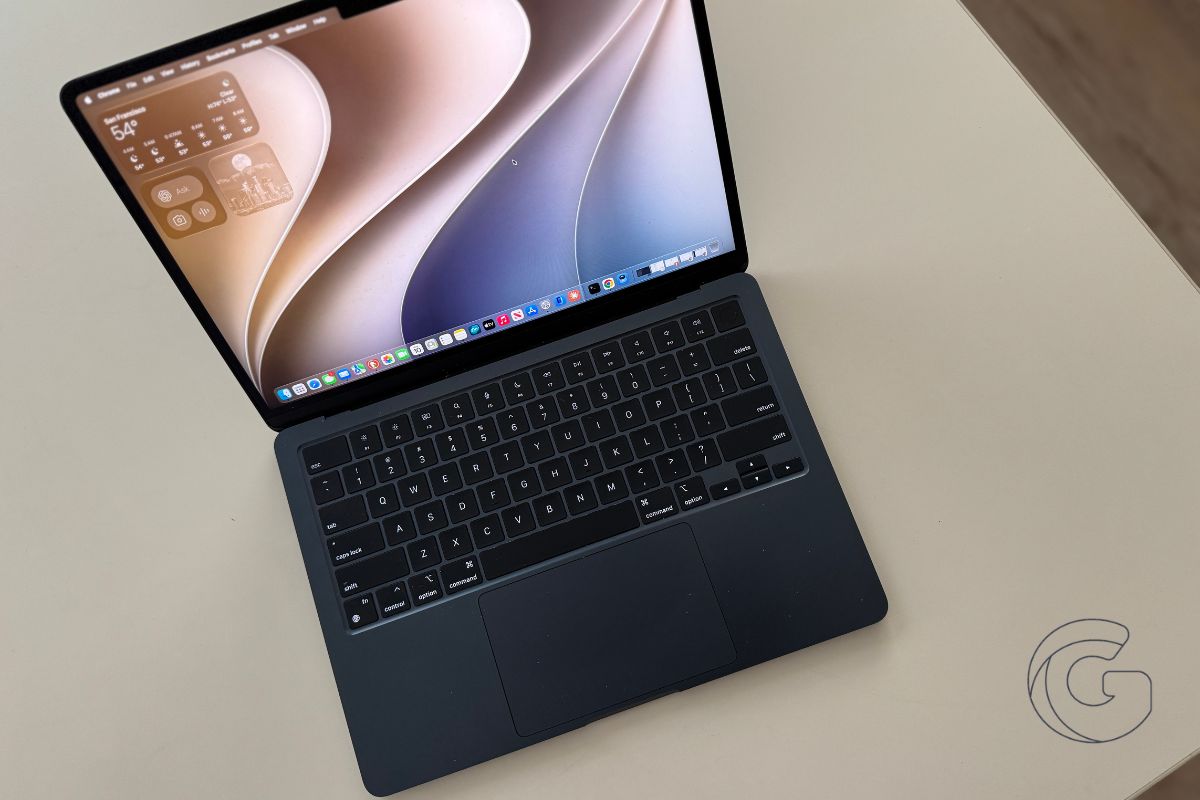
Mac search has been broken for years. Finding a file you saved an hour ago or getting useful results from Spotlight have quietly become unreliable across several macOS releases.
macOS 27 Golden Gate targets this directly, and that alone might justify the update.
But there are four other changes in this release that are genuinely worth knowing about before the public beta arrives later next month.
Spotlight and Mail Search Receive a Major Overhaul
Spotlight search on macOS stopped being trustworthy a few releases ago. Mail search got worse. Files saved minutes earlier sometimes refused to appear.
Apple acknowledged none of this publicly, but macOS 27 directly addresses the problem: Spotlight suggestions are being rebuilt, Mail search is being overhauled, and file finding is supposed to actually work again.
Apple is also promising that AirDrop transfers and Safari load times will be faster across the board. Even six-year-old M1 MacBook Airs should feel more responsive after the update.
Part of the reason Apple can deliver this is that Intel Mac support has been dropped entirely, freeing up engineering resources to optimize exclusively for Apple Silicon.
Apple Adds Automated Password Replacement
This one is surprisingly powerful. Apple Intelligence can now handle compromised passwords for you. When it detects a breach, it automatically logs into the affected website and changes your password.
It then saves the new credentials directly to your Passwords app, sparing you the need to dig through account settings.
Most people ignore compromised password warnings because acting on them takes too long. This removes that friction entirely.
How many affected websites will support this at launch is still unclear, but even limited coverage makes it a meaningful security improvement for millions of Mac owners who already use the Passwords app.
Also: 10 brilliant iOS 27 features Apple barely talked about that could end up being the ones you use most
Siri Becomes More Deeply Integrated Into macOS
The redesigned Siri now lives in the Spotlight menu, so you can ask it questions from the same place where you already search for files and apps.
A follow-up chat interface appears, so conversations can continue naturally without starting over each time.
The more interesting shift is contextual awareness. Ask Siri to find photos from a specific weekend, and it can do that.
Ask it to surface a podcast link a friend sent in Messages three weeks ago, and it will look for it. Visual Intelligence extends this further. Siri can now see what’s on your Mac screen and discuss it with you.
Only available in English at launch, and not yet arriving in Europe or China due to regulatory constraints.
Also: iOS 27 added 3 new safety features for parents who worry about what their kids are seeing online
Safari Adds Page Tracking and AI-Powered Extensions
Safari now monitors webpages in the background and sends notifications when something changes, such as a sold-out item restocking or a ticket becoming available.
You visit the page, set up the alert, and Safari handles the watching. No third-party extension required.
Safari can also build custom extensions using AI based on plain-language requests, and it will proactively group tabs to keep things organized.
Smaller features, but the restock alerts alone could save real money for anyone who regularly chases limited inventory.
Screen Time Gets Its Biggest Update in Years
Apple redesigned Screen Time with a new interface that gives parents a clearer picture of how their children are using devices across iPhone, iPad, and Mac.
Parents can now set different access schedules for school hours, homework time, and weekends, each with its own rules.
Children can send an iMessage request to visit a blocked site or download an app, and parents approve or deny it directly on their own device.
As kids get older, parents can gradually expand permissions rather than managing everything as a single all-or-nothing setting.
FaceTime and iMessage also get new protections against the sharing or receiving of nudity and violent content.
The Screen Time redesign also addresses a longstanding complaint. The previous version was confusing enough that many parents stopped using it altogether. A cleaner interface might actually bring them back.

