
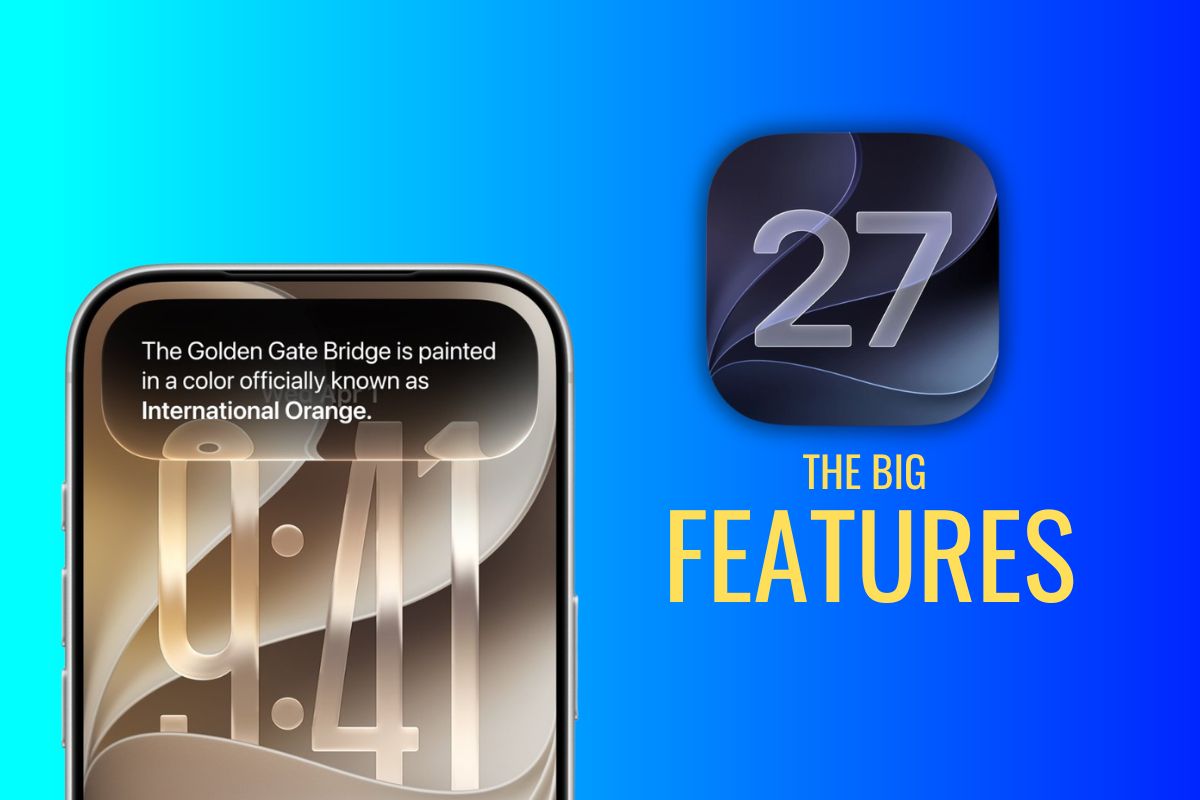
Every year, Apple spends most of its keynote time on the big-ticket features, like the new Siri AI.
But after spending time digging through iOS 27, I keep coming back to a different group of changes. They’re the little conveniences that save a few seconds here, remove a small annoyance there, and gradually make your iPhone feel easier to live with.
Some of these features weren’t mentioned on stage at all, while others were buried in developer documentation. Either way, they’re the kinds of upgrades many people won’t discover until weeks or even months after installing iOS 27.
Your Alarm Can Skip Holidays Automatically
If you’ve ever been jolted awake on a public holiday because your work alarm was still active, you’ll appreciate this one.
iOS 27 can automatically skip alarms on recognized holidays, removing one more thing you have to remember to manage yourself. It’s a small addition, but it solves a surprisingly common problem.
You Can Temporarily Disappear From Find My
Apple is adding more flexibility to location sharing in Find My. With iOS 27, you can temporarily stop sharing your location for a set period, and sharing resumes automatically afterward.
For things like planning surprises, running errands, or simply wanting a little privacy, it gives users more control over how location sharing works.
Separate Volume Controls Are Finally Here
One of the longest-running iPhone frustrations is finally getting attention. iOS 27 lets you control ringtone, alarm, and alert volumes independently.
You can keep your alarm loud enough to wake you up while dialing back calls or notifications to a level that fits your day.
AirDrop Gets Faster With People You Use It With Most
AirDrop works well once a connection is established, but the setup process has always felt a little slower than it needs to be.
iOS 27 streamlines sharing between trusted contacts, making repeated transfers feel much more seamless for families, friends, and coworkers who regularly exchange files.
Dynamic Island Becomes More Useful for Timers
Timers are one of those features you use constantly but rarely think about. On supported iPhone models, iOS 27 brings timer controls directly into the Dynamic Island, making it easier to check countdowns while you’re doing something else on your phone.
iPhone Mirroring Gets a Practical Upgrade
When Apple introduced iPhone Mirroring, the technology was impressive. However, the experience itself could feel cramped on larger displays.
With iOS 27 and macOS Golden Gate, you can resize the mirrored iPhone window, making it much more comfortable to use for longer stretches.
Photos Gets Smarter About Group Shots
Everyone has that photo where everything looks perfect except for one face.
Apple is expanding its photo editing tools with new AI-powered options that can improve facial expressions in portrait shots by drawing on nearby frames from the same photo session.
For anyone who takes a lot of family pictures, it’s easy to see this becoming a frequently used tool.
One Phone Number Can Work Across Two iPhones
Apple is introducing support for using the same phone number across two iPhones, opening up new possibilities for how devices work together and offering an interesting hint at where future hardware could be headed.
Widgets Can Take Over an Entire Screen
Widgets have gradually become more useful with every iOS release. In iOS 27, some apps can expand into full-screen widget experiences, giving information-heavy apps like Weather and Music much more room to breathe.
Clipboard Privacy Gets More Granular
Copying and pasting is something most of us do dozens of times every day. iOS 27 adds additional controls over what information gets shared when content is pasted into an app, giving users a clearer picture of exactly what data is being transferred.
The Features You’ll Probably Notice First
The biggest iOS headlines this year will focus on the new Siri AI. But history has a funny way of elevating the smaller features.
A few months from now, many iPhone users may not be talking about the features Apple spent the most time promoting.
They’ll be talking about the alarm that didn’t wake them up on a holiday or the timer they checked without leaving the app they were already using.
Those are often the updates that stick around in your daily routine long after the keynote is forgotten.

