
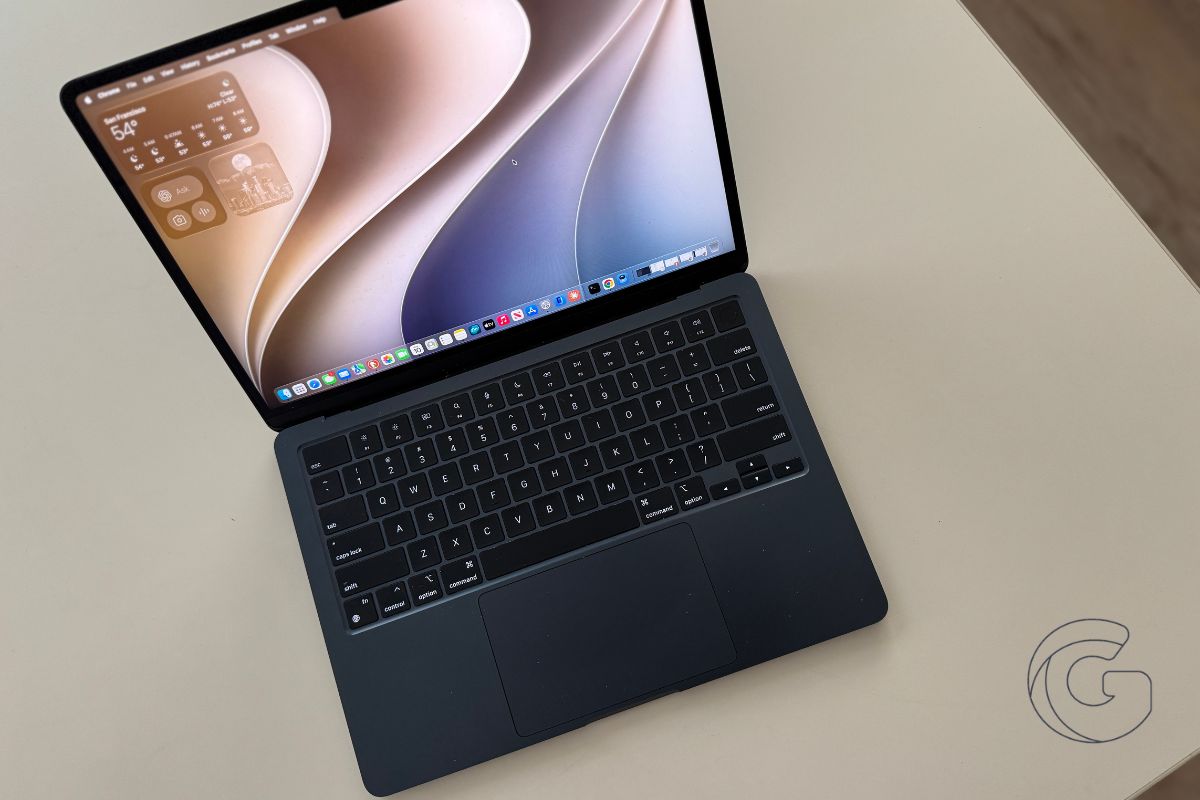
Apple released macOS Golden Gate 27 on Monday, bringing a rebuilt version of Siri, Visual Intelligence tools, and a set of AI-powered features to compatible Macs for the first time.
The update is free and available now through System Settings, though it requires an Apple silicon chip, meaning older Intel-based Macs are left out.
A new Siri, built from scratch
The biggest feature is Siri AI, which Apple describes as an entirely new assistant powered by Apple Intelligence.
Unlike the previous version of Siri, this one lives in a dedicated app, retains past conversations synced across devices via iCloud, and is woven directly into Spotlight so searches can tap into personal context from messages, mail, and photos.
The assistant can also take action across apps on request. Apple notes that Siri AI is rolling out gradually and must be enabled in Settings to use it.
Visual Intelligence, previously limited to iPhone, arrives on Mac with Golden Gate. With Command-Shift-Space, users can select a region of their screen and ask Siri questions about it or take action, such as adding a visible event to their calendar.
This kind of contextual awareness has been available on mobile for some time, now extended to the desktop.
Safari, Shortcuts, and photo tools
Safari gains automatic tab grouping by topic, along with a Notify Me feature that monitors web pages for changes like price drops or restocked items.
A new Describe an Extension tool lets users create custom browser extensions by typing a plain-language description of what they want.
Shortcuts gets a similar treatment with Describe a Shortcut, which builds automation workflows from a simple written prompt without requiring users to manually assemble steps.
Photos adds Spatial Reframing, which lets users recompose a shot after it’s already been taken, along with an Extend tool that expands the edges of an image.
Improvements to the existing Clean Up tool are meant to handle more complex scenes with greater realism when removing unwanted objects.
Design tweaks and parental controls
The Liquid Glass design language introduced last year receives refinements aimed at readability, and a new slider lets users dial in how transparent or tinted the interface appears. Toolbars and sidebars have also been standardized across apps.
Parental controls expand in macOS Golden Gate with new features like Ask to Browse, which requires children to get permission before visiting new websites in Safari.
A new Time Allowances tool lets parents set category app limits using age-calibrated expert recommendations, while Communication Safety expands to cover more conversation types.
Mac users can download macOS Golden Gate 27 now by opening System Settings and navigating to Software Update. Apple Silicon is required, covering every Mac Apple has shipped since late 2020.

