Your iPhone Has a Cool Feature That Can Help Avoid Eye Strain and Fatigue from Screen Exposure

We’re sharing how your iPhone can help avoid screen fatigue to make working more comfortable and protect your productivity.

We’re sharing how your iPhone can help avoid screen fatigue to make working more comfortable and protect your productivity.

If your iPhone feels sluggish to the touch, there’s a hidden setting that can significantly speed things up. It’s a game-changer.

The iPhone’s Personal Voice feature lets you record your voice and then use it to speak what you type during a phone call. Here’s how to set it.

At its current 23% discount on Amazon, this 3-in-1 wireless charging station is an insane value, considering its build quality and aesthetics.

Google tracks you in many different ways. This guide will help stop Google from tracking your searches even if you’re not signed in.

From big corporate players like Google Drive to small players like pCloud, here are the best cloud storage services for every need.
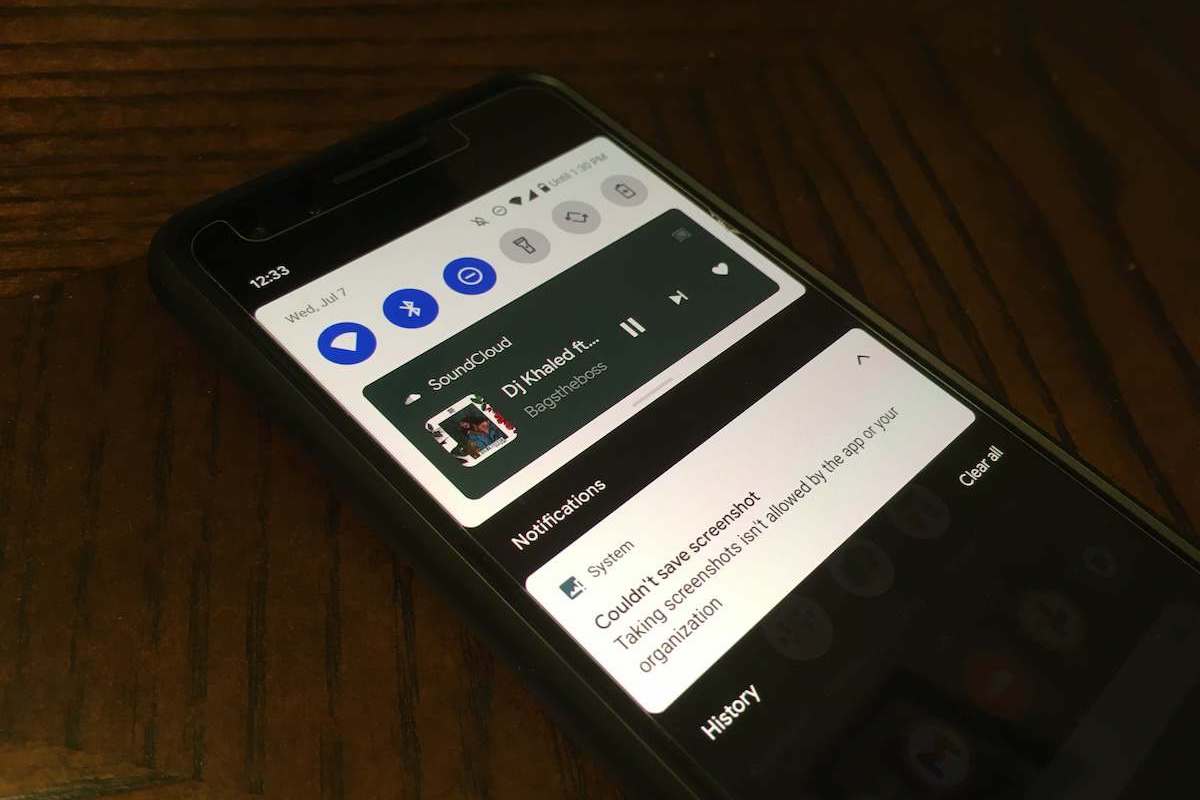
Learn how to bypass the “Taking screenshots isn’t allowed by the app” error on Android with this step-by-step guide.

The number you Have dialed Is unallocated means a phone number that has not been assigned to a specific customer.

STOP! Before you share your next picture, you should remove the EXIF data. Learn what EXIF data is and how to remove it from your photos.

If your iPhone is charging slower than usual, there’s a hidden feature in the Settings app that might be the culprit. Here’s how to turn it off.
Gotechtor participates in various affiliate marketing programs, which means we may get paid commissions on editorially chosen products purchased through our links to retailer sites.
