How to Fix Apple TV Not Connecting to Wi-Fi So You Can Get Back to Binge-Watching
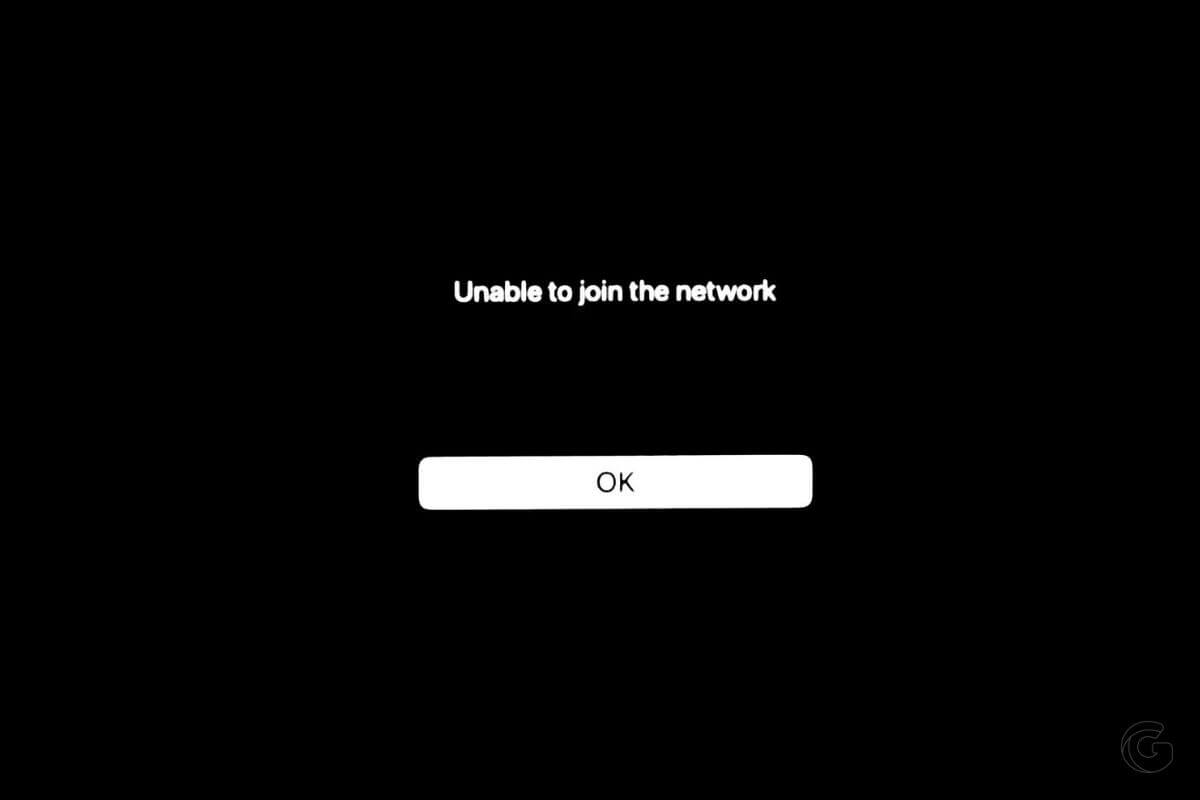
If your Apple TV won’t connect to WiFi, you need to restart your TV and Wi-Fi router. Check the step-by-step instructions for more details.

If your Apple TV won’t connect to WiFi, you need to restart your TV and Wi-Fi router. Check the step-by-step instructions for more details.
Wondering how to connect your Apple TV to WiFi without a remote? Follow these tips to connect your Apple TV to WiFi now.
Apple TV sound not working? This article walks you through several troubleshooting steps to solve your Apple TV no sound issue.

Never run out of battery. This MagSafe battery back will keep all your devices juiced up all day wherever you are, and it’s on sale right now.

You no longer need to turn off Find My before sending in your iPhone for repair without compromising its security. Here’s how it works.

Selling your iPhone? Wipe it clean! Learn how to erase your iPhone to protect your data and ensure a smooth experience for the new owner.
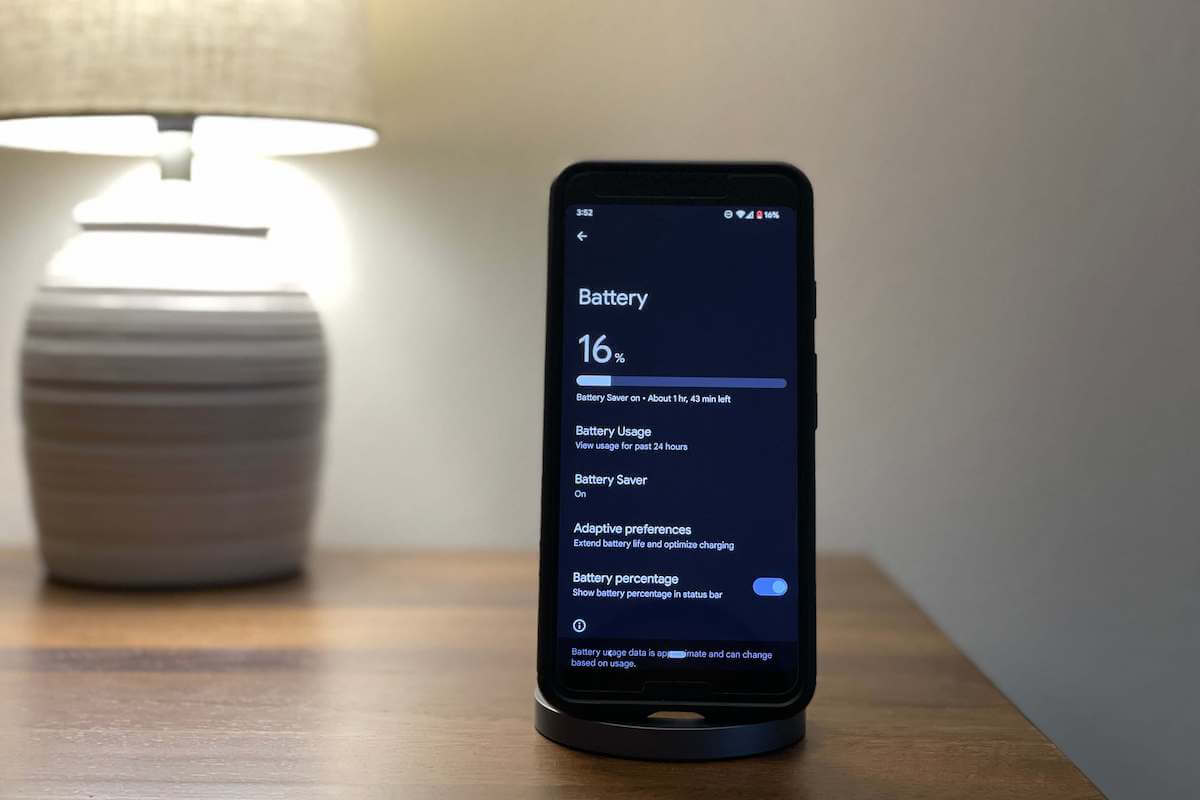
Is your Android battery draining so fast? Follow these battery-saving tips to increase the battery life on your Android phone.

Keep your private conversations truly private. Learn how to stop someone from reading your text messages on Android with our expert guide.

Tired of constantly charging your phone? Check out our list of the best battery saver apps for Android to conserve power and maximize usage.

Gone are the days of copying and pasting; with the Messages app, you can share a quoted text with a link just a few taps or clicks. Here’s how.
Gotechtor participates in various affiliate marketing programs, which means we may get paid commissions on editorially chosen products purchased through our links to retailer sites.
