
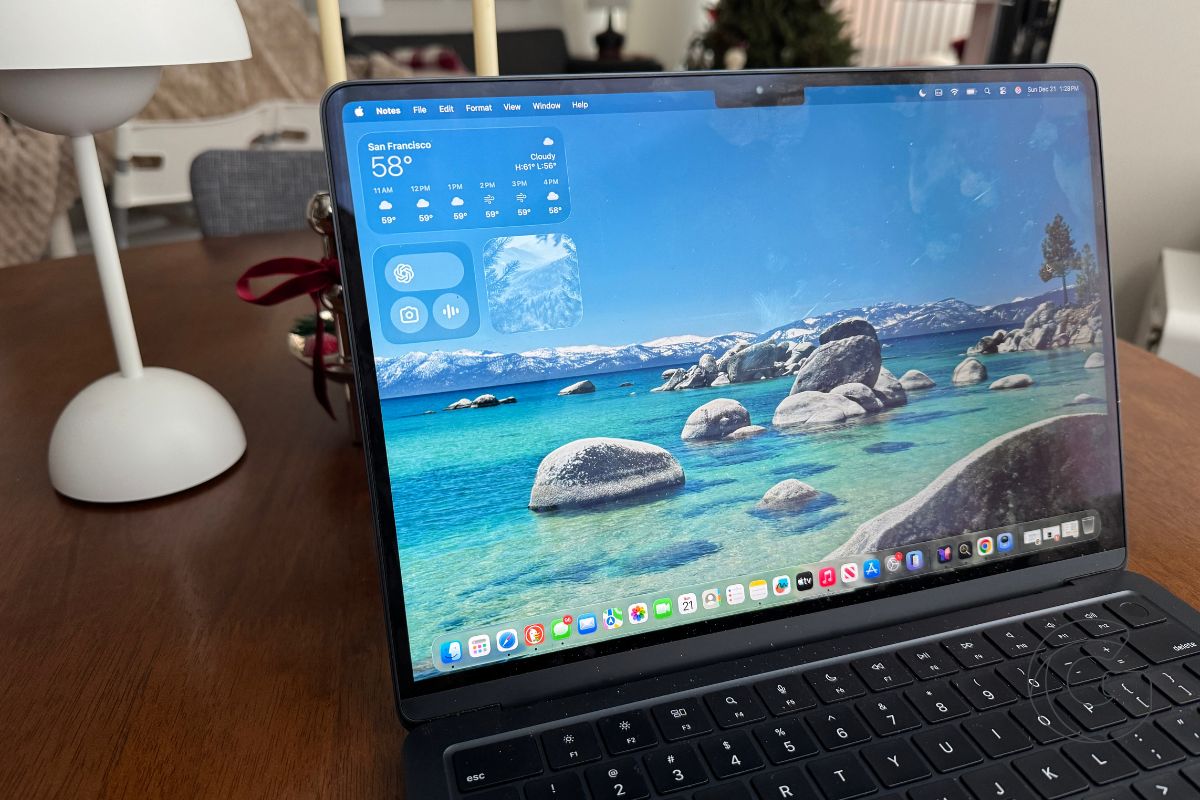
Bad lighting is one of those problems we collectively decided computers were not going to fix. Video calls became normal, then constant, and the solution was always the same.
Buy a ring light. Clamp it to your desk. Hope you remembered to turn it on. macOS Tahoe 26.2 quietly pushes back on that assumption.
Edge Light turns the Mac’s display into a soft, adaptive light source during video calls. Instead of throwing a harsh rectangle of white at your face, it adds a subtle glow around the screen’s edges, brightening your face evenly.
It looks natural enough that you stop noticing it, which is usually a sign Apple got the balance right.
The interesting part is how much work the system is doing to make that effect disappear. Edge Light uses the Neural Engine to detect your face and track how much space you take up on camera.
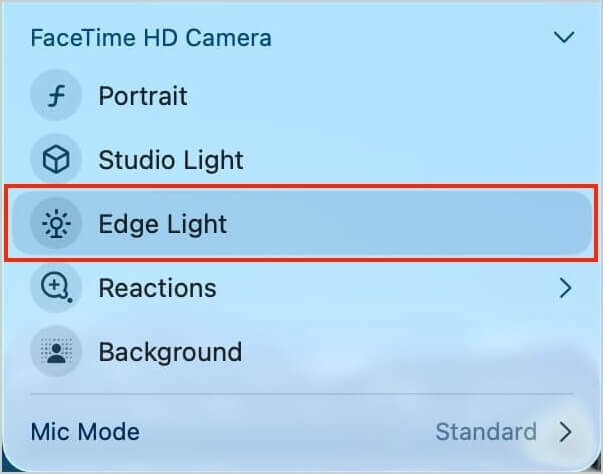
The image signal processor adjusts brightness and color to match the room. When your cursor approaches the display edge, the light fades to avoid obscuring interface elements.
That interaction alone explains why this lives at the system level rather than within a single app.
Because it is built into macOS, Edge Light works everywhere. FaceTime, Zoom, WebEx, external cameras, and Apple’s own Studio Display all benefit without special setup.
On newer Macs, the feature can even enable itself when the room lighting drops. You do not configure scenes or profiles. You start the call.
What Edge Light really shows is how Apple is thinking about Apple silicon. The Neural Engine and image pipeline are no longer abstract advantages measured in benchmarks.
They are being used to smooth out everyday friction, the kind that shows up in small, repeated moments across a workday.
You can still buy a ring light if you want one. But after using Edge Light for a few calls, it becomes clear that this was always something the computer should have handled on its own.

