
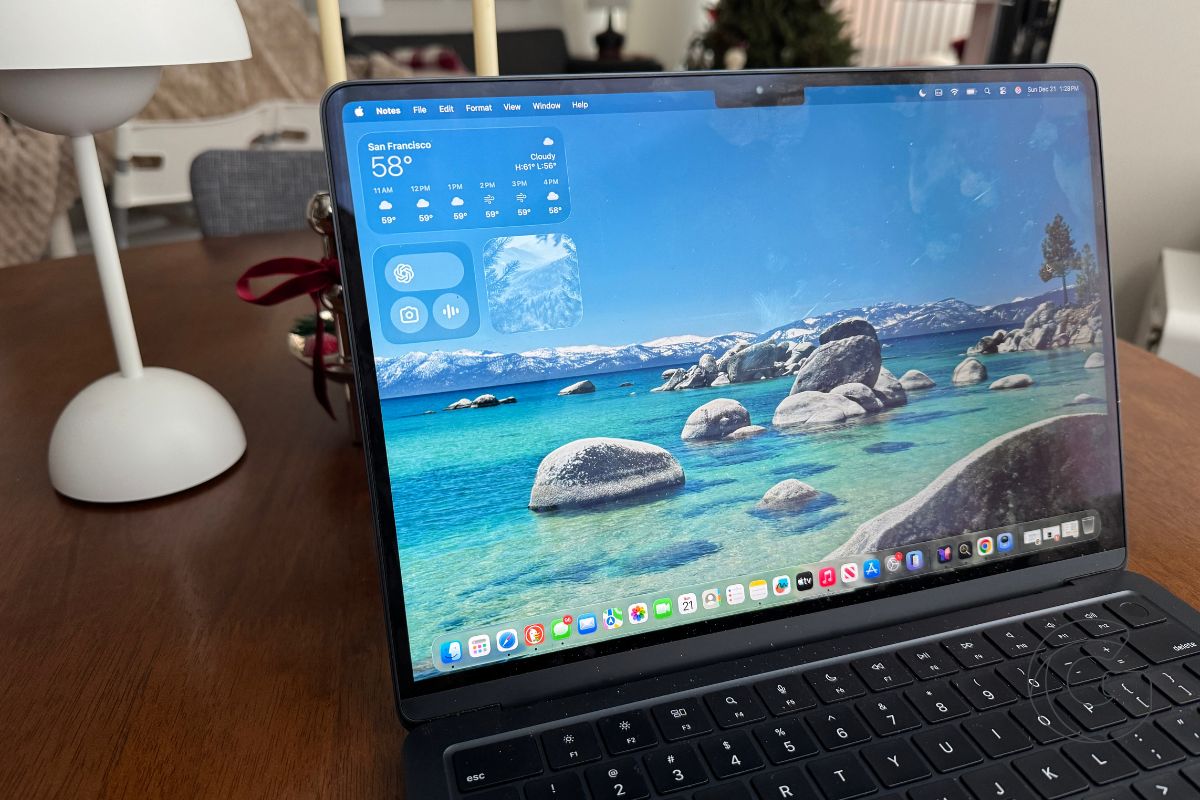
Apple just rolled out a tiny but powerful change in macOS Tahoe 26.4 beta that will make a noticeable difference for anyone who depends on their Mac every day.
The new Charge Limit feature gives users control over how much their Mac battery charges, allowing them to set a hard cap between 80 and 100 percent.
Until now, Optimized Battery Charging has tried to protect battery health by learning your habits, but it still allows the battery to reach full charge regularly. Now you can lock it in and preserve battery life over the long term.
Activating Charge Limit is simple. Here’s how to do it:
- Open System Settings.
- Next, go to Battery.
- Then, click the information button next to Charging.
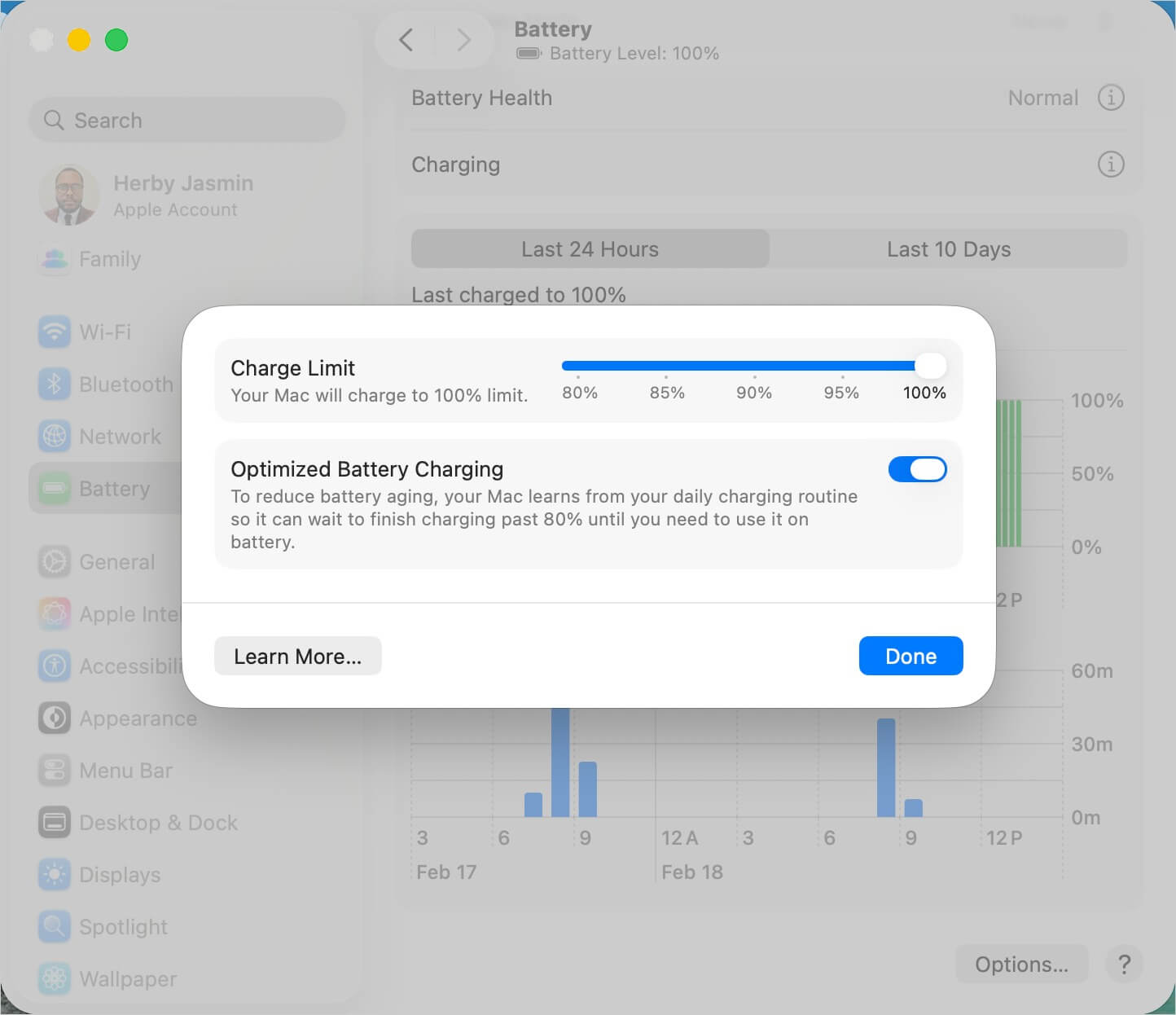
From there, select the percentage that best fits your workflow. Keeping your Mac at 80-90 percent could significantly extend battery health, especially for laptops used daily.
For those who enjoy Apple’s ecosystem, the Charge Limit feature continues the trend of bringing iPhone-level intelligence to the Mac.
iPhones have had similar control since the 15 series, and now Mac users can experience the same benefits.
It’s a small change that rewards curiosity and attention, giving tech-savvy users more command over their machines.
Apple rarely highlights these kinds of updates, but for anyone interested in maximizing their device’s lifespan, this one is worth a look.

