
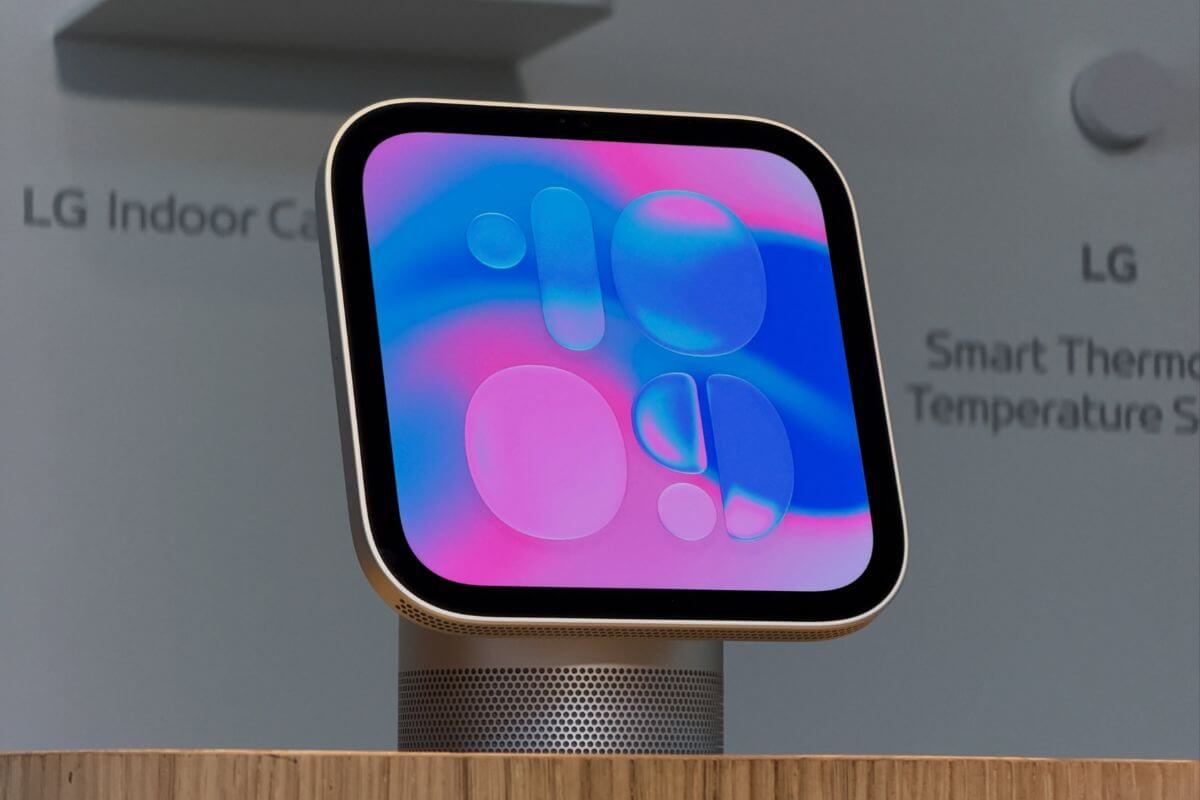
Apple’s new HomeView comes with 15 built-in apps, but anyone expecting to download their favorites from an App Store may be disappointed.
The $299 smart home display has no App Store of its own. Instead, Apple is borrowing an approach from CarPlay, allowing certain apps installed on a paired iPhone to appear on HomeView.
That gives users access to services like Spotify, although the selection is considerably smaller than what you’d find on an iPhone or iPad.
Here are the 15 apps included with HomeView
Apple’s official technical specifications confirm these apps will be available when HomeView launches:
- Alarms
- Calendar
- FaceTime
- Find My
- Home
- Intercom
- Messages
- Music
- Podcasts
- Reminders
- Safari
- Settings
- Timers
- Weather
- World Clock
The selection covers everyday household activities, from checking calendars and setting kitchen timers to making FaceTime calls.
One surprising omission is Apple Notes. While Reminders can handle shopping lists, anyone who keeps recipes or shared household notes in Apple’s Notes app won’t find a dedicated version on HomeView.
Third-party apps depend on your iPhone
HomeView can display compatible CarPlay apps from a paired iPhone, including third-party audio services such as Spotify.
Apple Music Classical, Apple News, Apple TV, and Audiobooks are also among the apps that can appear through the connected-device system.
Certain CarPlay widgets are supported as well, giving developers another way to make information available on HomeView without building a dedicated app.
But compatibility isn’t universal. Apps that don’t support the relevant CarPlay integration won’t automatically appear on the display, and there’s no way to install them directly.
The iPhone connection also creates a practical limitation. If a compatible iPhone isn’t nearby and paired, users are limited to HomeView’s built-in functionality.
For households that rely heavily on WhatsApp, there’s another unanswered question. The messaging service isn’t included among HomeView’s built-in apps, and Apple hasn’t confirmed how its CarPlay integration will work on the display.
HomeView is available for preorder at $299, with deliveries beginning November 13.

