
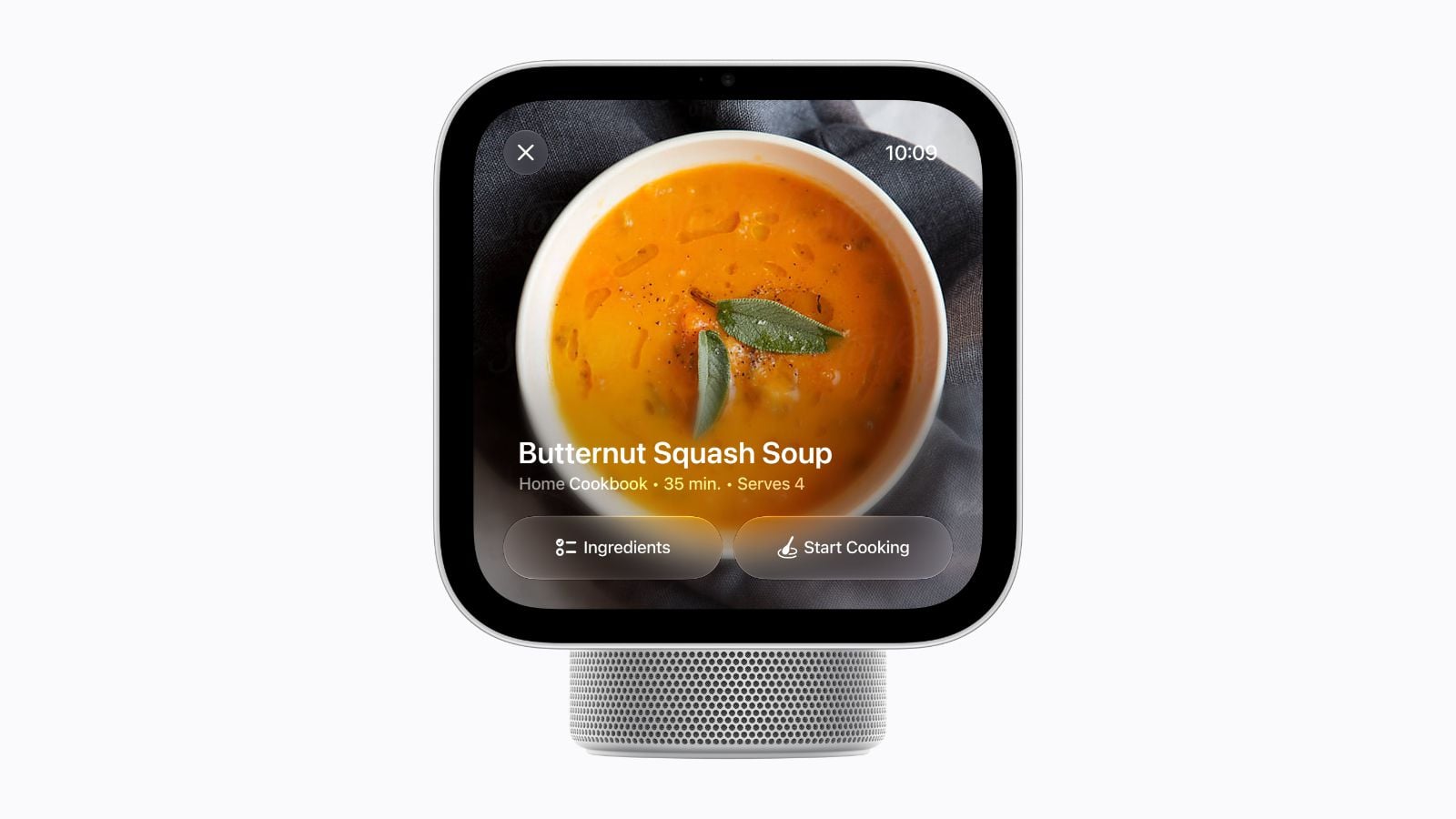
Apple’s new HomeView smart display could make following recipes in the kitchen a lot less frustrating.
A dedicated cooking mode turns recipes from websites into step-by-step instructions, removing the clutter that often makes online recipes difficult to follow.
The feature, announced alongside Apple’s new $299 HomeView, also supports hands-free timers, so you can keep cooking without constantly touching the screen.
HomeView turns online recipes into cooking instructions
When you open a recipe in Safari on HomeView, a new Start Cooking button lets you switch to a simplified view that focuses on the ingredients and instructions.
Instead of scrolling past ads, navigation menus, and lengthy introductions, you can follow the recipe step by step.
HomeView also supports multiple timers that you can control with Siri when your hands are covered in flour, or you’re busy preparing food.
Those timers appear as Live Activities, allowing you to keep track of what’s cooking even when you switch to another screen.
Apple has also integrated Handoff into the experience. If you find a recipe on your iPhone, you can transfer it to HomeView when you enter the kitchen rather than searching for the same page again.
Handoff works with other content, too, including music, podcasts, calls, and videos.
There’s a catch for third-party recipe apps
The biggest limitation is that HomeView’s guided cooking mode works only with recipes opened in Safari.
If you keep your favorite recipes in a dedicated app like Mela, you won’t be able to use Apple’s step-by-step cooking interface with those saved recipes.
Apple hasn’t provided developers with a way to integrate their apps into the feature, leaving questions about whether third-party recipe services will eventually support it.
Some developers have also raised concerns about the broader HomeView app platform, including limited documentation and uncertainty surrounding app submission requirements.
For now, Safari is the only supported way to access the guided cooking experience.
HomeView features a 7-inch Liquid Retina display and comes in tabletop and wall-mounted versions. Both cost $299 and launch November 13.

