
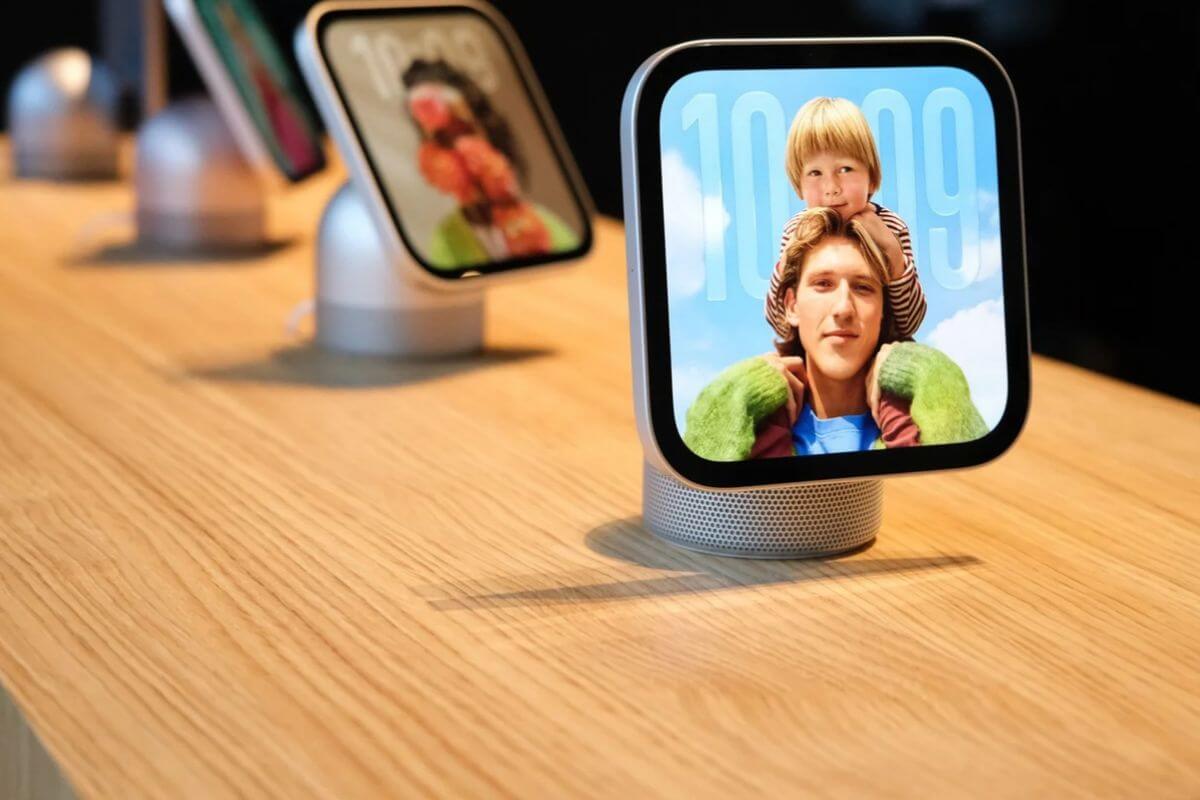
Apple’s new HomeView smart home hub can recognize who’s in the room and display personalized information, but that raises an obvious question: What happens to everything its camera and microphones capture?
Apple has now detailed a security system called Secure Exclaves that keeps sensitive camera and microphone data isolated from apps, the operating system, and Apple’s servers.
The technology is particularly important for HomeView, which went on sale November 13 and uses facial and voice recognition to identify up to six household members.
When someone approaches the device, HomeView can automatically display personalized information, including Calendar events and Messages.
How HomeView Recognizes You Without Sharing Camera Footage
Secure Exclaves are protected processing environments that operate separately from the device’s main software.
When HomeView’s camera detects someone, facial recognition happens inside one of these isolated environments.
Instead of passing the actual camera footage to the operating system, HomeView shares only limited information, such as:
- Person identifier: Which enrolled household member was recognized.
- Position: Where that person is located in the room.
- Confidence score: How certain the system is about the identification.
Voice recognition works similarly, with microphone data processed inside a separate protected environment.
The raw images and audio are discarded rather than being passed to apps or the operating system.
That allows HomeView to personalize its interface without giving apps access to everything happening in your living room.
Why HomeView Doesn’t Always Show a Camera or Microphone Indicator
Apple designed Secure Exclaves to distinguish between two types of activity.
Ambient mode handles background tasks such as detecting someone’s presence or recognizing a voice. The processing stays inside the protected environment, so no camera or microphone indicator appears.
Active mode applies when an app needs access to actual camera footage or microphone audio, such as during a FaceTime call.
In that situation, HomeView displays the appropriate privacy indicator before allowing the data to reach the operating system.
Apple says the separation is enforced through hardware protections, preventing raw sensor data from leaving the protected environment without the required indicator being active.
The distinction matters because an indicator that remained illuminated whenever HomeView detected someone would make it difficult to tell when the device was actually sharing camera or microphone data with an app.
Apple Is Bringing the Same Privacy Technology to Other Devices
Secure Exclaves aren’t exclusive to HomeView, though. Apple also uses the architecture to protect privacy indicators on the iPhone 18 Pro, iPhone 18 Pro Max, iPhone Duo, and MacBook Neo.
The technology helps isolate voice data used by “Hey Siri” and supports features such as Siri Recap and Live Rewind, which process captured audio for conversation summaries and recent speech playback.
Development of Secure Exclaves began around iOS 18, with Apple describing the work required to isolate memory and protect sensitive information as a significant engineering challenge.
For HomeView owners, the key benefit is straightforward: the device can recognize who’s nearby without giving apps access to the raw camera footage or microphone recordings used to identify them.

