
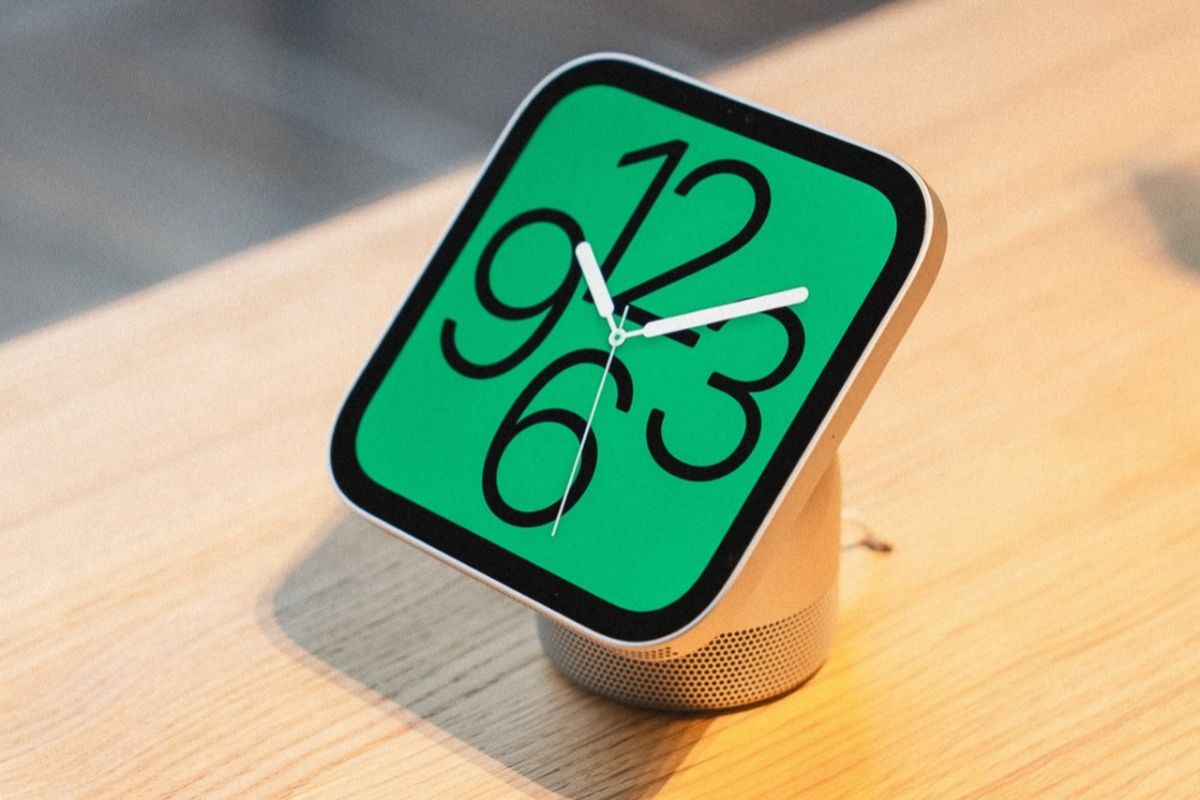
Apple’s new HomeView smart home hub will support third-party apps, but there’s a catch: you won’t be able to download or install them directly on the device.
Instead of giving HomeView its own App Store, Apple is using a system similar to CarPlay, where compatible apps from a paired iPhone or iPad appear on the smart display.
That means the apps you can use will depend on what’s installed on your phone and whether developers have added support for HomeView.
How third-party apps work on HomeView
The $299 HomeView comes with several Apple apps preinstalled, including Apple Music, Apple Podcasts, Apple News, Calendar, FaceTime, and Messages.
Third-party audio apps that already support CarPlay, such as Spotify and Audible, will also work with HomeView without requiring developers to build separate versions.
Video apps are different. Developers will need to update their existing iPhone or iPad apps to add HomeView compatibility, so not every streaming service will necessarily be available at launch.
Because HomeView doesn’t have its own App Store, users can’t browse for new apps or install them directly from the display.
Your iPhone also controls what you can see
HomeView uses its front-facing camera to recognize up to six household members and display personalized content for each person.
But recognizing your face isn’t enough to unlock private information.
Apple also requires your paired iPhone or iPad to be nearby and recently unlocked before HomeView displays personal content from apps such as Messages and Calendar.
For example, if you approach HomeView while preparing breakfast, the display can recognize you and show your appointments or messages. Other family members won’t automatically see that information when they approach the screen.
Shared content, including family photo albums and music, remains available to everyone in the household, including guests.
The system also means HomeView won’t function like a completely independent iPad. Its third-party app selection depends on a paired device, and personal information remains subject to Apple’s authentication requirements.
HomeView is available for preorder at $299, with tabletop and wall-mounted versions launching November 13.

