
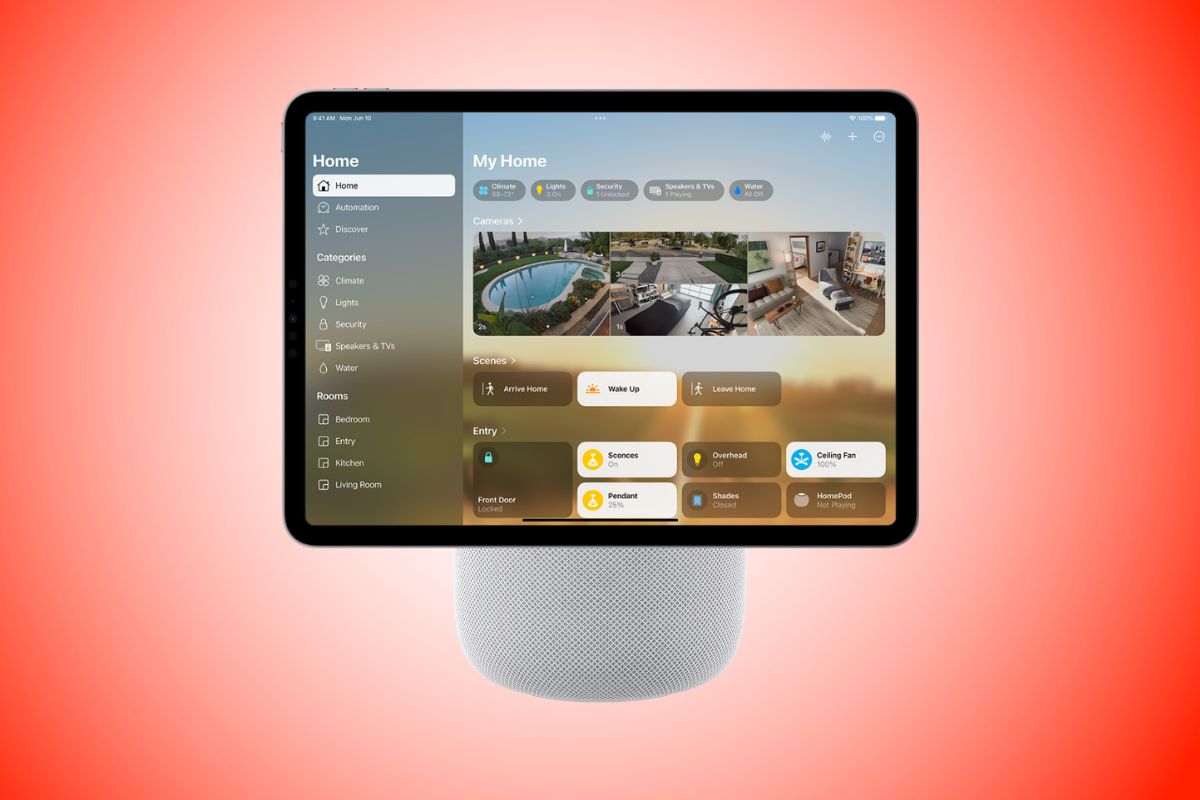
Apple’s forthcoming smart home hub will borrow heavily from one of the company’s most recognizable Macs, with a square display mounted above a dome-shaped base reminiscent of the iMac G4.
The device is scheduled to be unveiled October 13 alongside new HomePod mini and Apple TV models, according to a new Bloomberg report.
Apple has developed countertop and wall-mounted versions of the hub, with the countertop model using a rounded metal arm that extends from a perforated dome containing its speakers and microphones.
The iMac G4 influence is hard to miss
The roughly 6-inch display is about as thick as an iPhone, surrounded by a quarter-inch black bezel with rounded corners.
You can manually tilt the screen forward or backward on the countertop model, while a rubberized bottom keeps the base in place. The hub has no physical volume or power buttons, and it needs to remain connected to power over USB-C.
The wall-mounted version, internally code-named J491, replaces the dome with a flat square base beneath the display.
Apple expects the hub to handle smart home controls, FaceTime calls, music, photo slideshows, intercom-style communication, and kitchen tasks such as looking up recipes or playing videos.
The company has designed it with the expectation that some households will eventually have several units spread across different rooms.
It knows who’s standing in front of it
The hub can recognize people by their face or voice and change what appears on screen accordingly, including personal calendar information and other individualized content.
When it doesn’t recognize the person approaching, a visitor mode keeps personal information from appearing.
The facial recognition system isn’t as precise as Face ID, so an iPhone can be used as a second form of authentication when necessary.
In darker rooms, an Edge Light feature similar to the one on Macs illuminates the area around the display to help the camera identify who’s standing in front of it.
Apple has built the interface from familiar pieces of its existing software. The home screen uses Apple Watch-style app icons, while opening an app can bring up larger multi-panel layouts resembling an iPad.
Messages, for example, uses a two-pane layout. You can rearrange apps and widgets by pressing and holding the screen, while clocks and photo slideshows appear when the hub is idle.
Swiping up opens the full app launcher, with Calendar, Messages, Photos, FaceTime, Notes, Reminders, Music and Podcasts among the built-in apps.
One of the available clock faces even resembles a lava lamp, with the hour displayed digitally above the minutes.
Apple plans to unveil the hub on October 13 alongside its updated HomePod mini and fourth-generation Apple TV.

