How to Fix Apple Watch Stuck On Apple Logo
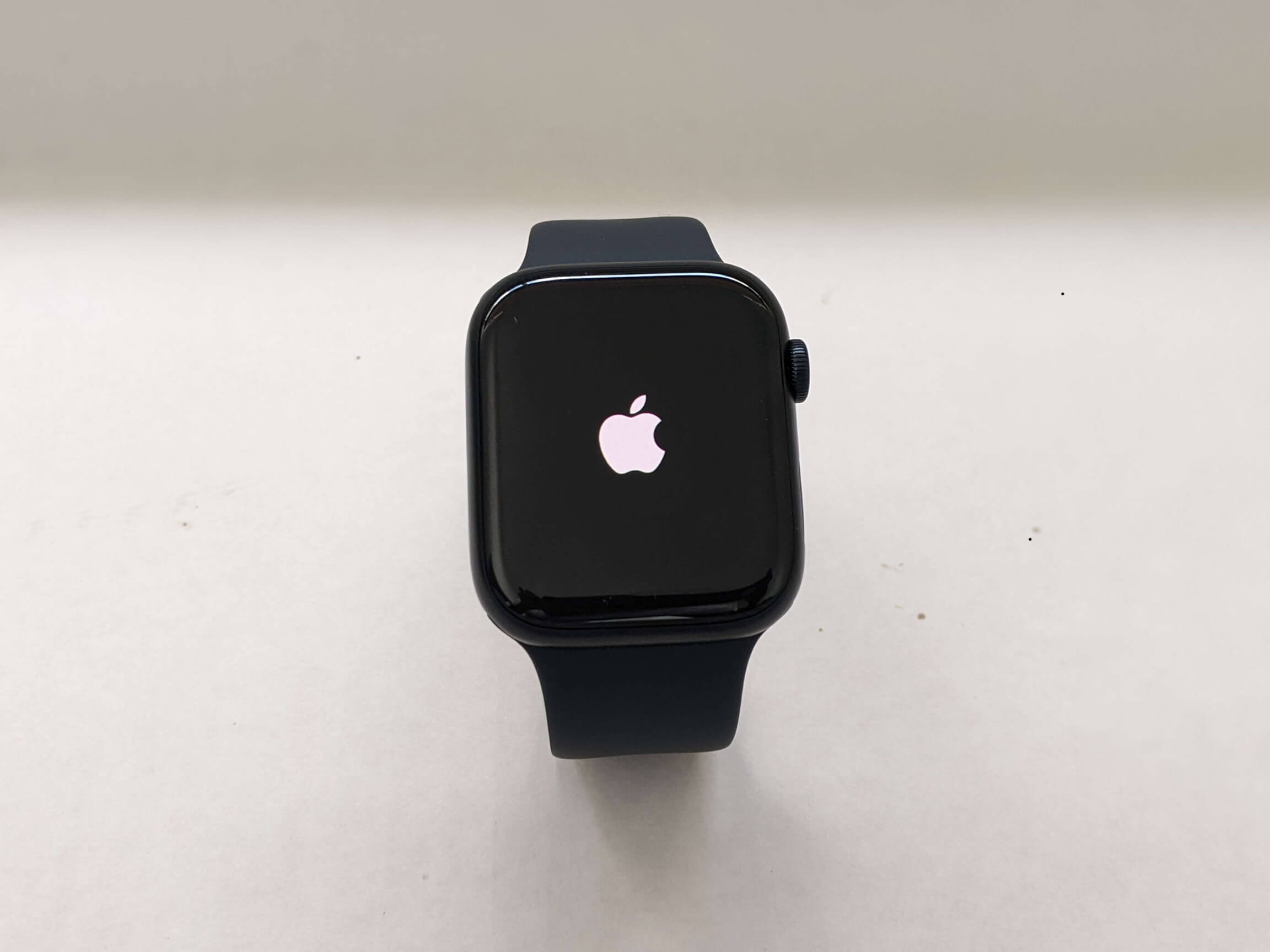
This troubleshooting guide will step you through possible fixes for when your Apple Watch is stuck on the Apple logo.

Learn how to get the most out of your Apple devices with our step-by-step tutorials covering iPhone, iPad, Mac, Apple Watch, iOS, and macOS. Our beginner-friendly guides simplify complex features so you can use your Apple tech with confidence.
Get the best Apple insights, tips, and future Apple Watch updates every Friday in just 5 mins.
This troubleshooting guide will step you through possible fixes for when your Apple Watch is stuck on the Apple logo.

Getting “Unfortunately, Settings has stopped” on your Android screen? Follow the troubleshooting guide to get rid of this issue fast.
This article walks you through some of the ways to fix it when your Apple Watch is unable to check for update.
Getting speech services waiting for network connection error on your Android phone? Don’t worry, just check out our troubleshooting guide.
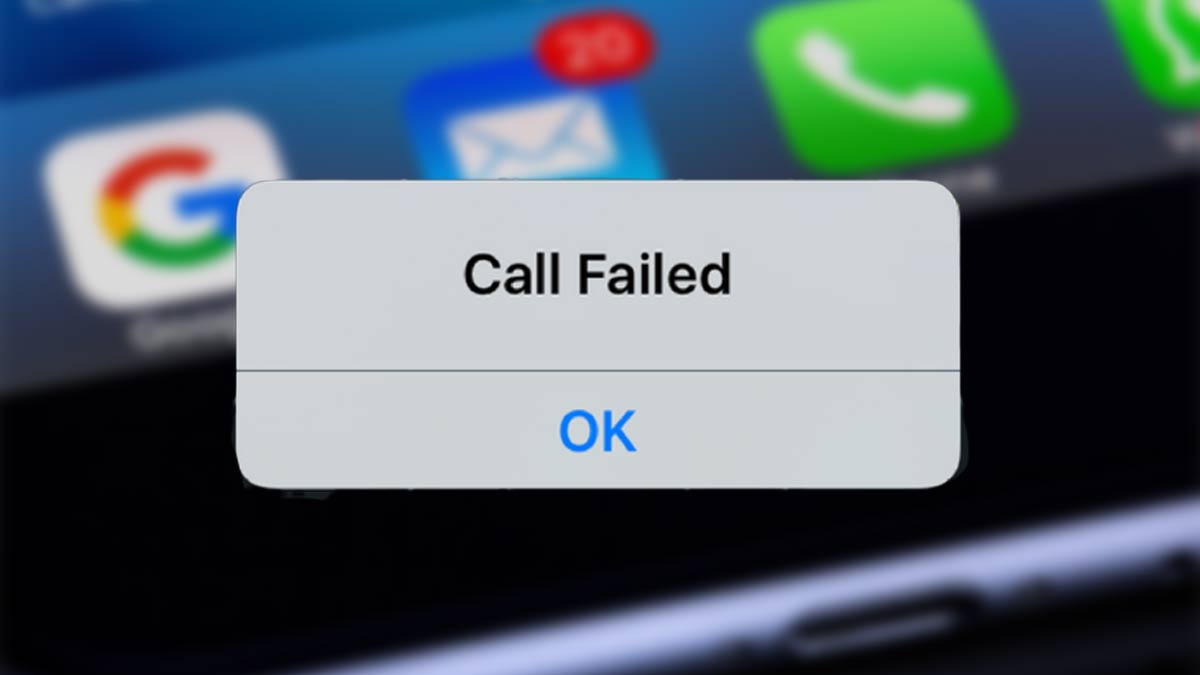
If you try to make a phone call and get an iPhone call failed error, this troubleshooting guide will help you figure it out and get the issue fixed ASAP.

You want to make a call, but your iPhone says No SIM Card Installed? The DIY solutions in this guide will help you get rid of this error.

Is your Apple Watch stuck on preparing/verifying update? This guide walks you through several troubleshooting steps you can try.
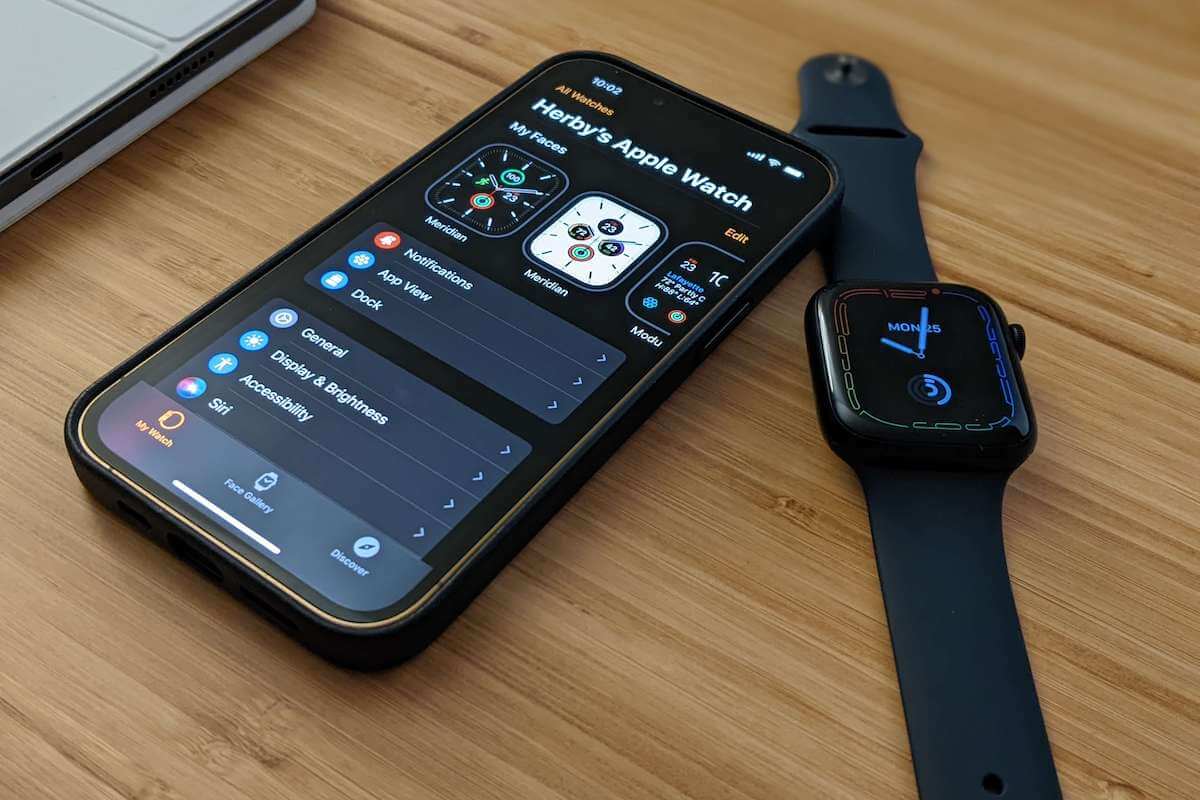
Having problems with your Apple Watch not syncing with your iPhone? This guide walks you through several troubleshooting steps you can try.

Is it happening to you that your AirPods constantly cutting off and disrupting your calls? If so, here are eight solutions you can try.
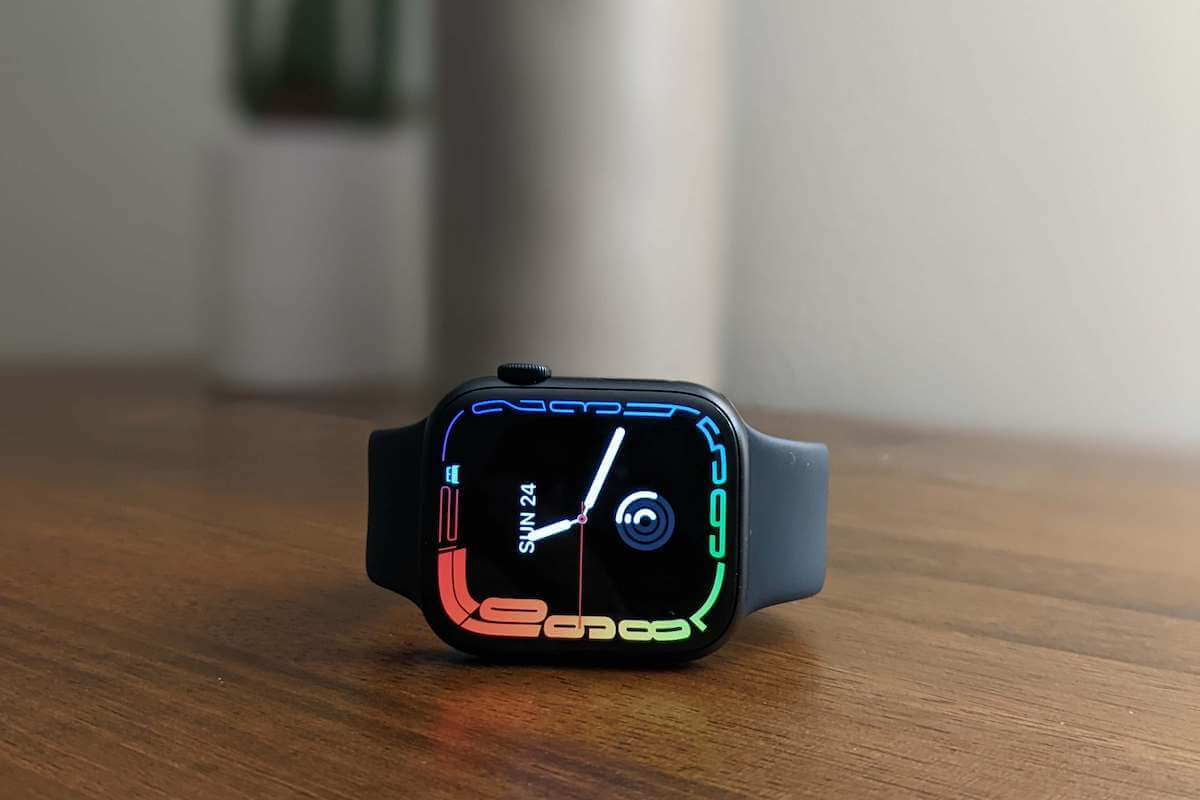
Got bored of the default Apple Watch face? Here’s how to change your Apple Watch face from your iPhone or the watch itself.
Gotechtor participates in various affiliate marketing programs, which means we may get paid commissions on editorially chosen products purchased through our links to retailer sites.
