Apple Watch Not Pinging iPhone? (Try this Fix!)

Is your Apple Watch not pinging your iPhone? Don’t worry. Here’s how to fix it when your Apple Watch stops pinging your iPhone.

Learn how to get the most out of your Apple devices with our step-by-step tutorials covering iPhone, iPad, Mac, Apple Watch, iOS, and macOS. Our beginner-friendly guides simplify complex features so you can use your Apple tech with confidence.
Get the best Apple insights, tips, and future iPhone updates every Friday in just 5 mins.
Is your Apple Watch not pinging your iPhone? Don’t worry. Here’s how to fix it when your Apple Watch stops pinging your iPhone.

Voicemail unavailable on iPhone can lead to missing out on many important messages. Try the following solutions to fix it.
Google Maps is one of the best navigation apps, but it can be erratic at times. Here’s how to fix it when Google Maps keeps crashing.
Is Google Maps not talking or giving directions? Don’t worry, follow these troubleshooting steps to fix this problem quick and easily.
If your Android phone displays “Sent as SMS via server” under your texts, here’s what that means and how to fix it.
If you encounter the “iPhone Storage Not Loading” problem while you’re checking your storage, don’t worry. Here’s to fix this problem.

Can’t add card to Apple Pay? Don’t worry. These troubleshooting steps will show you how to fix this problem quickly and easily.

If your Android phone keeps turning off, follow these troubleshooting tips to stop your phone from shutting off on its own.

If your phone displays IMS registration not registered, follow these troubleshooting steps in this guide to get rid of this error message.
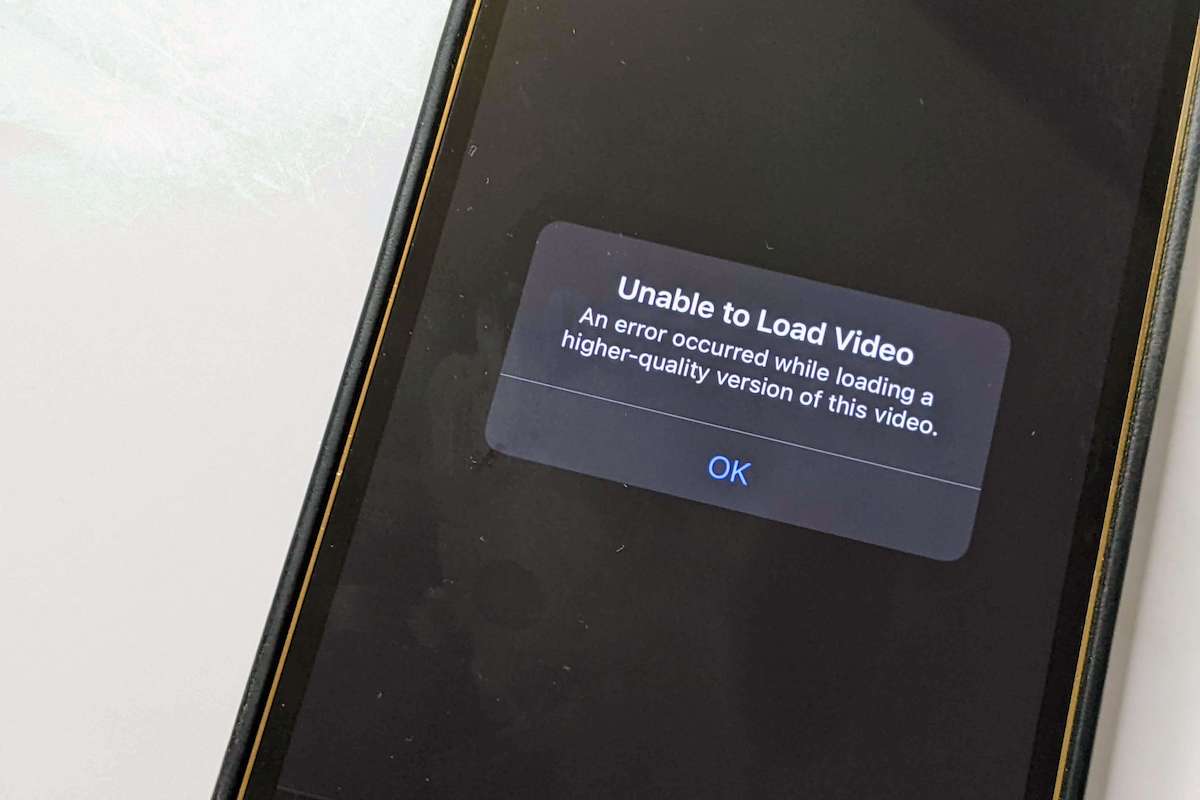
Apple device owners often experience the annoying “Unable to load video iPhone” issue, but there are solutions you can try out to fix it.
Gotechtor participates in various affiliate marketing programs, which means we may get paid commissions on editorially chosen products purchased through our links to retailer sites.
