
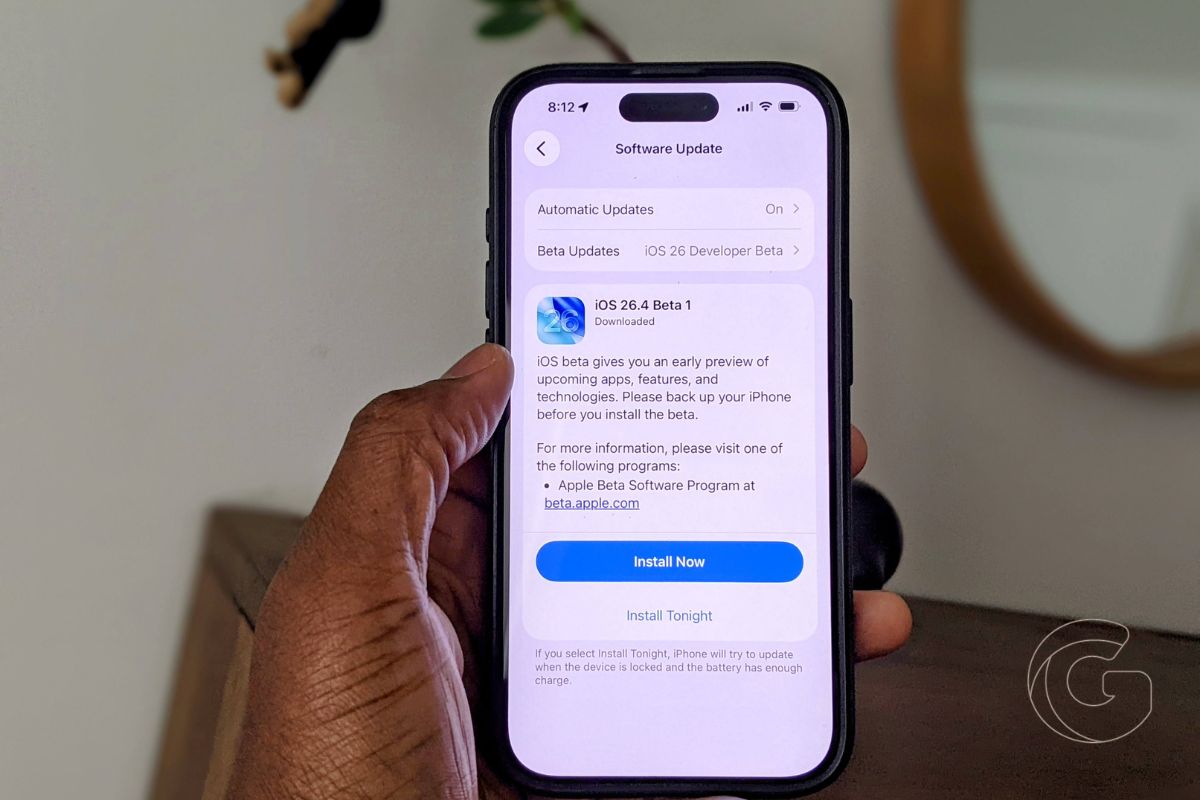
Apple released the first developer beta of iOS 26.4 on Monday, arriving just a week after iOS 26.3 landed. This update skips the rumored Gemini-powered Siri upgrade that had people buzzing until recently.
Instead, Apple focused on meaningful improvements to Apple Music and Podcasts, plus a long-awaited security feature for cross-platform messaging.
The beta is currently limited to developers, but a public version should be released within the next couple of weeks. iOS 26.4 will launch this spring as part of the broader iOS 26 release cycle. Here’s what’s actually new and worth paying attention to.
Apple Music Gets an AI Playlist Builder
The most entertaining new addition is Playlist Playground, tucked inside Apple Music. You type in whatever you’re feeling, and it builds you a 25-song playlist around that idea.
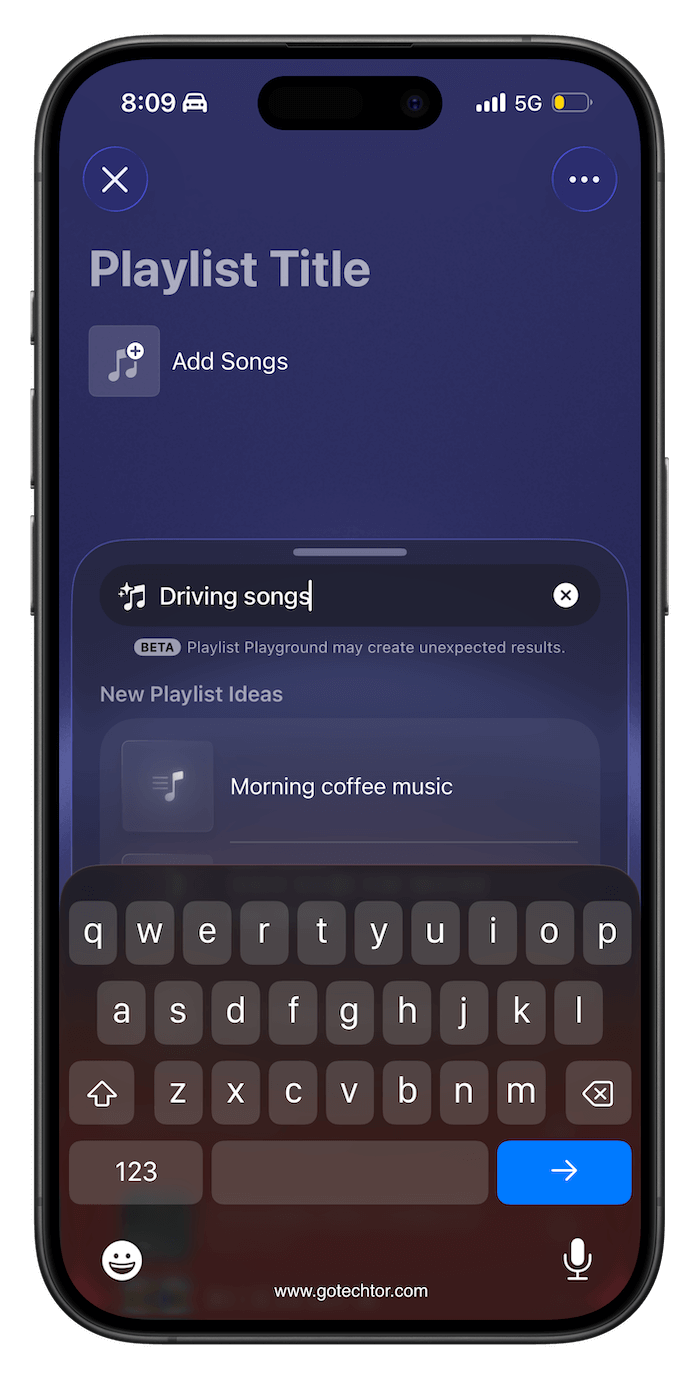
Apple preloads starter prompts for inspiration, but you can be as specific as you want. After the initial playlist is generated, you can continue refining it by adding follow-up text, selecting a cover image, and writing your own description.
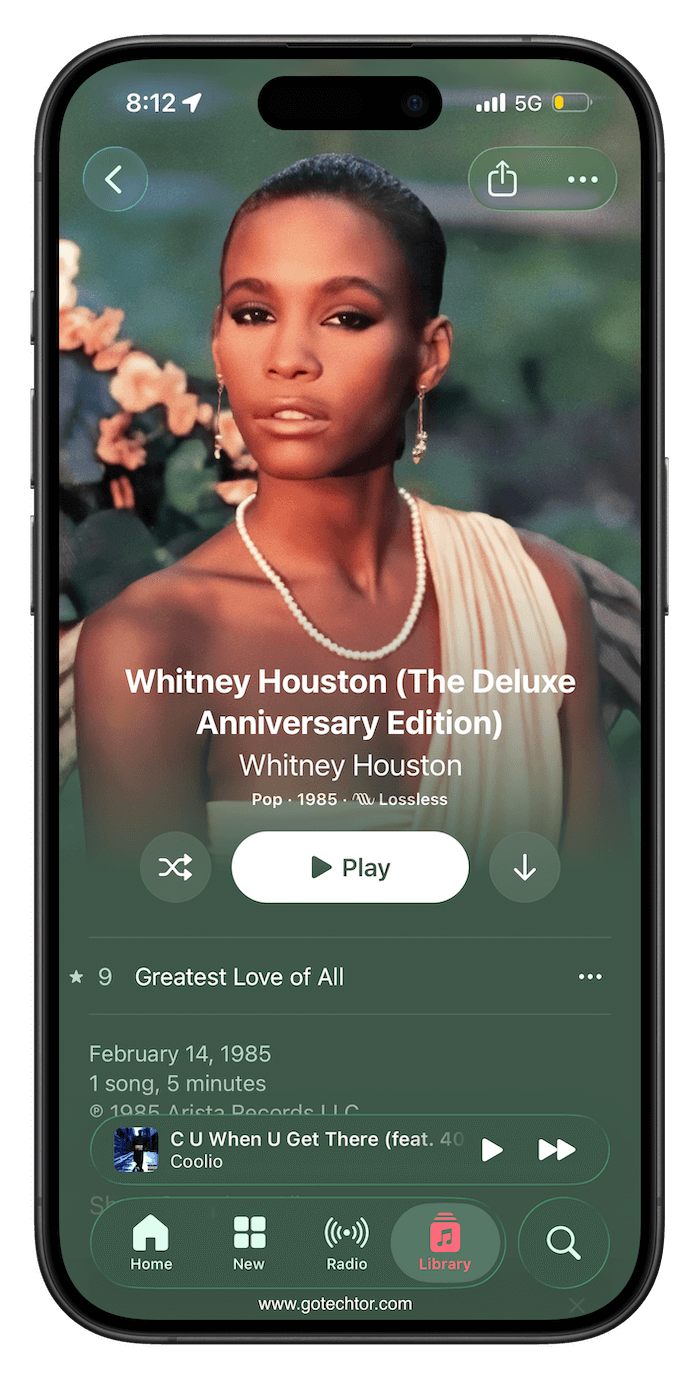
Apple Music also has a refreshed look for albums and playlists, with full-page artwork taking center stage.
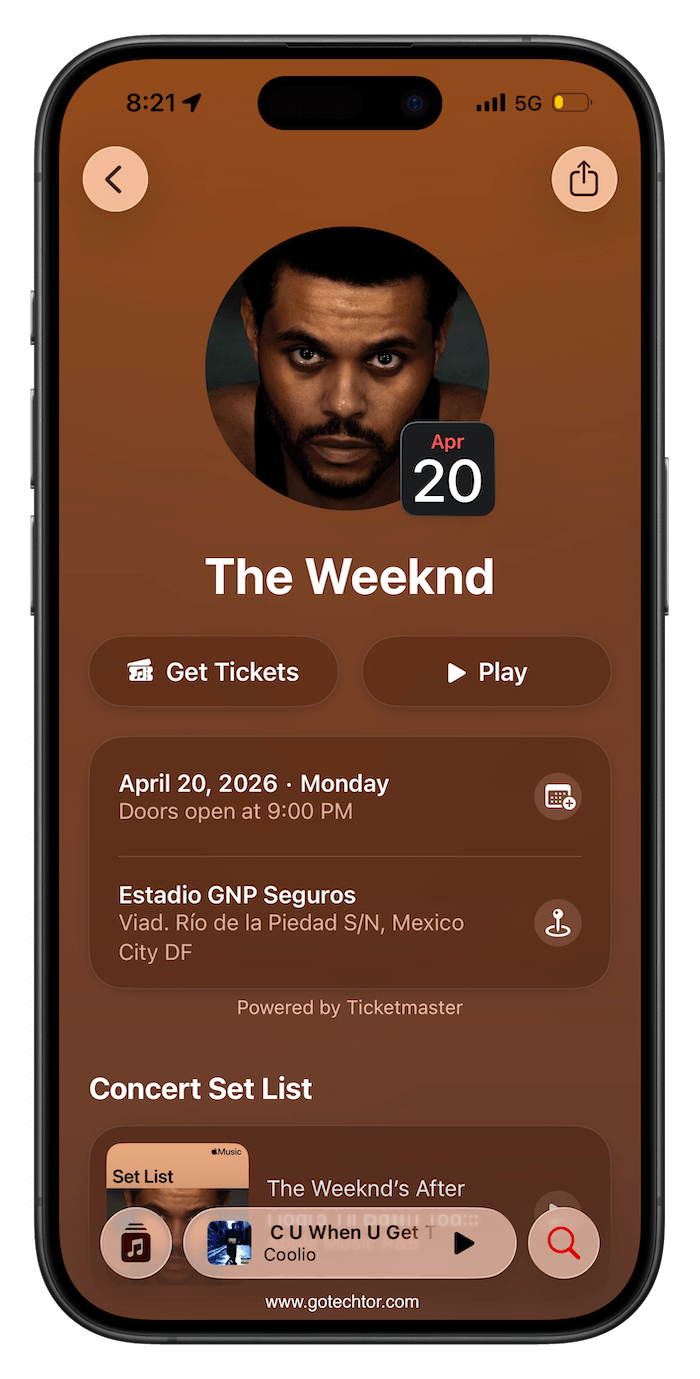
A Concerts Near You feature rounds things out by surfacing local shows and tour dates for artists already in your library.
Video Podcasts Are Finally Coming to Apple’s App
Apple Podcasts is getting video support in 26.4, using HTTP Live Streaming to keep playback smooth across both Wi-Fi and cellular.
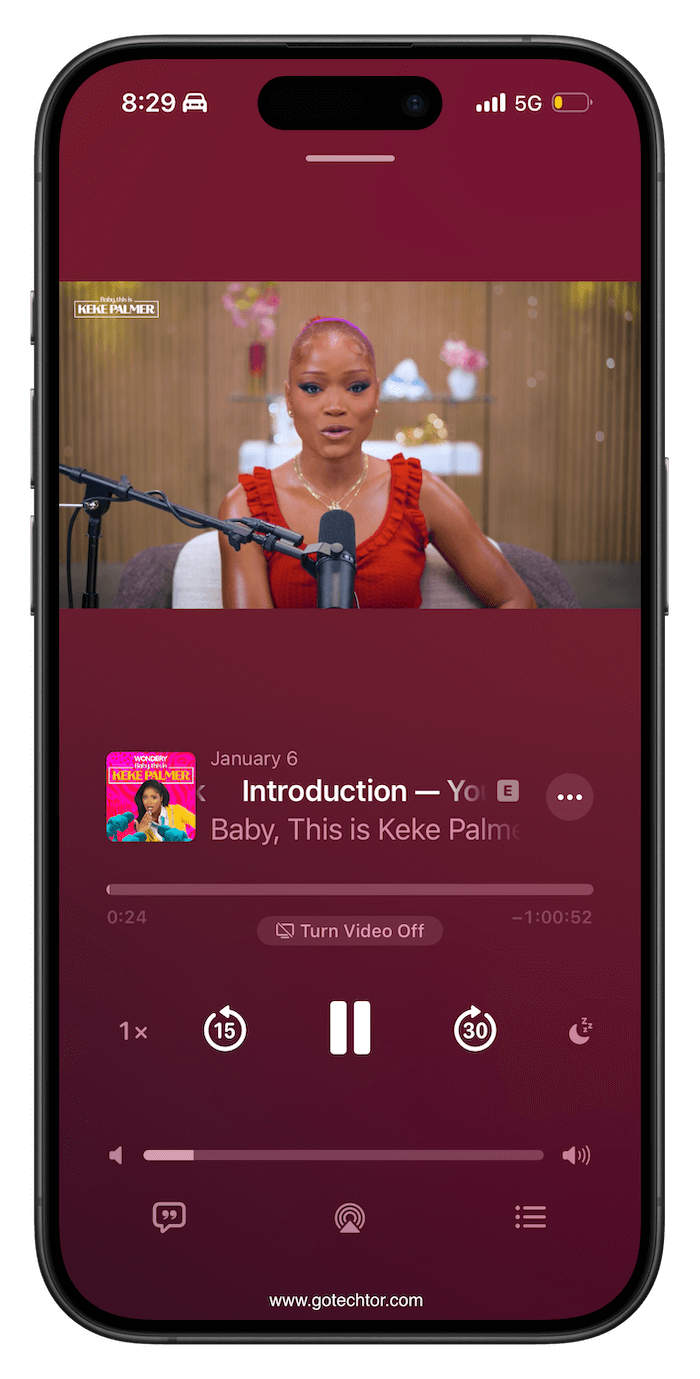
Episodes can be downloaded for offline viewing, and you can switch between watching and listening at your convenience. The recommendations you already receive from Apple Podcasts also apply to video content.
Stolen Device Protection Is Now On by Default
When Apple introduced Stolen Device Protection in 2023, you had to go hunt it down in Settings and switch it on yourself. That changes with iOS 26.4, which enables it by default.
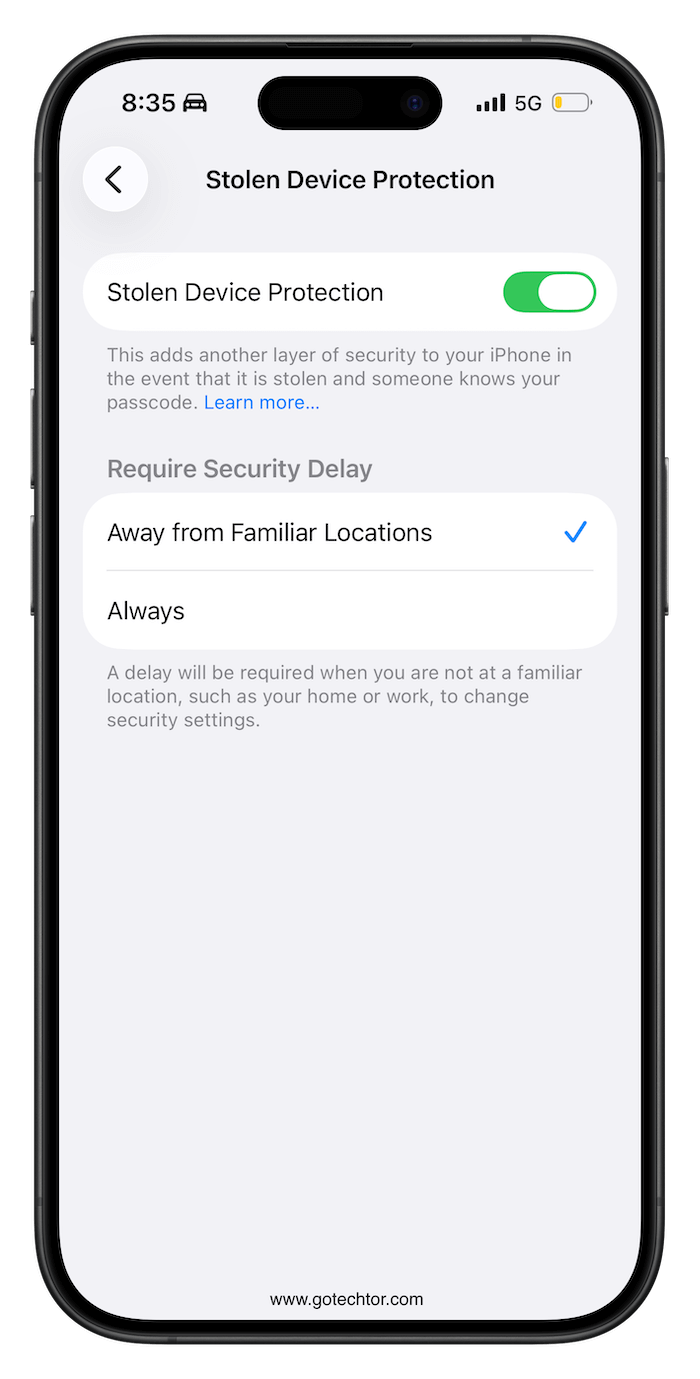
The feature was built specifically to counter a theft method in which someone would watch you type your passcode, then steal your phone.
With Stolen Device Protection active, accessing sensitive areas like your passwords, Find My, or Safari purchases requires Face ID or Touch ID.
Some of those actions also carry a one-hour delay, buying you time to lock things down remotely if your phone goes missing.
Cross-Platform Texting Is Getting a Security Upgrade
Apple is testing end-to-end encryption for RCS messages in this beta, in collaboration with the GSM Association.
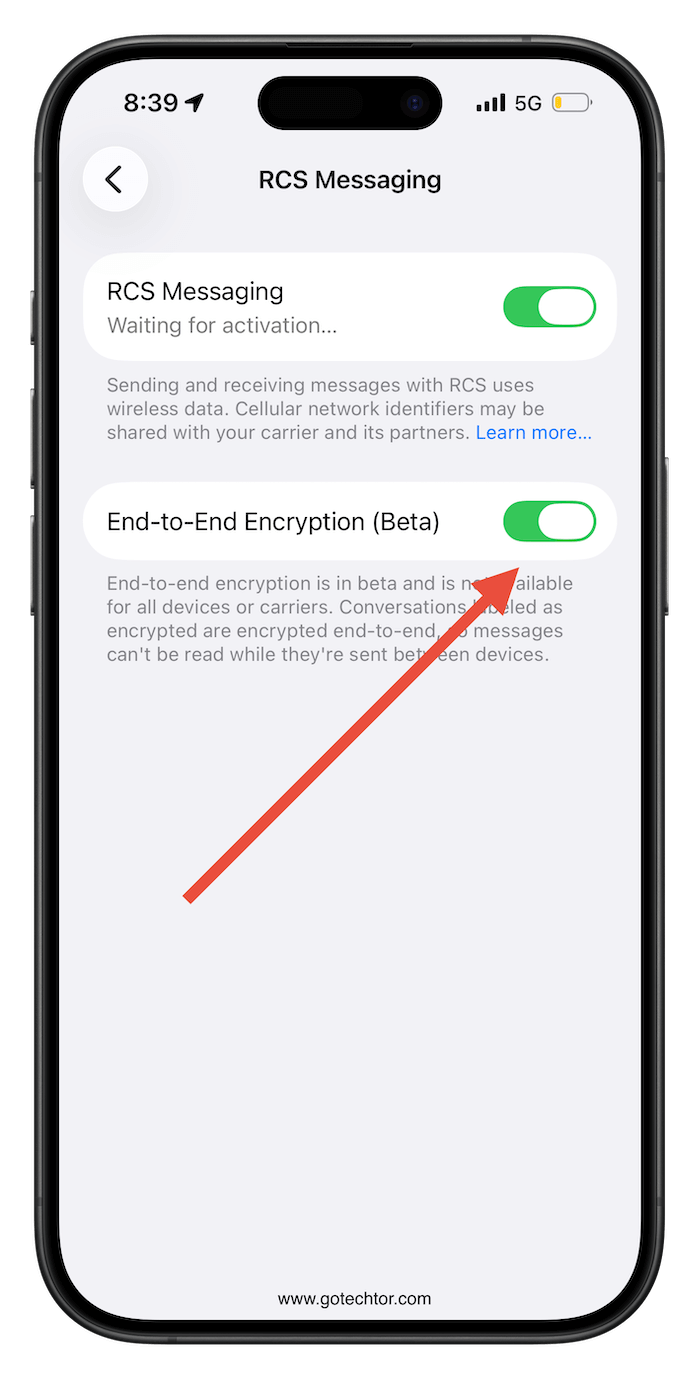
iMessage has always had E2EE baked in, and Android handles it within its own ecosystem, but conversations crossing between iPhones and Android phones have never had full encryption until now.
The initial testing covers iPhone-to-iPhone RCS, with Android conversations coming in a later iOS 26 update. Encrypted messages get a lock icon in the conversation so you can see at a glance whether your chat is protected.
Camera
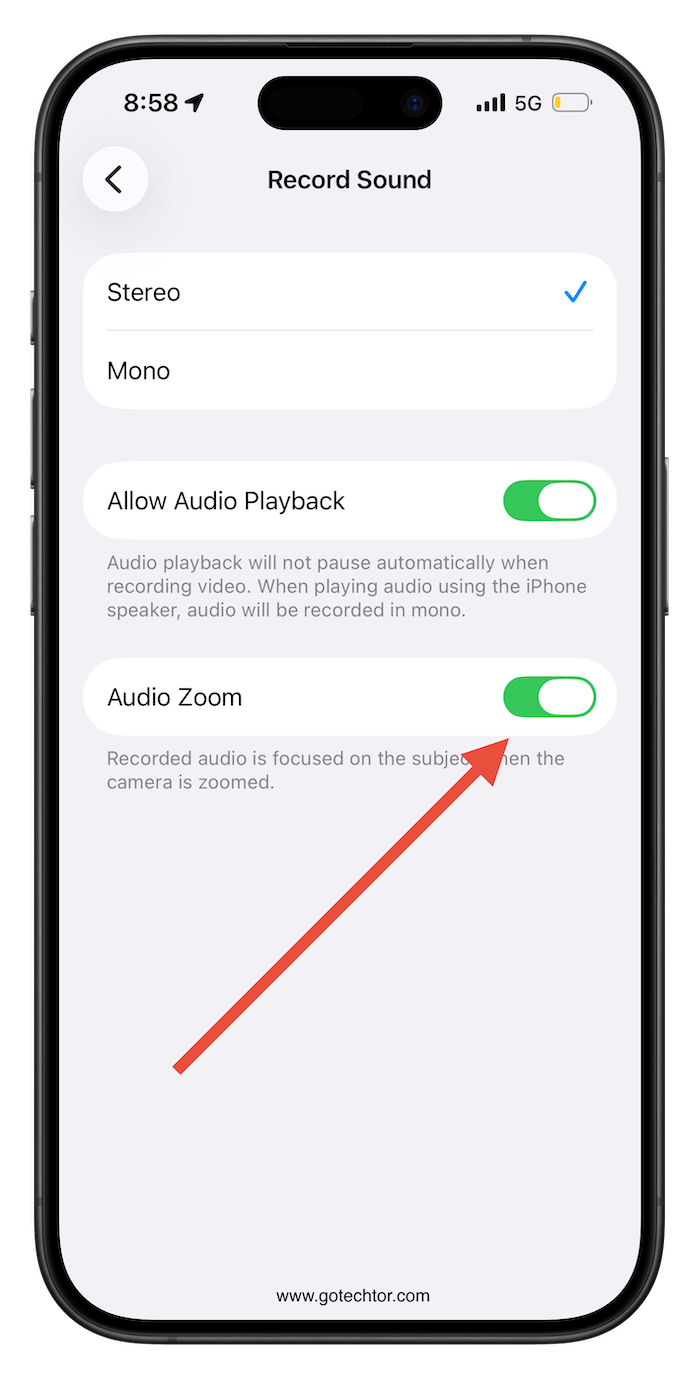
The Camera app’s Settings section now includes a new “Audio Zoom” toggle. When activated, this feature dynamically adjusts audio focus to match the camera’s zoom level during video capture, allowing users to enable or disable it as needed.
A Few Smaller Changes Worth Noting
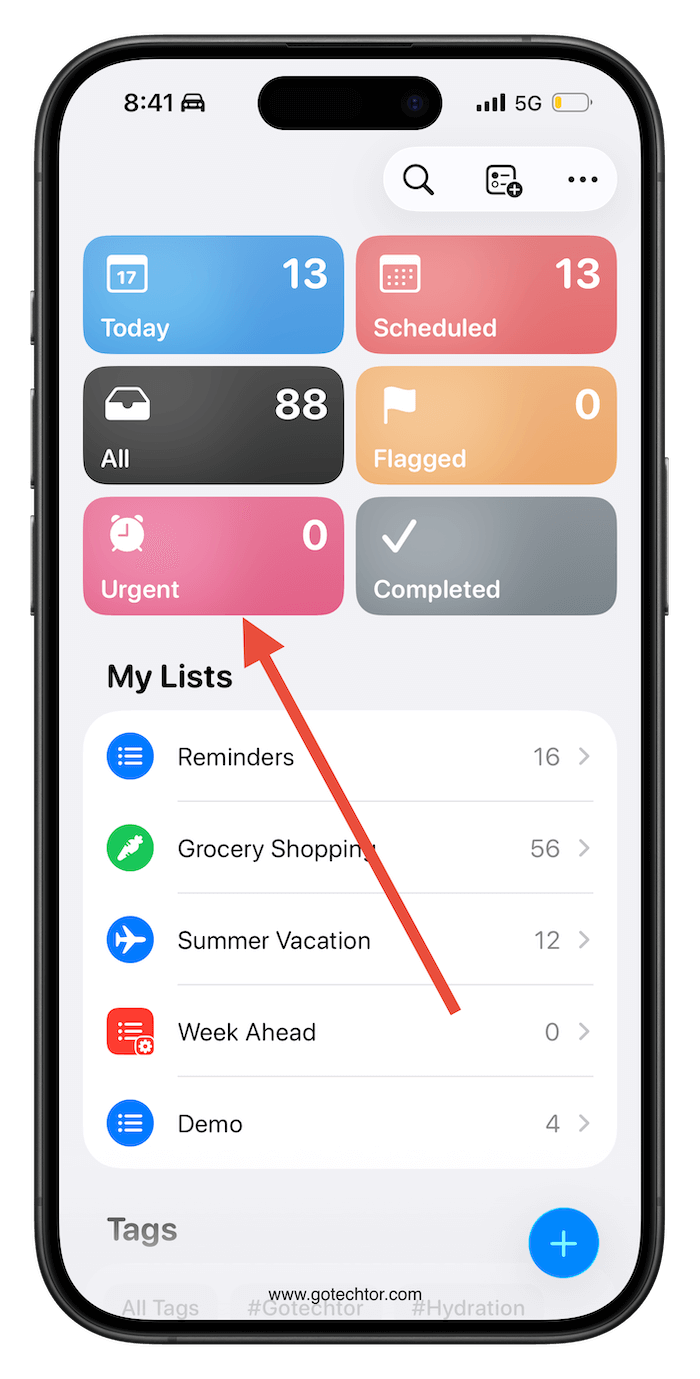
Reminders now has an Urgent section. Flag a reminder as urgent during setup, and it automatically gets an alarm attached, so it actually breaks through when the time comes.
There’s a new Ambient Music widget for the Lock Screen and Home Screen, with audio options built around sleep, focus, and general wellness.
Freeform is getting a Creator Studio subscription tier with premium graphics, illustrations, and AI image tools. The app also has a new icon.
The App Store, Apple Music, and a handful of other apps are switching to a unified Apple Account hub.
App updates now require two taps, instead of appearing at the bottom of your profile, and the search bar moves to the top of the screen.
EU iPhone users are getting two features that were pulled from iOS 26.3 before launch. Notification Forwarding, which sends iPhone alerts to a third-party wearable, and possibly Proximity Pairing, which lets accessories connect with a one-tap process similar to how AirPods work.
Worth noting that turning on Notification Forwarding for a third-party device means your Apple Watch stops receiving those same notifications.

