
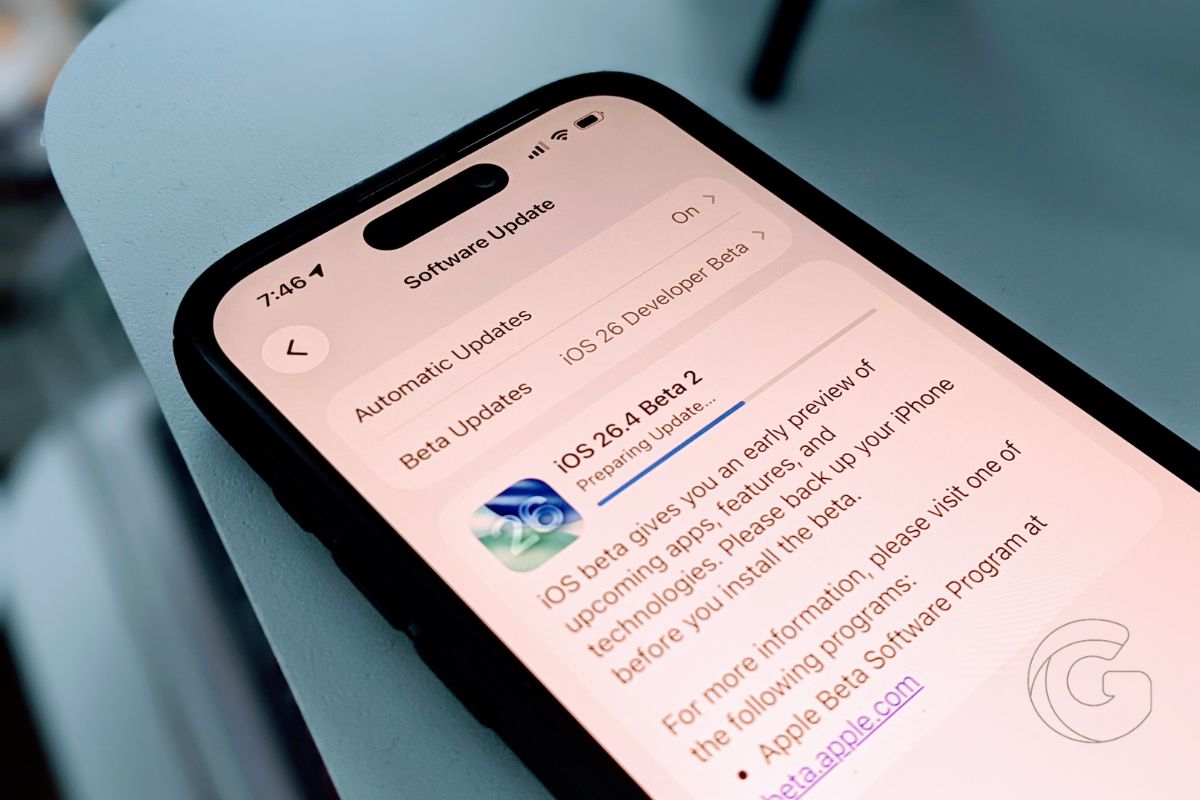
Apple has released iOS 26.4 beta 2 to developers, with the public beta expected shortly.
The update focuses on stability, messaging security, and system performance rather than major feature additions.
It also arrives alongside updates for iPadOS, macOS, watchOS, tvOS, HomePod software, and visionOS. Here is what changed and what I am seeing so far.
RCS Encryption Now Shows Up in Android Conversations
RCS messaging continues to expand. In beta 2, I now see “RCS Encrypted” at the top of the list of supported conversations with Android devices.
In Beta 1, this behavior was inconsistent. Now it appears properly labeled when carrier support is in place.
That matters for anyone who regularly texts outside the Apple ecosystem. Encryption status is visible inside the thread, so there is no guessing about whether messages are protected.
The Charging Issue Is Fixed
The biggest improvement for me is charging reliability. In earlier builds, plugging into certain USB-C PD chargers did not always trigger charging as expected. That issue is no longer happening on my device.
I have tested multiple chargers since installing beta 2, and charging initiates immediately and remains stable. If you were running into that bug, this update is worth installing for that alone.
System Data Storage Is Back to Normal
Storage reporting also looks more stable. Previously, I saw system data climbing higher than expected.
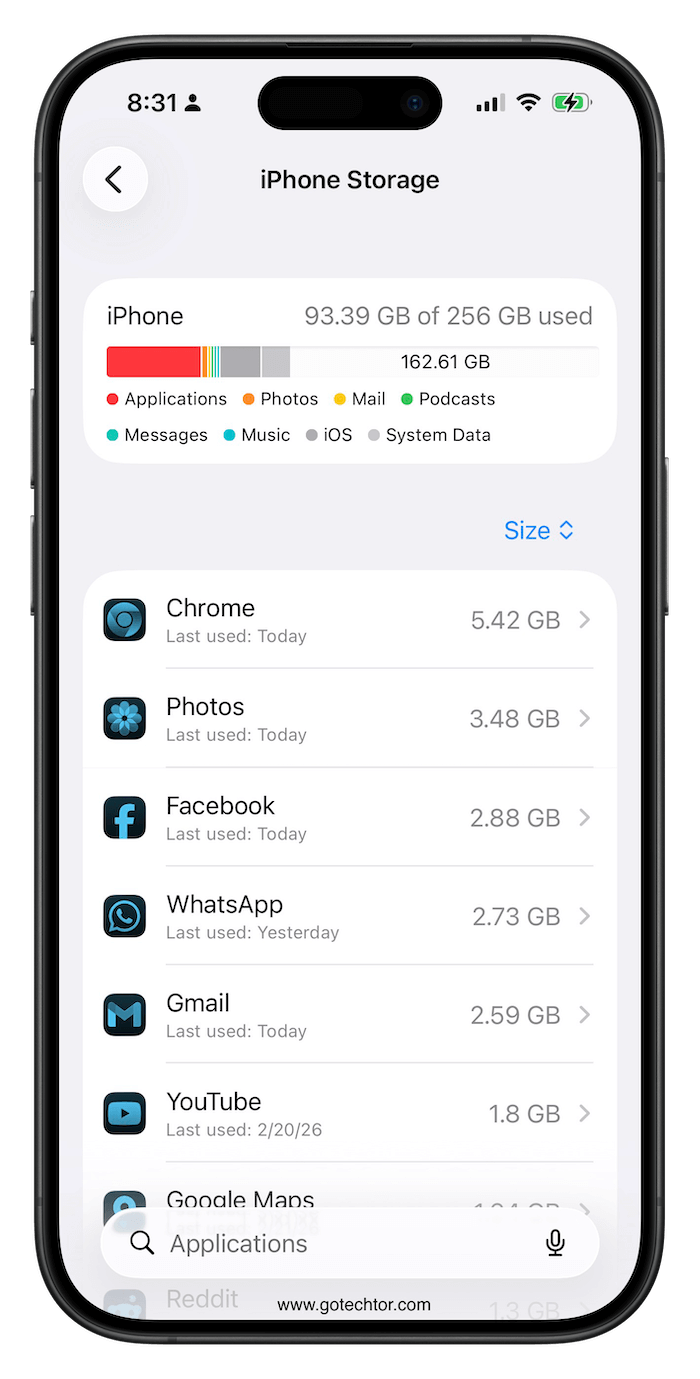
After installing beta 2, my storage numbers look consistent again. iOS and system data fluctuate slightly due to caching, but I am not seeing unusual spikes.
Under Settings > General > iPhone Storage, system data is at a reasonable level and behaving normally.
Also: The Apple Watch killer nobody wanted is being built by the one person you trust least with your data
Small Interface Refinements
The Home Screen edit menu looks more translucent. Control Center pop-out panels have a darker glass appearance. The App Store search layout is now consolidated at the bottom, and the same structure appears in other apps as well.
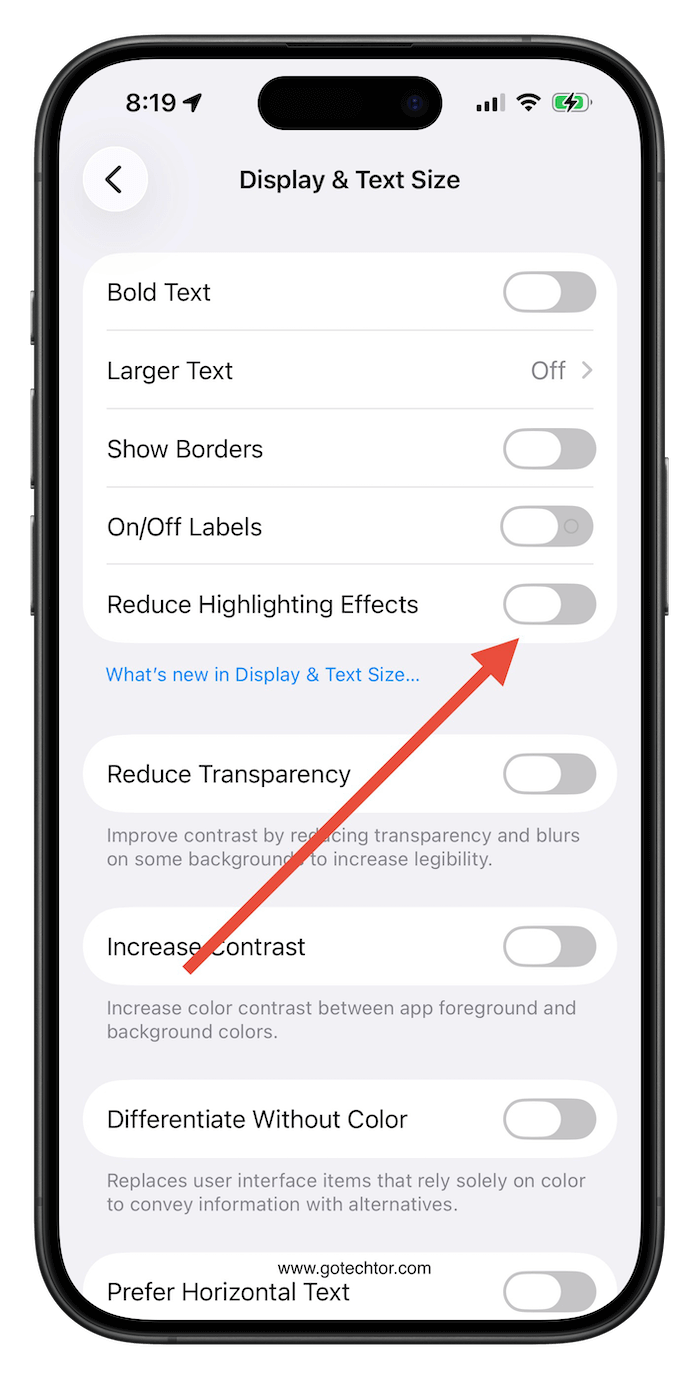
There is also a new Accessibility option called “Reduce Highlighting Effects” under Display and Text Size. After turning it on, I do not see a dramatic change, but the interface feels slightly toned down in certain areas.
The Ambient Music widget now reads “Play Pure Meditation,” which replaces the previous category-only labeling.
Apple Music and App Updates
Playlist Playground in Apple Music is still available on my device. I can type in a mood or theme, and it generates a playlist based on that description. It responds quickly and builds a list within seconds.
Apple Sports has also been updated separately, adding expanded NCAA tournament coverage and broader soccer support in select regions.
I also saw a splash screen in Podcasts highlighting video podcast features introduced in the previous beta.
Also: iOS 26.3 quietly fixes the most frustrating iPhone problems and almost no one is talking about it
Performance and Battery Results
Performance feels strong right away. Scrolling is smooth, animations are fluid, and app switching is quick. Heat management has been controlled on my device after installation.
Battery life is showing improvement. On the first day with beta 2, I used 59% of the battery with just over 6 hours of screen-on time. That is better than what I experienced in earlier builds.
If you are already on beta 1, I recommend installing beta 2. Charging reliability and storage stability alone make it the best build so far.

