
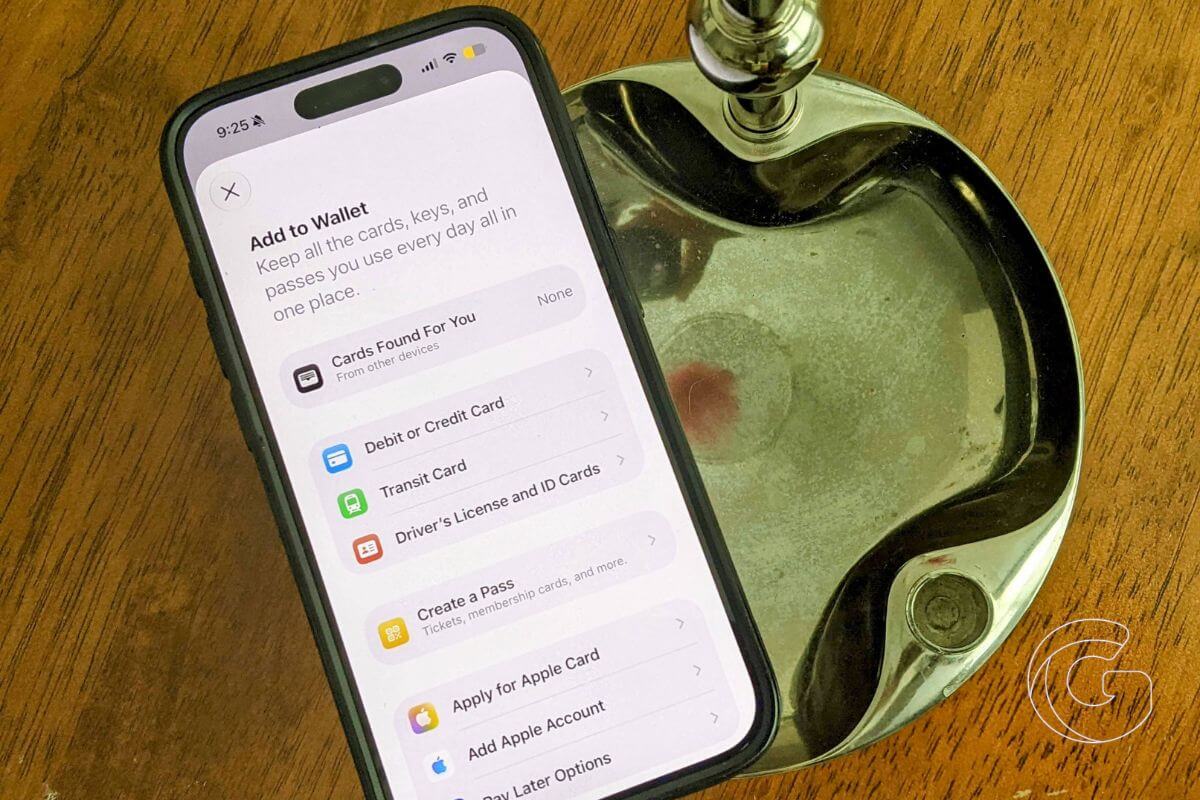
Most people carry a wallet stuffed with loyalty cards, membership cards, and gift cards they rarely touch.
The friction of finding the right card, remembering which app it lives in, or just forgetting it exists at home kills the habit before it starts.
iOS 27 fixes that with a camera scan that turns any physical card into a digital pass in seconds. Now, you can point your iPhone at the barcode, and it lands in Apple Wallet, ready to scan at checkout.
Camera Scan Turns Any Physical Card Into a Digital Pass
With the new Siri mode in the Camera app, you can just point your iPhone at any physical card with a barcode like a grocery rewards card or gym membership and save it straight to Apple Wallet.
When you need it, just pull up the barcode or QR code on your screen for the cashier to scan. It’s a massive time-saver if you’re tired of fumbling through your pockets or wallet while a line forms behind you.
Also: Apple just decided free iPhone users don’t deserve full AI access — here’s what you’re losing
Splitting a Restaurant Bill Just Got Painless
Apple is finally killing off the awkward post-dinner math debate. In iOS 27, you can just scan a restaurant receipt using Siri mode in the Camera app, and Apple Intelligence will itemize the bill.
Once everyone selects what they actually ate, the system automatically adds the appropriate tax and tip, then sends an Apple Cash request via Messages or Wallet.
As long as you’re in the U.S., it completely replaces the need for third-party splitting apps.
Also: iOS 27 may help millions of AirPods owners discover features they never knew they already had
Hotel Keys Now Know Your Entire Stay
Hotel keys in Apple Wallet have always been pretty basic, but iOS 27 is finally making them actually useful.
If you’re staying at a participating resort, your digital key will now pull in dynamic info like your activity schedule, dinner reservations, and real-time trip updates right below the badge.
Big players like Walt Disney World and Resorts World Las Vegas are already on board to support it, turning a simple digital key into a live itinerary.
Every Pass in Wallet Gets a Visual Upgrade
iOS 26 gave boarding passes a redesigned look with richer background images and information tiles below the pass.
iOS 27 extends that same treatment to every other pass type in Wallet, including loyalty programs, reward cards, membership cards, and gift cards.
Practically speaking, passes now show more useful information at a glance, without opening anything extra. Your coffee rewards balance is visible before you even reach the counter, that kind of thing.
Also: This hidden macOS 27 change suggests Apple’s next iPhone could do something current models can’t
Package Tracking Expands Beyond the U.S.
Apple Wallet’s order tracking feature, which lets you follow deliveries directly inside the app, was previously limited to the United States and the United Kingdom.
iOS 27 adds Australia and Canada. If you’re in either country and have been watching delivery emails pile up, Wallet can now consolidate them.
The public beta for iOS 27 drops in July, but if you’d rather wait for the final, polished release, that hits everyone’s phones this September. Keep in mind you’ll need an iPhone 11 or newer to run it.

