
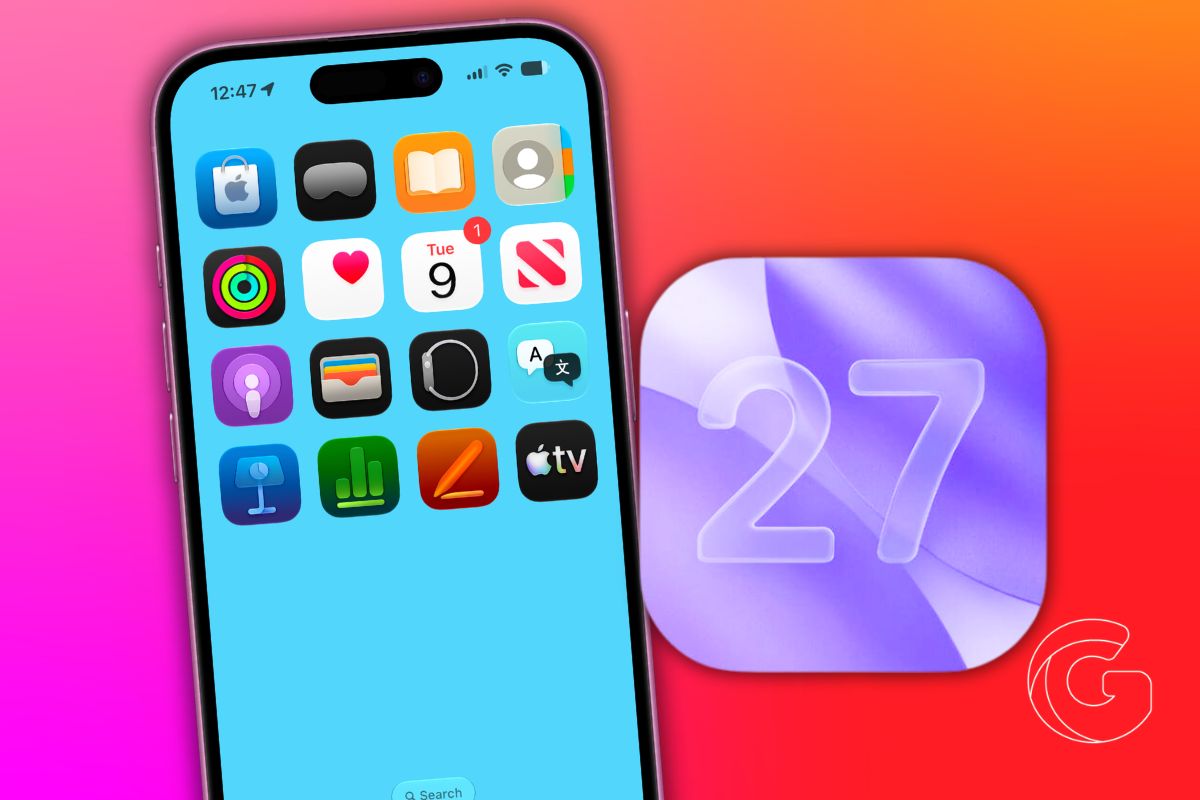
iOS 27 introduces a new recovery system that lets users troubleshoot a non-booting iPhone without needing a Mac or PC.
When an iPhone fails to start properly, users will be able to access a dedicated recovery interface by holding the side button during startup.
Instead of loading iOS, the device opens a separate screen with built-in tools including Recovery Assistant, Software Update, Diagnostics Mode, and options to erase or restore the device.
The interface also displays battery status and can connect to known Wi-Fi networks to complete recovery steps.
The most significant addition is the ability to reinstall iOS directly from the device. If an update fails or the phone becomes stuck in a boot loop, users can attempt a software reinstall without connecting to a computer.
Recovery Assistant is designed to automate parts of the process, running diagnostics and suggesting fixes based on what went wrong.
Until now, restoring a failed iPhone typically required a Mac or PC, along with Finder or iTunes and a wired connection. In some cases, especially after interrupted updates or beta software issues, that process could mean a full device restore.
The new approach brings iPhone closer to the recovery tools already available on Apple silicon Macs, which include a built-in recovery environment accessible at startup.
Apple is extending that model to mobile devices, reducing reliance on external hardware for system repair.
For most users, the feature will likely go unused. But in cases where a device gets stuck during an update or enters a restart loop, being able to recover directly on the iPhone could eliminate one of the most frustrating failure scenarios in iOS.
iOS 27 is currently in developer beta, with a public beta expected next month and a full release planned for later this year.

