
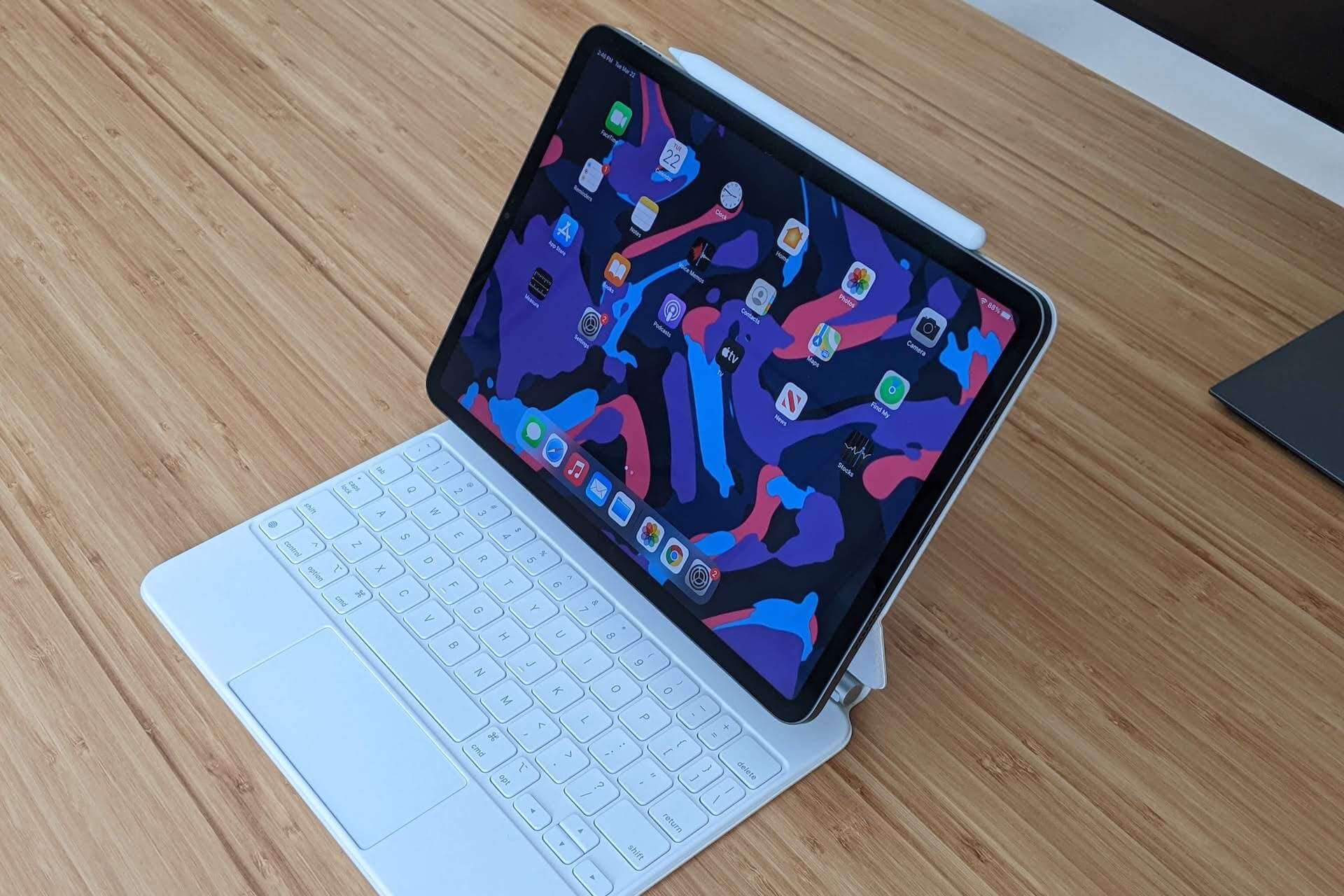
Apple is making it easier to resize windows on the iPad with a new double-tap gesture in iPadOS 27.3.
The feature lets you double-tap the top of any app window to expand it to full screen, then double-tap again to restore its previous size and position.
It also works with a trackpad using a double-click, giving users a quicker way to switch between full-screen apps and multiple windows.
How to Enable the New Window Gesture
The setting is turned off by default in the current iPadOS 27.3 beta.
To enable it:
- Open Settings on your iPad.
- Go to Multitasking and Gestures.
- Find the new window double-tap option below Windowed Apps.
- Turn it on.
Once enabled, double-tap the top of an app window with your finger or double-click it with a trackpad to expand it. Repeat the gesture to return the window to its original size.
A Welcome Fix for iPad’s Window Controls
Apple’s desktop-style windowing system gives iPad users more flexibility when working across multiple apps, but resizing windows hasn’t always been convenient.
The traffic light window controls can shift position or disappear depending on the window’s size, making them difficult to reach when using touch.
The new gesture offers a simpler alternative without requiring keyboard shortcuts or searching for those controls.
It’s particularly useful when switching between reading an article in full screen and working with several apps side by side.
Apple introduced its more advanced windowing system in iPadOS 26 and has continued refining the experience in subsequent updates.
The double-tap gesture is currently available in the iPadOS 27.3 beta. Apple hasn’t announced a public release date, and the feature could still change before the final update arrives.

