
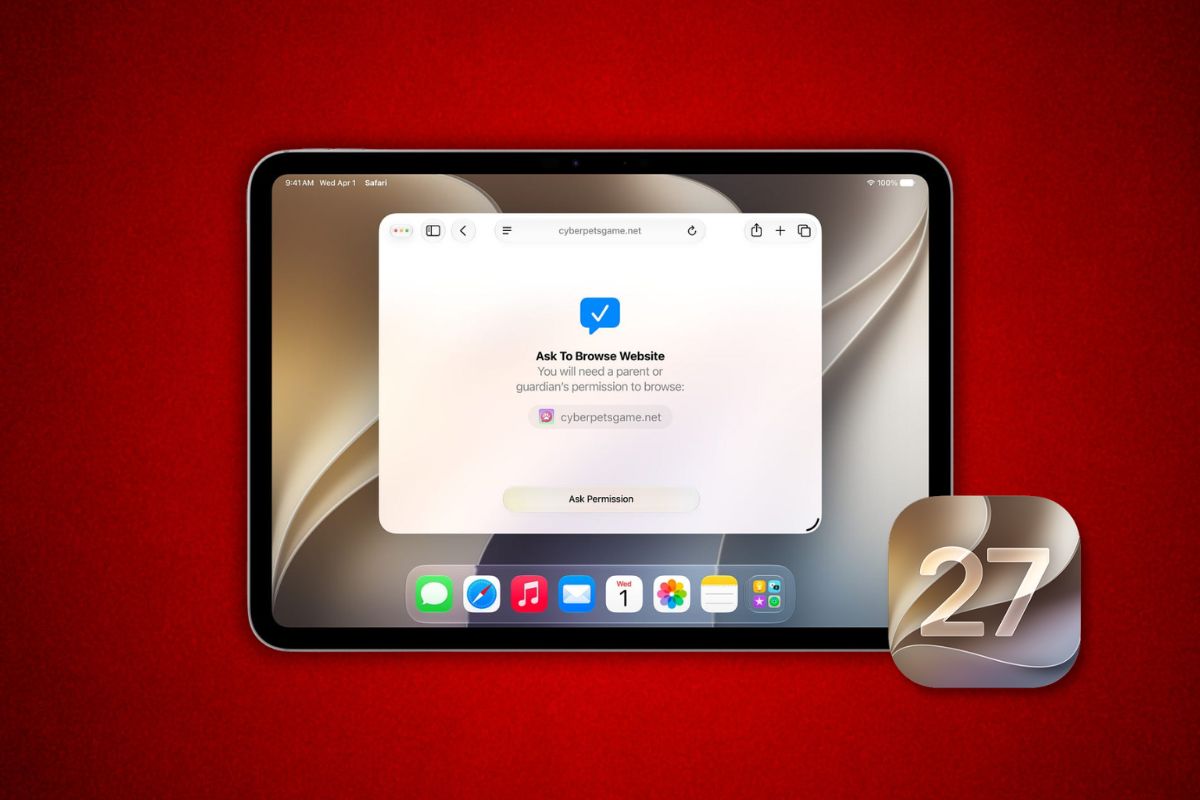
Apple rolled out iPadOS 27 public beta 2 on Tuesday, mirroring the fourth developer build released earlier this week. The latest update packs minor tweaks across the TV app, audio controls, and Photos.
One of the more useful additions is a new Automatic Downloads option inside the Apple TV app. Subscribers who follow ongoing series can now have the latest episodes saved to their devices without having to manually queue them.
This will come in handy especially for people who watch on planes, trains, or anywhere else without reliable Wi-Fi.
AirPods and Control Center Get New Customization Options
AirPods users gain a more granular say over how Adaptive mode behaves. Previously, Adaptive mode handled environmental audio automatically, with minimal user input.
The updated Control Center lets owners tune that behavior to their preference directly from the lock screen shortcut, skipping a trip into Settings.
Siri also picks up a small but practical change. Users can now set how many lines of preview text appear for each previous conversation in the Siri app, making it easier to scan older chats without scrolling through walls of text.
Photos Adds a Fill Option for Displayed Images
The Photos app includes a new Zoom Photos to Fill toggle. For users who find that certain images display with empty space around them in album views or slideshows, the setting forces photos to expand and cover the full frame.
The change is cosmetic, but it addresses a complaint that has circulated among iPad users for several software generations.
Beyond those additions, the update also brings bug fixes, performance refinements, and updated splash screens for Siri AI and several system apps.
How to Install the Public Beta
Enrollment is free at beta.apple.com. After signing up and following the setup instructions, the beta appears inside Settings under Software Update on any eligible device.
The program is open to anyone with a supported iPad, iPhone, Apple TV, or HomePod running the corresponding platform.
Apple typically delays public betas by at least a day after developer builds ship. The gap gives the company time to catch critical bugs before releasing pre-release software to a broader audience that may be running it on a primary device.

