
Apple opened the macOS 27 Golden Gate public beta to all Mac users on July 13, giving anyone with a compatible Mac the ability to run the software ahead of its fall release. Unlike the earlier developer builds, this version requires no paid developer account.
The update arrives with one immediately practical fix: Spotlight search, which became unreliable on macOS Tahoe 26, has been largely restored.
For users who rely on Spotlight to launch apps, find files, or run quick calculations, that regression had quietly made daily Mac use more frustrating over the past several months.
What Most Users Will Actually Notice
Siri receives its most substantial overhaul in years. The assistant can now read through your Messages and Mail history after an initial indexing process, then answer questions or act on requests based on that content.
Asking Siri to find a specific conversation thread or summarize recent emails becomes practical in ways it previously was not.
Apple also revised the Liquid Glass visual design that debuted in macOS Tahoe 26, where the effect drew mixed reactions.
Windows and menus now use a consistent corner radius rather than adjusting based on the content inside, which gives the interface a more uniform appearance across apps.
Shortcuts, historically one of the more intimidating corners of macOS, now accepts plain-language prompts to build automations.
Instead of assembling a sequence of steps manually, users can describe what they want and let the system construct the shortcut.
Safari gains a related feature that generates browser extensions from natural-language instructions, without requiring any coding knowledge.
How to Install the Public Beta
Three rounds of developer testing preceded this release, and the build has been generally stable, though Safari has shown occasional performance and memory issues.
The Spaces feature has also been affected by ongoing infrastructure changes Apple is making under the hood. Stability can shift between beta releases, so installing on a primary Mac carries real risk.
To get started, visit beta.apple.com and enroll your Mac in the public beta program. Then open System Settings, go to General, select Software Update, and tap the info button next to Beta Updates.
From the dropdown, choose macOS 27 Golden Gate Public Beta, then hit Done. The update will appear in the standard software update queue from there.
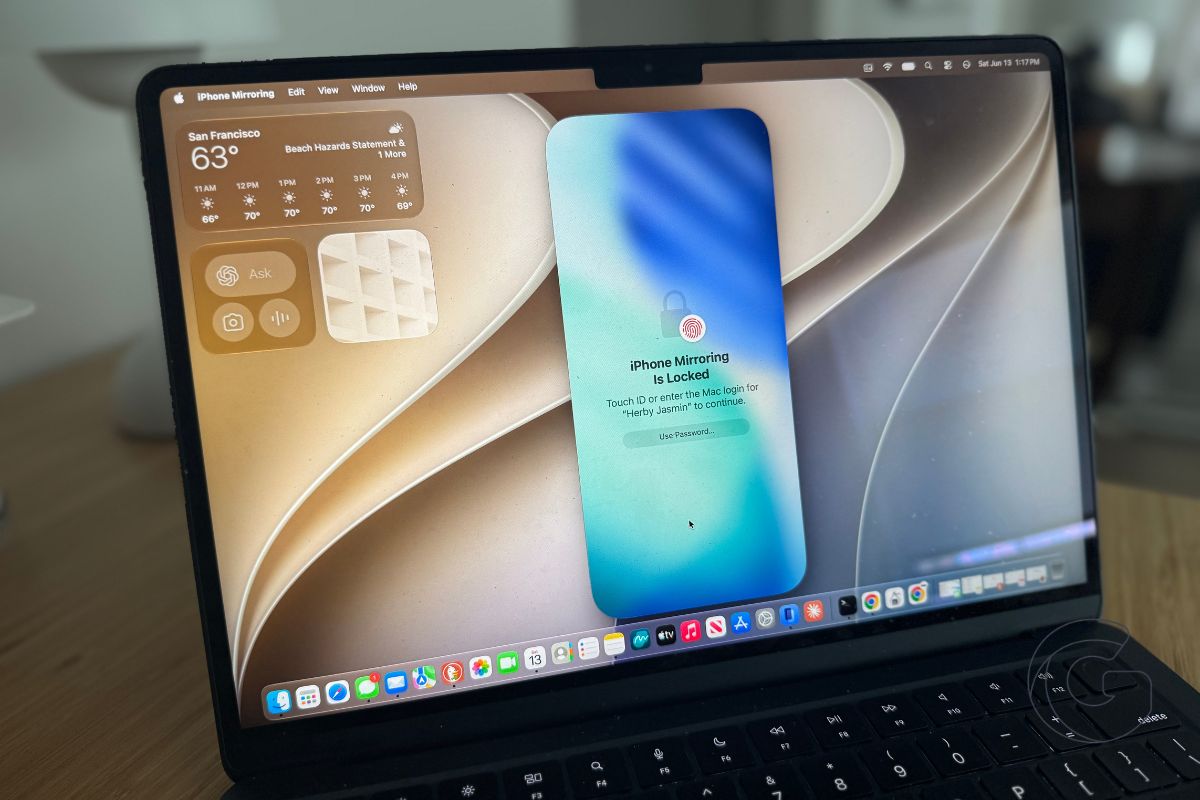
iPhone Mirroring also picks up support for more flexible aspect ratios in this release. Apple has not explained the change officially, but the adjustment aligns with design patterns that would make sense for a foldable iPhone display, a device the company is expected to release in the coming product cycle.

