If Your iPhone Is Full of Random Screenshots, iOS 27 May Have Just Solved a Problem You Didn’t Know You Had
Snap a photo of a flyer and iOS 27 fills in your calendar automatically. Here’s what the new natural language features actually do.
Apple’s Call Context feature pulls reservation details from your inbox mid-call, on-device only. Here’s what that privacy distinction actually means for you.
Apple once blocked photorealistic AI images on purpose. iOS 27 quietly reverses that call — here’s what changed and why it matters.
iOS 27’s Ask to Browse flips the internet from open-by-default to closed-until-approved. Here’s what that means for your family this fall.
Apple Intelligence is coming to the Home app with auto-generated camera summaries and smarter alerts. Here’s what actually changes for you.
iPadOS 27 drops five iPad models that still run iPadOS 26. Here’s which devices make the cut and what the update actually changes.
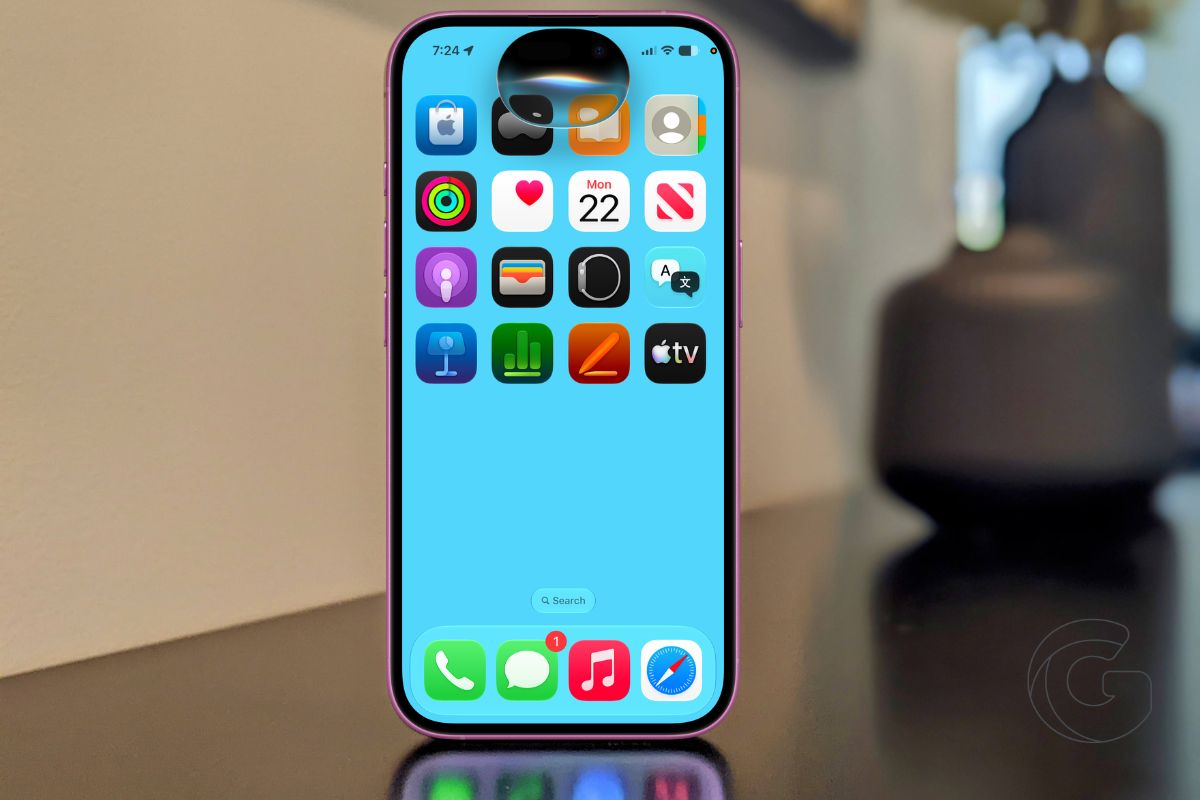
iOS 27 puts Siri AI on your device but locks it behind a waitlist. Here’s what you actually get, who’s left out, and how to get access.
Apple’s updated Safari can watch any webpage and alert you to changes automatically. Here’s what that actually means for how you browse.
Apple’s Spatial Reframing feature changes where you were standing in a photo after the fact. Here’s what that actually means for your memories.
iOS 27 lets you describe any automation in plain English and Apple Intelligence builds the Shortcut for you. No setup, no action blocks, no confusion.