
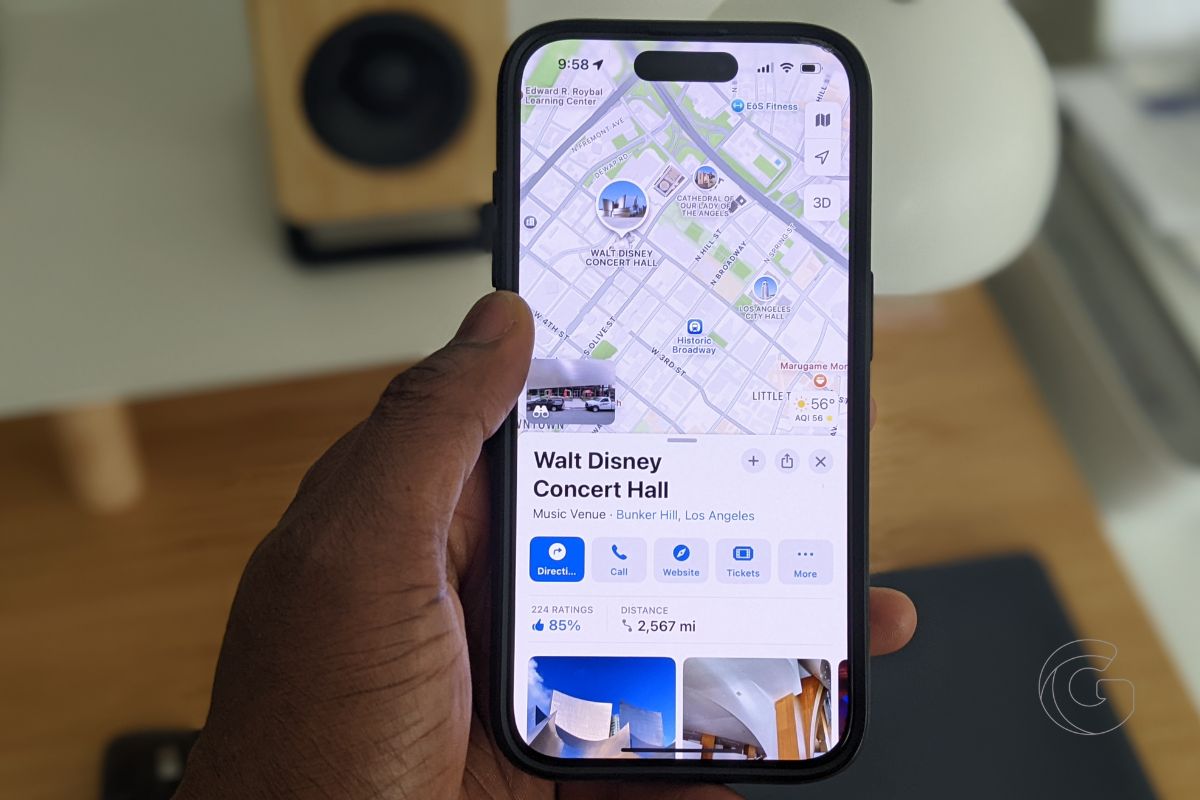
I don’t blame you if you’ve been using Google Maps for years. It’s been the default choice for directions, restaurant reviews, and exploring new cities for what feels like forever.
But here’s the thing: Apple has been playing the long game. With iOS 18, it pulled off something surprisingly clever that Google still doesn’t offer.
Let’s talk about Notes in Apple Maps. Now, don’t feel bad if you’ve never heard of it. Apple didn’t exactly roll out the red carpet for this feature.
It’s tucked away behind the “Save” button on any location listing. But once you know where to look, it changes how you use the app entirely.
When you tap that little “+” to save a place, you’ll suddenly see a new section appear: Add a Note. It’s just for you, only visible on your device, and you can type whatever you want.

A reminder to try the lavender latte at that new café. Notes about parking near your dentist’s office. Even a quick blurb about which hotel room had the best view on your last trip.
That might not sound earth-shattering at first, but think about it: Google Maps has lists, sure, but no personal note-taking that actually lives on the map itself.
Also: Apple finally fixed the most frustrating thing about Apple Maps—and it’s perfect now
Apple is giving users a low-key way to personalize their navigation experience without cluttering the screen. It’s part digital notebook, part travel diary, and part memory keeper, all built into the one app you already use to get around.

I’ve been using this feature nonstop while planning weekend food crawls and marking hidden gems around Los Angeles. And honestly, it’s made Apple Maps feel smarter and more personal than Google Maps ever has.
If you’ve written off Apple Maps in the past, now’s a good time to give it another look. Between the cleaner UI, better offline support, and smart touches like this notes feature, it’s clear Apple isn’t just catching up anymore. In some ways, it’s pulling ahead.
Have you tried adding notes in Apple Maps yet? If not, go save a place, scroll down, and see what you’ve been missing.

