
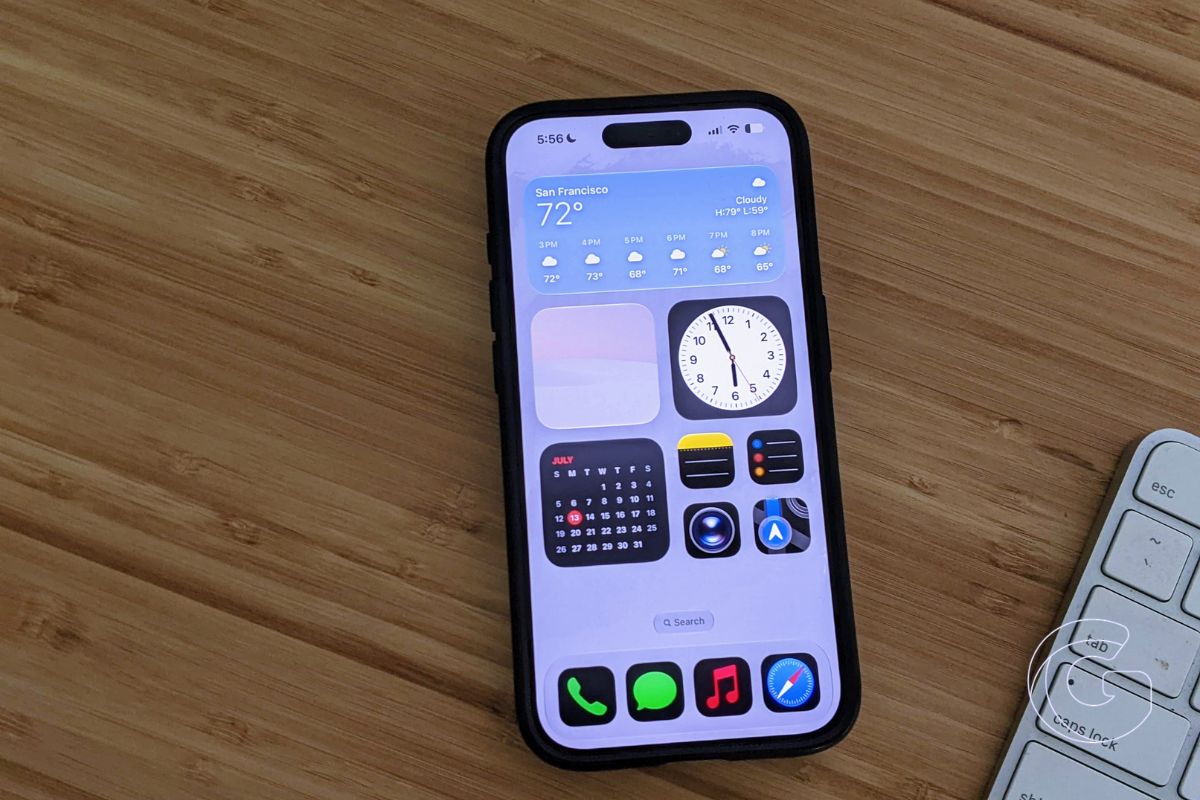
Apple opened the iOS 27 public beta to all iPhone users on July 13, bringing a rebuilt Siri, speed improvements that reach back to the iPhone 11, and a new set of parental controls that parents have been asking for since Screen Time launched in 2018.
Anyone with a free Apple ID can enroll at beta.apple.com, navigate to Settings > General > Software Update > Beta Updates, and select iOS 27 Public Beta.
Apple recommends backing up your iPhone before installing, since beta software can introduce bugs and battery drain.
Siri Gets a Full Rebuild
The new Siri works differently from every version that came before it. Apple rebuilt its assistant around Apple Intelligence, enabling it to maintain context during back-and-forth conversations.
The system can now retrieve buried information across core apps like Mail, Messages, and Calendar and take actions directly within them.

Responses surface from the Dynamic Island. Pulling down on a response opens the full conversation thread. A new standalone Siri app stores your history and syncs it privately through iCloud.
Siri also gained the ability to read onscreen content and pull details from some third-party apps as of the most recent developer beta.
The Camera app now includes a Siri mode for Visual Intelligence. Pointing your camera at a membership barcode lets Siri convert it into a Wallet pass. Photographing an event flyer lets Siri add it to Calendar.
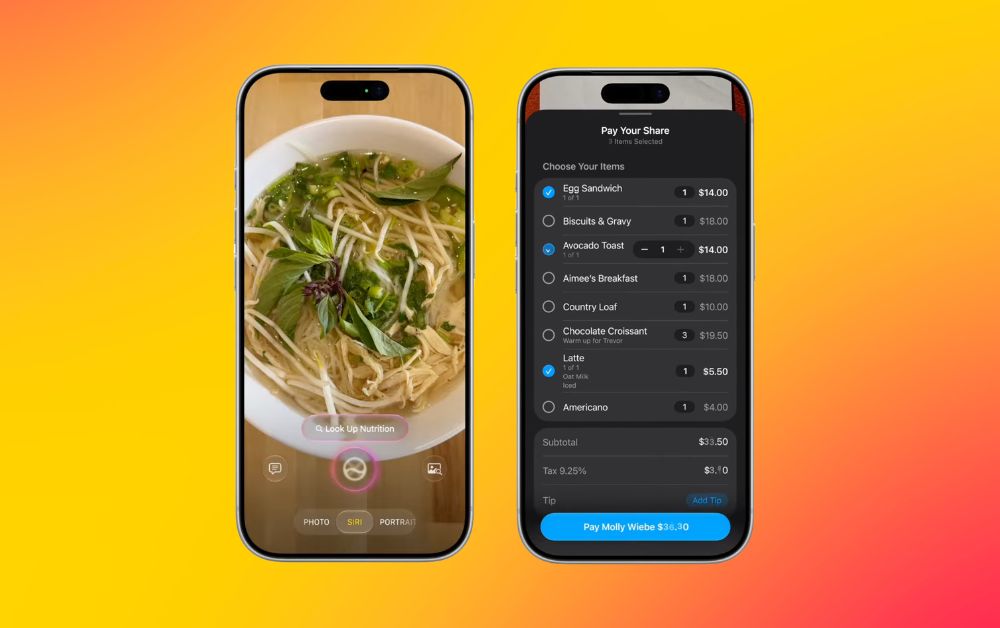
Speed and voice expressiveness can both be adjusted under Settings > Siri > Voice. Those settings also apply to spoken directions in Maps and Safari Reader.
Siri AI requires an Apple Intelligence-compatible device, which starts with the iPhone 15 Pro. Some on-device features require an iPhone 17 Pro, iPhone 17 Pro Max, or iPhone Air. EU availability is not immediate.
Older iPhones Get a Speed Boost
Apple optimized the CPU scheduler all the way back to the iPhone 11, and the company is promising measurable differences in daily use. Apps can open up to 30 percent faster.
AirDrop transfers nearby can complete up to 80 percent faster. Photos from the camera roll can appear up to 70 percent faster after capture.
Unlocking, Home Screen navigation, Control Center scrolling, and Lock Screen transitions should all feel smoother. Camera now launches in Low Power Mode without the usual delay.
Network switching also received attention. iOS 27 moves between Wi-Fi and cellular more aggressively, so iPhones should stop holding onto a weak home network after you’ve already left the house.
Spotlight, Photos, and Mail search were also rebuilt. Mail now surfaces up to five ranked Top Results when you search.
Screen Time Finally Works the Way Parents Expected
Screen Time is getting its most significant redesign since Apple introduced it in 2018. The new dashboard gives parents a clearer view of a child’s daily activity with one-tap access to make changes.
Time Allowances let parents cap usage across categories like Games, Entertainment, and Social Media. Schedules control which apps are available at specific times and allow setting different rules for school days, evenings, and weekends.

A feature called Ask to Browse extends the existing Ask to Buy system to websites, so children can request permission before visiting a new site.
Children can also request permission before contacting someone new. Communication Safety, which previously detected and blurred nude images, now also intervenes when it detects violent or graphic content.
All of these features require every device in the family group to run the iOS 27 generation of software.
AI Reaches Into Passwords, Photos, and Safari
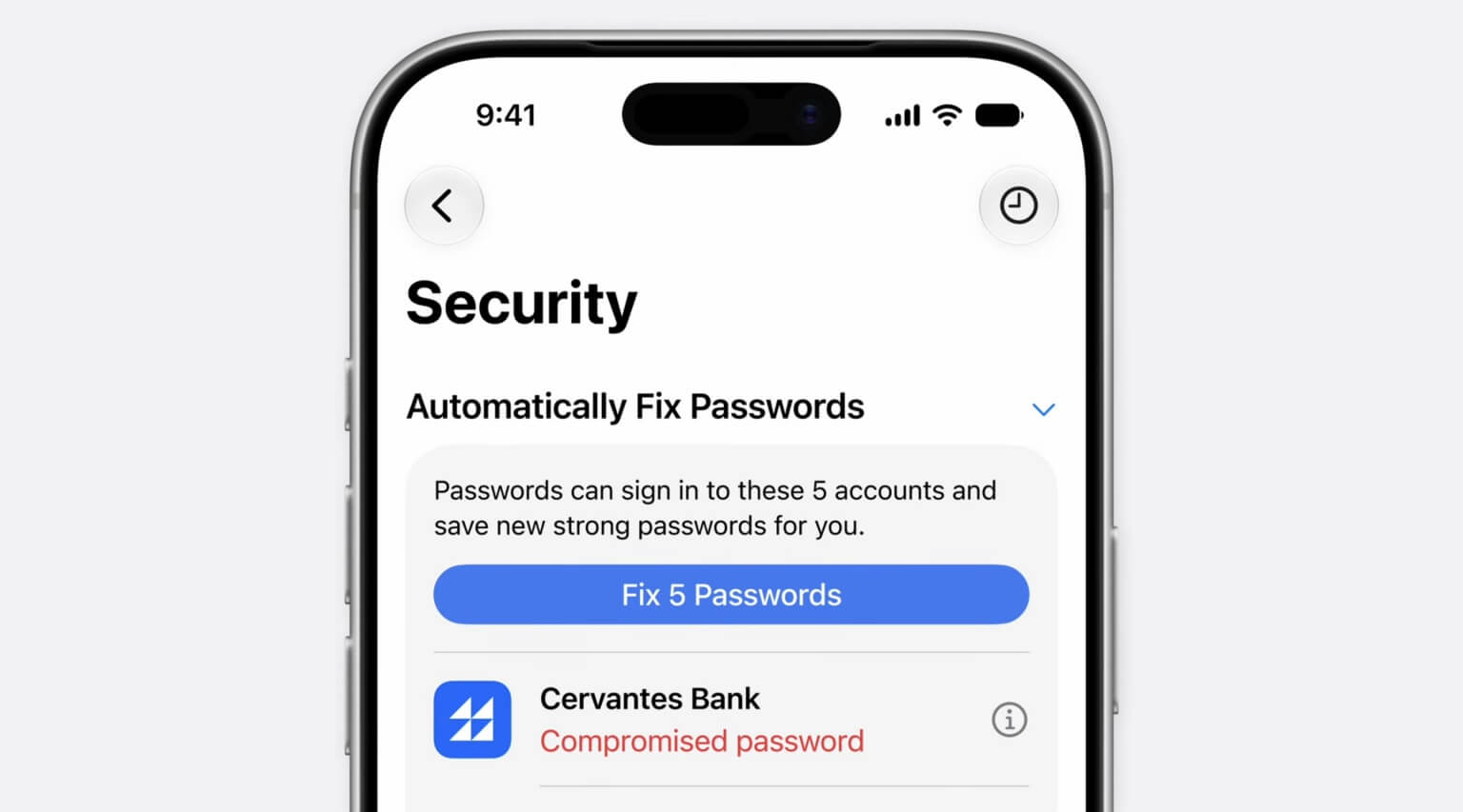
The Passwords app can now identify weak or compromised passwords and replace them automatically on supported sites, showing progress through a Live Activity on screen.
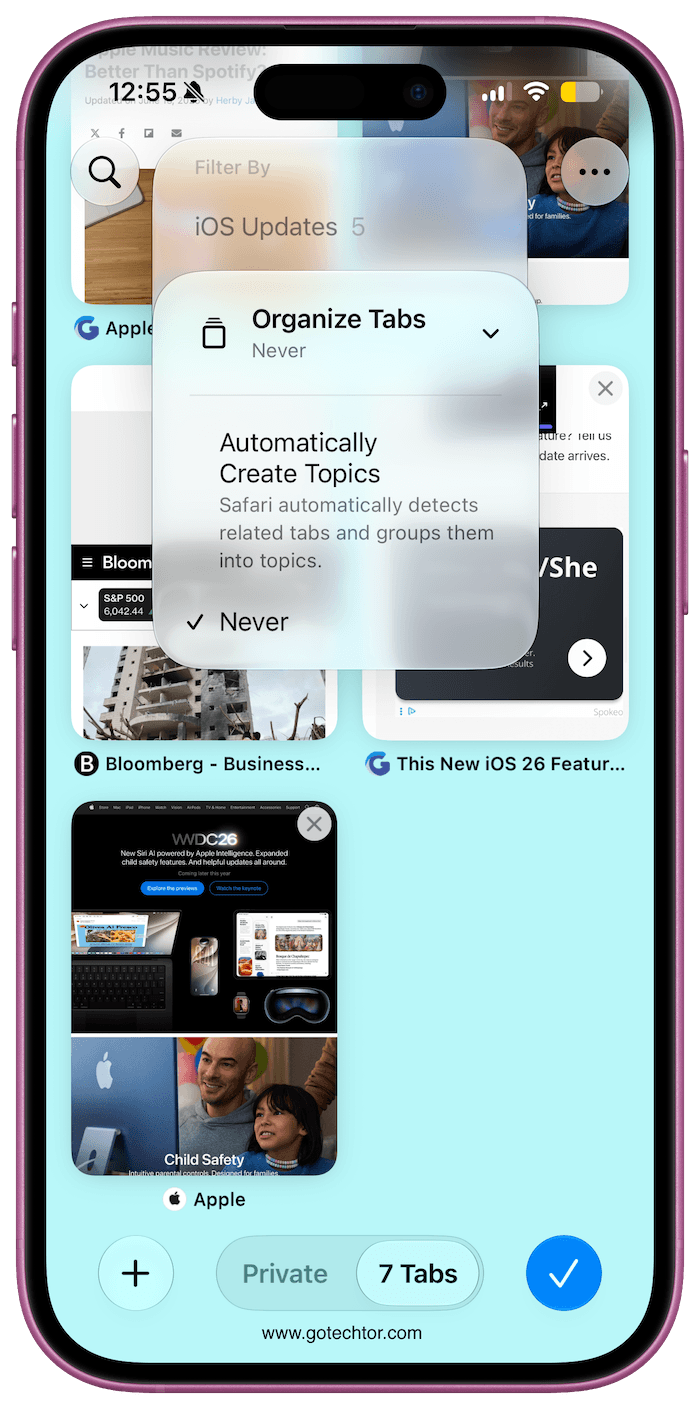
Safari can organize open tabs by topic, group bookmarks automatically, and watch a webpage for changes through a feature called Notify Me, useful for tracking when an out-of-stock product returns. Safari can also generate a custom browser extension from a plain-language description.
Photos adds three editing tools powered by Apple Intelligence. Clean Up now handles larger and more complex objects. Extend generates content beyond the edges of an existing frame. Spatial Reframing lets you shift the apparent camera angle on a photo after the fact.
The Shortcuts app can now build an entire automation from a plain-language request, and you can keep describing changes to refine it.
Other Changes Worth Knowing
Messages continues sending large media in the background so newer texts are not delayed. Photos now supports full-resolution Shared Albums with contributions from Windows and Android users, plus keywords, star ratings, and customizable slideshows.
Any video frame can be saved as a still photo with a single tap. Alarm volume is now independent from system volume. Extra-large widgets can fill an entire Home Screen page.
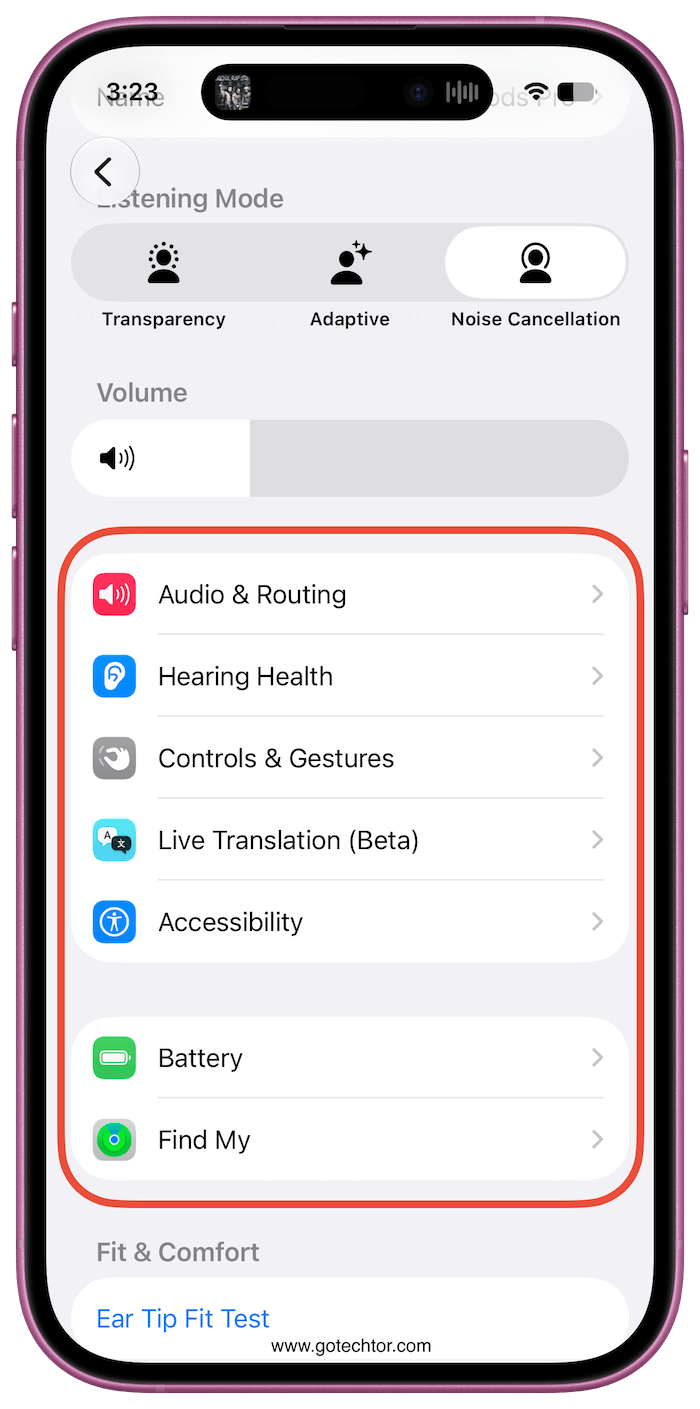
AirPods gain a three-band equalizer for lows, mids, and highs. iPhones can connect directly to compatible GymKit gym equipment. FaceTime on iPhone Air and iPhone 17 models supports simultaneous front and rear camera video.
Apple plans to release the final version of iOS 27 this fall. The public beta will continue receiving updates through the summer. Bugs can be reported directly to Apple through the built-in Feedback Assistant app.

