
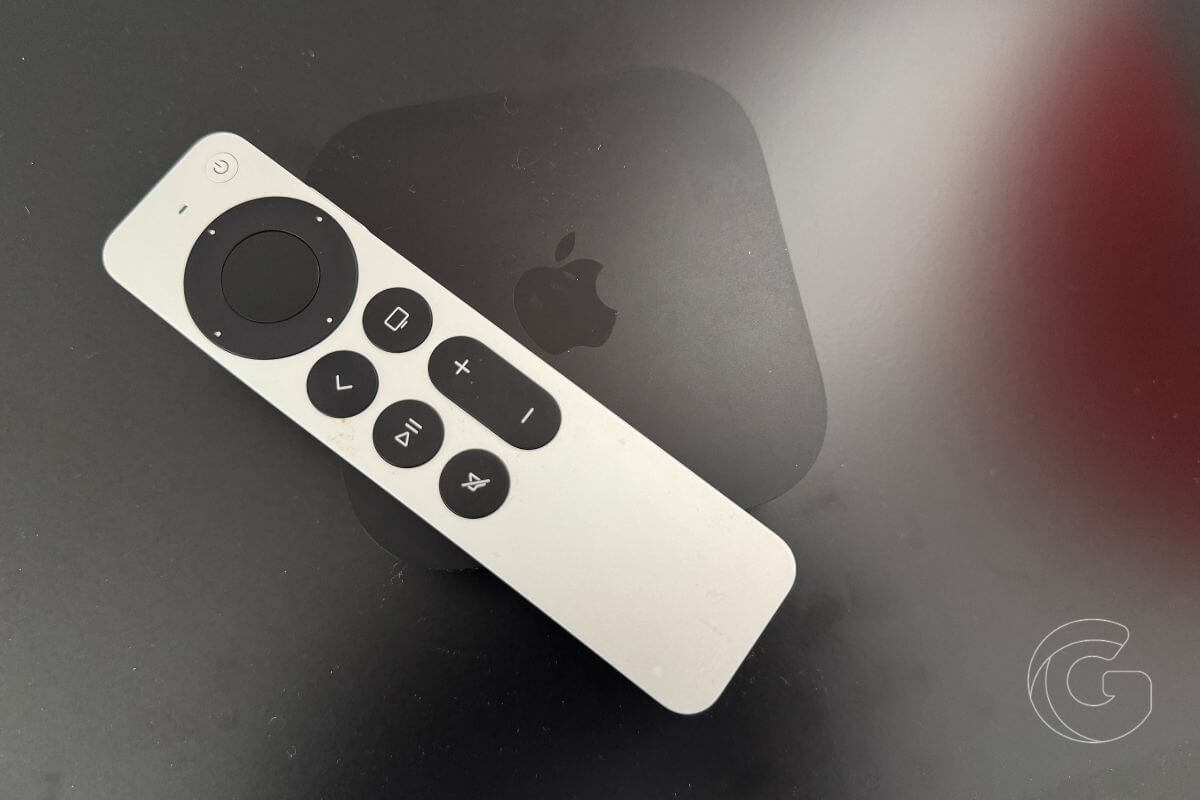
Apple TV owners have plenty to explore in tvOS 27, with improvements to streaming performance, music playback, podcasts, and smart home controls. The update is available for the second- and third-generation Apple TV 4K.
Some changes are immediately noticeable, including faster app launches and a more responsive Control Center. Others are tucked inside familiar apps, where they can make a difference in everyday use.
Here are eight new features worth checking out.
1. Streaming apps open up to 30% faster
Switching between Netflix, Disney+, YouTube, and other streaming apps can be frustrating when each one takes several seconds to load.
Apple says tvOS 27 improves app launch speeds by up to 30%, while Control Center responds more quickly when adjusting settings or switching between features.
AirPlay also gets improvements aimed at reducing delays when streaming content from an iPhone or iPad. Language packages now download separately from apps, helping reduce their storage footprint.
2. Your iPhone becomes a better Apple TV remote
If you’ve ever misplaced your Siri Remote between the couch cushions, you probably already know your iPhone can control your Apple TV.
tvOS 27 improves that experience with a redesigned Apple TV Remote interface, faster pairing, and better responsiveness. Navigating menus, switching between apps, and controlling playback should feel more immediate.
3. Apple Music gets lossless audio and smoother transitions
Apple Music subscribers can now enjoy lossless audio at up to 24-bit/48 kHz on Apple TV with compatible audio equipment.
The update also introduces Auto Mix and Crossfade, which help songs transition more smoothly during playlists. Instead of hearing a brief silence between tracks, playback can flow from one song into the next.
4. You can finally watch video podcasts on Apple TV
Watching a video podcast on your television used to mean finding another way to send the video to the big screen.
With tvOS 27, the Podcasts app supports video playback directly on Apple TV. You can watch interviews, discussions, and other video shows from the couch, with show notes and related links available inside the app.
Smart Downloads also manages episodes from subscribed shows and removes watched content to free up storage.
5. Kids can have their own viewing restrictions
Families sharing one Apple TV often have different rules for what each child can watch. A show that’s appropriate for a teenager might be unsuitable for a younger sibling.
tvOS 27 introduces individual child profiles with age-based content restrictions and app-level blocking.
Parents can customize access for each child without repeatedly changing the restrictions for everyone else.
6. Videos without captions can get automatic subtitles
Captions are useful when you’re watching television late at night, trying not to disturb someone nearby, or struggling to follow dialogue.
tvOS 27 introduces automatically generated subtitles for videos that don’t already include captions.
You can also adjust subtitle size, appearance, and language to make dialogue easier to follow.
7. Check your home security cameras on the big screen
If you have compatible HomeKit security cameras, your Apple TV can now serve as another place to monitor what’s happening around your home.
tvOS 27 expands smart home integration with live camera feeds and home status information. You can check a camera or review connected home devices directly from the television instead of picking up your iPhone.
8. Choose which Aerial screensavers appear
Apple TV’s Aerial screensavers look beautiful, but you might prefer sweeping landscapes over city skylines or footage from space.
tvOS 27 lets you filter screensavers by category, giving you more control over what appears when your Apple TV is idle. You can remove categories you don’t enjoy and keep the scenery you actually want to see.
AppleCare information is also easier to find, with warranty coverage and support details now accessible directly through Settings.

