
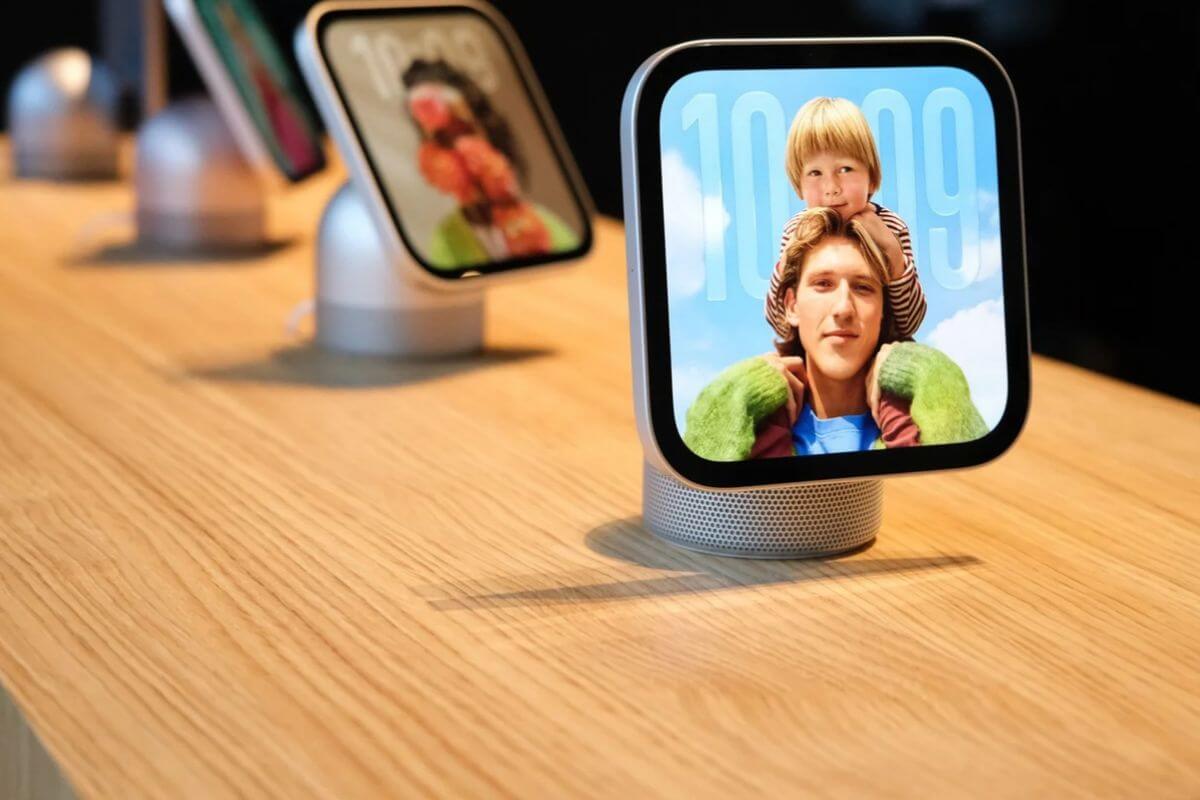
Apple has released HomeView 27.2.1, a software update addressing several Siri problems that have frustrated owners of its new smart home hub since launch.
The update fixes issues that prevented Siri from downloading or responding to requests, along with a separate bug that could unexpectedly remove HomeView from a user’s smart home setup.
The fixes arrive just one week after HomeView went on sale November 13.
What’s Fixed in HomeView 27.2.1?
Apple’s release notes identify three problems addressed by the update:
- Siri download failures: Setting up a Shared Album on the Photos face could prevent Siri from downloading, leaving the assistant unavailable.
- Siri requests not working: HomeView could fail to respond when paired with an iPhone or iPad running the iOS 27.3 or iPadOS 27.3 beta.
- Home configuration issues: Connecting another home hub could unexpectedly remove HomeView from the user’s home configuration.
The fixes should be particularly helpful for people running Apple’s latest beta software on their iPhones or iPads.
Some HomeView Problems Remain Unresolved
HomeView owners have reported several frustrations since launch, including Siri failing to set alarms, start timers, or play music.
Others have experienced delayed responses or difficulty downloading Siri during initial setup.
While HomeView 27.2.1 addresses specific Siri failures, Apple’s release notes don’t explicitly mention fixes for alarms, timers, or music playback.
Another outstanding issue involves Siri unlocking smart locks and garage doors through voice commands after camera-based authentication.
Apple has acknowledged that problem and plans to release a fix in December.
How to Update Your HomeView
You can install HomeView 27.2.1 directly on the device or through the Home app on a connected iPhone, iPad, or Mac.
To update from HomeView, open Settings and check for available software updates.
Alternatively, use the Home app on your Apple device to check for updates to your connected home accessories.
Despite the early software problems, demand for HomeView appears strong. Customers have reported limited availability at retail stores and online, with some configurations showing delivery estimates extending into the new year.

