
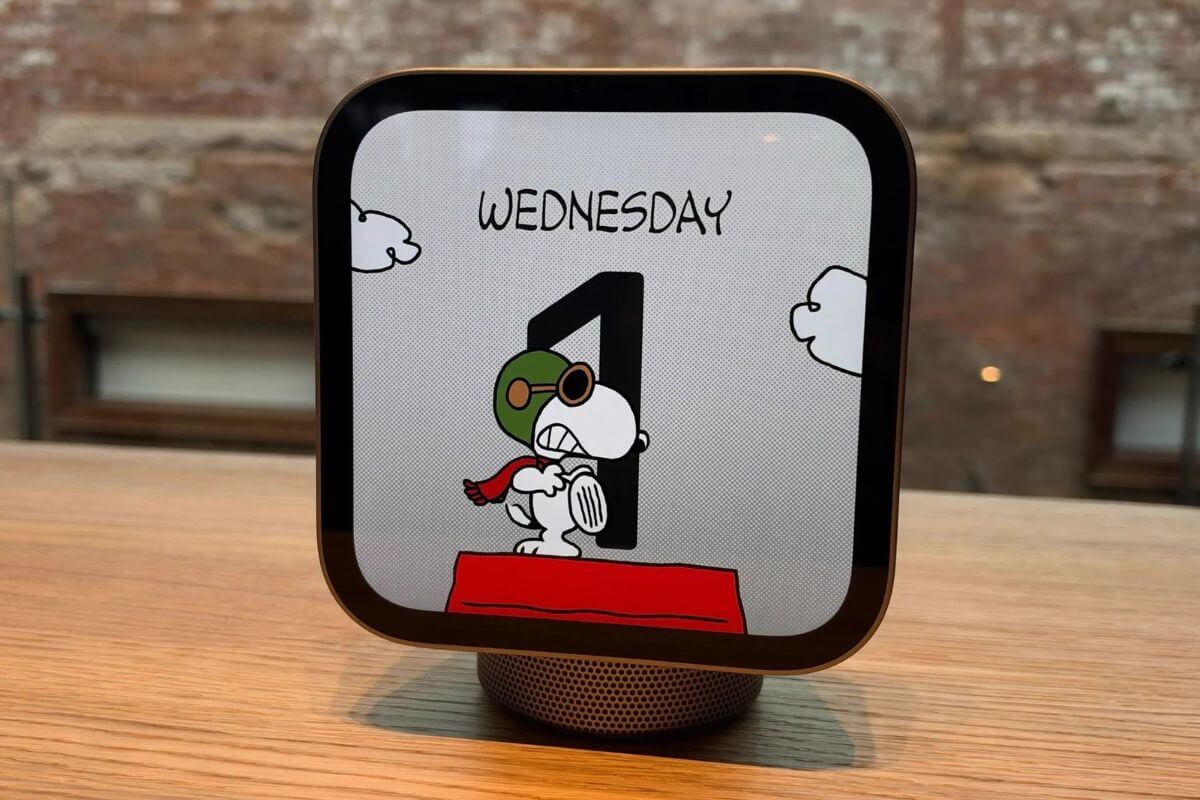
Apple’s new HomeView smart home hub may be convenient for controlling a connected home, but repairing it could be a different story.
A detailed teardown reveals extensive adhesive, difficult-to-remove components, and a design that can cause damage during disassembly.
The HomeView launched November 13 in wall-mounted and tabletop versions, both featuring a built-in display for managing smart home devices.
Why the HomeView Is So Difficult to Repair
To get inside the HomeView, you first need to remove its display, which is secured with strong adhesive.
Once inside, the speakers occupy most of the available space, with the logic board positioned behind them.
The board is covered by a metal shield bonded to the aluminum enclosure, which also helps dissipate heat.
A combination of thermal paste and adhesive makes removing the logic board particularly difficult.
The teardown uncovered several repair obstacles:
- Strong display adhesive: Opening the device requires carefully separating the screen from its enclosure.
- Fragile speaker removal: Thick adhesive pads hold the speakers in place, and one broke in half during removal.
- Complicated internal cables: Multiple connections between the display and speaker base make disassembly harder.
- Different internal designs: The wall-mounted and tabletop versions use different components that aren’t interchangeable.
The wall-mounted HomeView has a larger logic board, while the tabletop version includes larger speakers and a pivoting mount.
That limits the ability to use replacement parts from one model to repair the other.
The Speaker Base Is Easier to Repair
Not everything inside the HomeView is difficult to service. The speaker base is built like Apple’s HomePod and is considerably easier to open.
Its USB-C port is modular and can be replaced independently, while the two passive speakers inside the enclosure are also serviceable.
However, separating the base from the display requires opening the display assembly first, which can make even simple base repairs unnecessarily complicated.
What This Means for HomeView Owners
The teardown found that HomeView requires multiple Phillips and Torx screwdriver sizes and careful handling of adhesive and delicate internal components.
That makes do-it-yourself repairs particularly challenging, especially when accessing the display or logic board.
The findings also suggest that repairing certain components could involve more labor and a greater risk of damage than owners might expect.
For anyone considering Apple’s new smart home hub, repairability is worth factoring into the purchase, particularly if they plan to keep the device for several years.
The HomeView may offer a convenient way to manage a smart home, but its internal design makes fixing it far less straightforward.

