
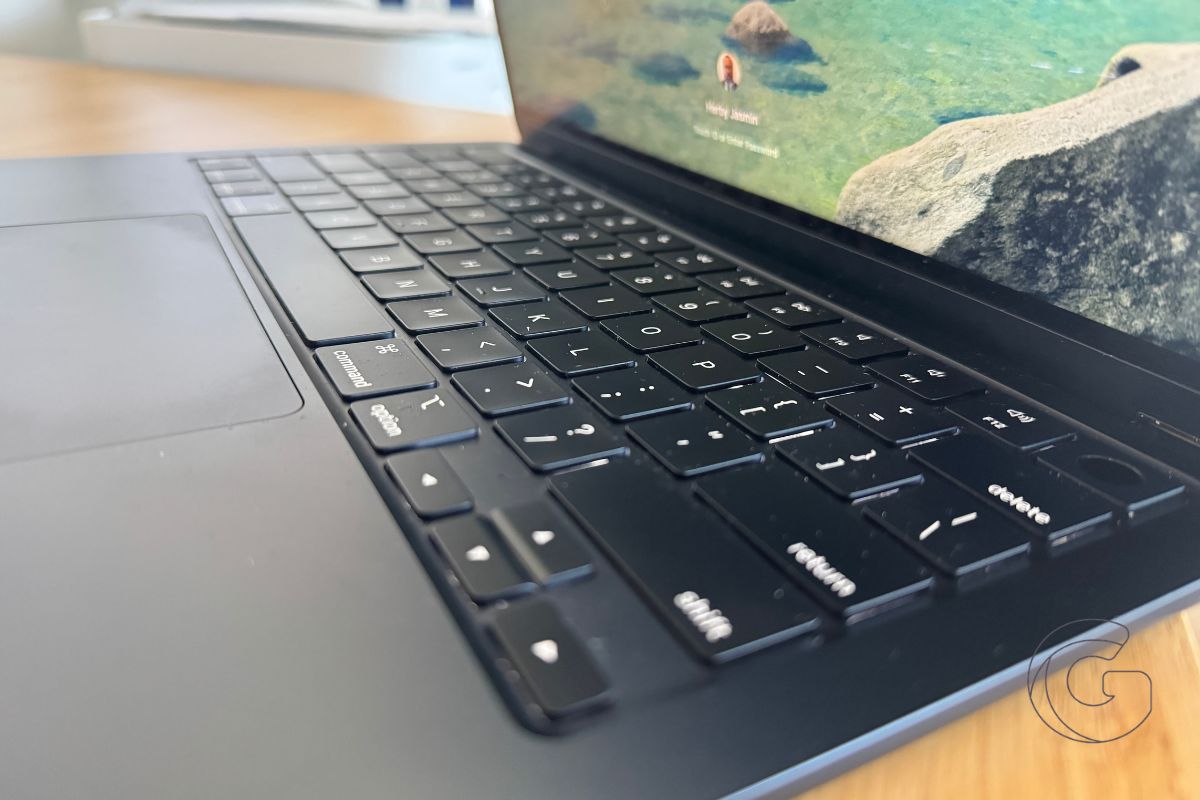
Apple has released the second developer beta of macOS Golden Gate 27.3, continuing work on several new features for Mac users.
The update includes testing for Safari’s Vertical Tabs, Adaptive Dark Mode, expanded Siri capabilities, and Live Activities support across more Macs.
Beta 2 arrives two weeks after the first developer beta was released on November 3.
What’s New in macOS 27.3 Beta 2?
Apple is testing several improvements designed to make everyday Mac tasks easier.
- Safari Vertical Tabs: Moves open tabs into a sidebar, making it easier to manage multiple webpages without crowding the top of the browser.
- Adaptive Dark Mode: Adjusts Safari’s appearance based on webpage content and system settings.
- Smarter Siri: Expands the assistant’s ability to perform actions directly within Apple’s built-in apps.
- Live Activities: Brings real-time app updates to more Macs, including models without a Dynamic Island.
Live Activities are particularly notable because the feature won’t be limited to Apple’s new PROLED MacBook Pro.
Older Macs without a Dynamic Island will also be able to display ongoing information from supported apps, although the presentation may differ depending on the hardware.
Apple Is Also Testing a Security Fix
macOS 27.3 includes additional protections against a vulnerability that allowed certain command-line tools to accept compromised web certificates.
Apple previously blocked the affected certificates on October 19 and released related fixes in macOS Golden Gate 27.2.1 on November 9.
The latest beta extends those protections to command-line environments.
The update follows macOS 27.2, which introduced redesigned brightness and volume controls, expanded Siri language support, and a fix preventing macOS upgrades from automatically removing existing Rosetta installations.
How to Install macOS 27.3 Beta 2
Registered developers can download the update on compatible Macs:
- Open System Settings.
- Select General > Software Update.
- Click the information button next to Beta Updates.
- Choose the macOS Golden Gate developer beta.
- Download and install the available update.
Because this is pre-release software, bugs and compatibility issues are possible. So it’s recommended to install it on a secondary Mac.
Apple hasn’t announced a public release date for macOS Golden Gate 27.3.

