
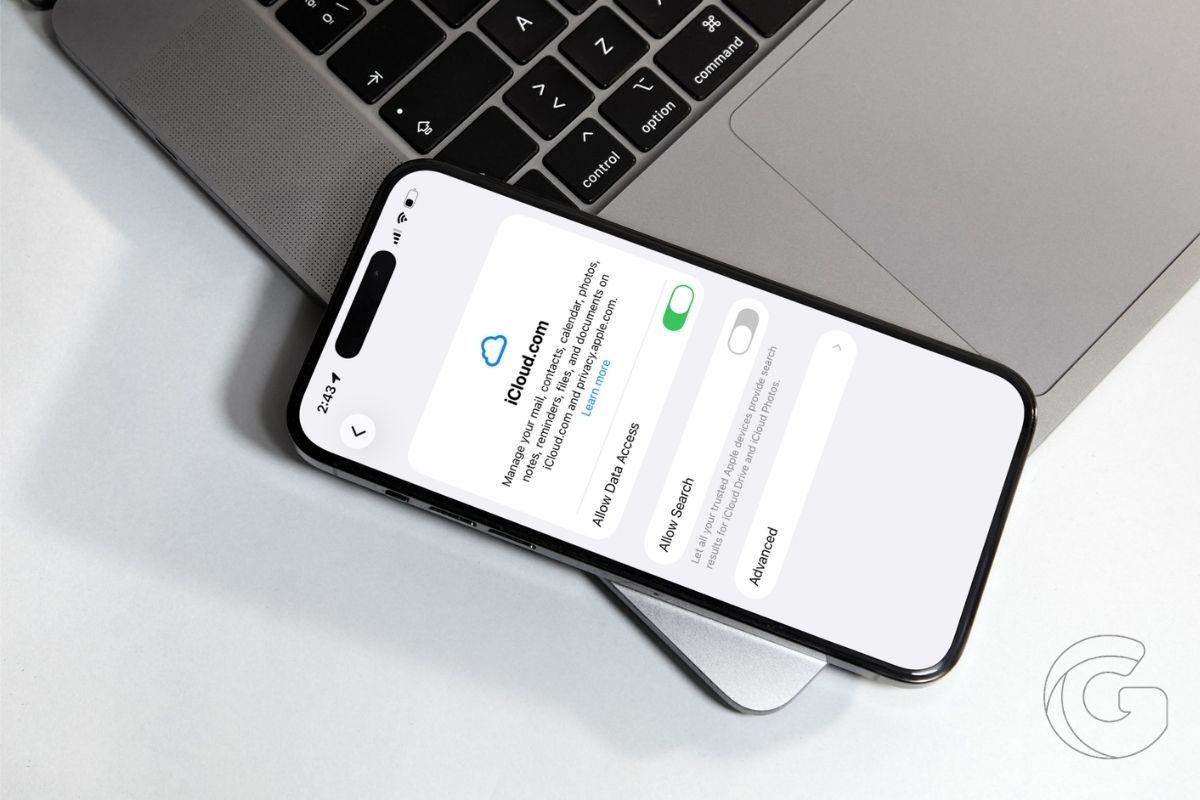
Apple quietly tucked something unusual into iOS 26.4, and it’s the kind of thing that makes you realize how long you’ve been missing it.
Search on iCloud.com, for both your files and your photos, is finally here. Apple processes those searches on your device, meaning zero search history ever touches Apple’s servers.
That privacy detail is genuinely odd for a search feature. Most cloud services send your queries to their servers, log them, and use them to improve results. Apple’s approach flips that entirely.
Type something into iCloud.com’s new search bar, and the heavy lifting happens locally, on your phone or computer, not somewhere in a data center.
Why This Took So Long
Apple has always treated its apps as the main event. iCloud.com existed mostly as a fallback, the thing you grudgingly opened on a borrowed Windows laptop when your iPhone wasn’t nearby.
Google built its services web-first and treated apps as a bonus. Apple did the opposite, and iCloud.com showed the neglect.
No search meant you had to scroll or remember folder structures just to find a file. For Google Drive users jumping over to iCloud, that friction was a genuine shock.
Also: 7 iPhone settings that secretly expose your data—fix these now before it’s too late to take it back
What You Can Actually Search Now
Inside iCloud Drive, you can search by filename, folder name, or document type. Inside iCloud Photos, you can search by date, location, or the people tagged in your shots.
That last one is surprisingly useful if you’ve got years’ worth of photos and no memory of when you took them, only where you were or who was in the frame.
Also: Your iPhone is hiding wasted storage right now — here’s how iOS 26 lets you take it back
Turning It On Takes About 30 Seconds
The feature ships turned off, so you won’t stumble onto it accidentally. To switch it on, open Settings on your iPhone, tap your name at the top, then tap iCloud.
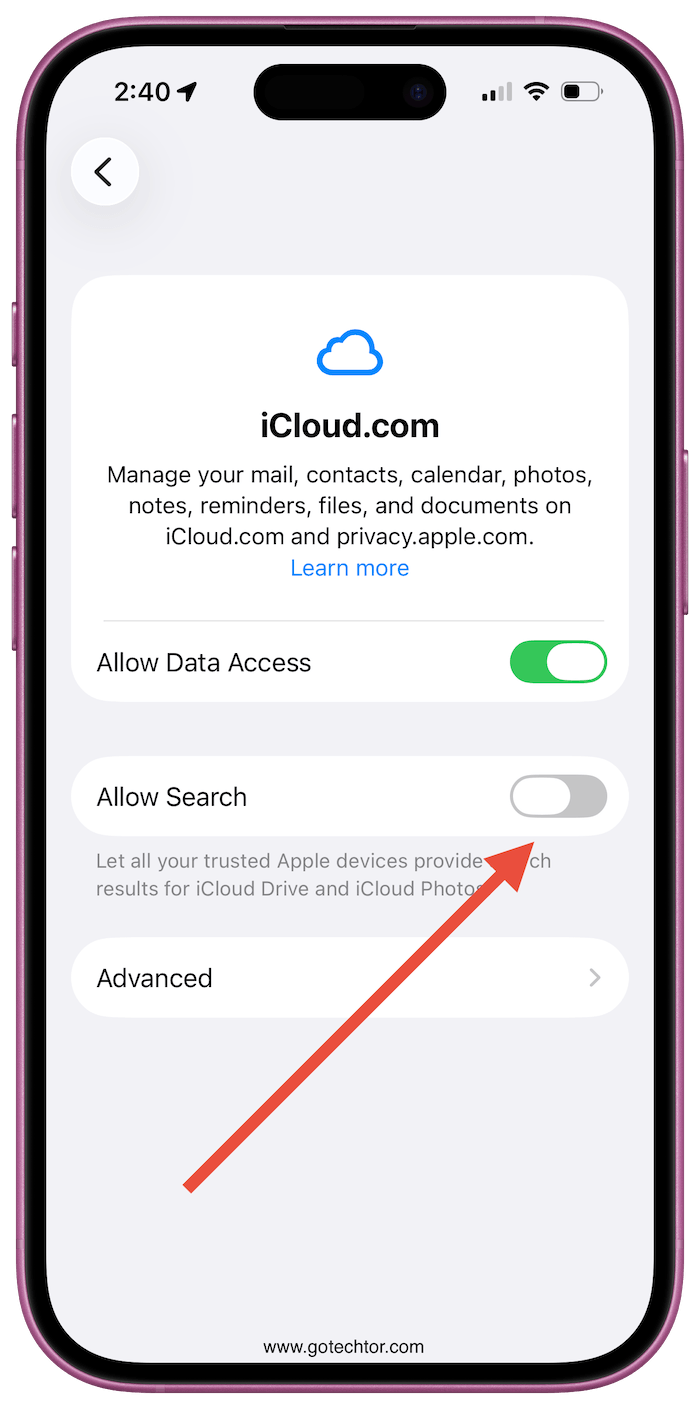
Scroll until you see iCloud.com, tap that, and flip the Allow Search toggle. Confirm on the pop-up, and you’re done.
It’s worth noting that if you want results pulled from multiple devices, each device needs its own toggle enabled.
If all your devices are syncing the same library anyway, enabling it on your iPhone alone covers you. People who regularly bounce between Apple hardware and Windows machines will feel this upgrade most, since native apps were never an option for them on Windows.

