
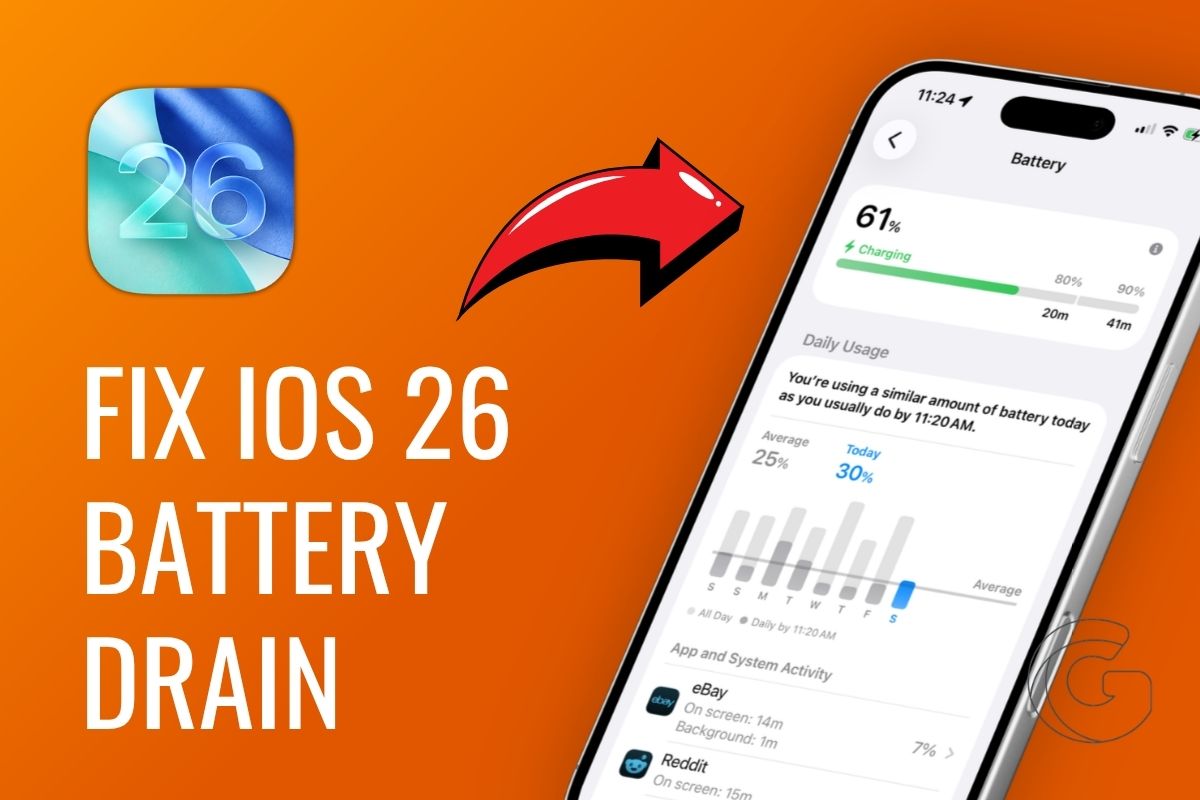
Updating your iPhone to iOS 26 and watching the battery percentage drop faster than usual? You are definitely not the only one dealing with this.
Many users noticed the same thing almost immediately after the update, and the fix comes down to a handful of settings most people never touch.
Here’s how to improve your iPhone’s battery life, step by step.
Start With How You Charge Every Night
One of the quietest ways to protect your battery long term is to let iOS learn your schedule through Optimized Battery Charging.
The feature holds the charge at 80% and only tops it off right before your alarm goes off. If you want to go a step further, try unplugging manually around 90% each night.
It puts less stress on the cells over hundreds of charge cycles, and your battery capacity holds up much better after a year or two.
Your Wallpaper Choice Actually Matters on OLED Screens
OLED displays work differently from older LCD screens. Each pixel generates its own light, so a pure black pixel draws almost no power.
Switching to a dark or black wallpaper can shave off roughly 2-3% of daily battery usage on OLED iPhones.
Head into your wallpaper settings, pick something dark from your gallery or from Apple’s defaults, and the savings start immediately without you doing anything else.
Stop Apps From Running When You Are Not Using Them
Background App Refresh is one of the biggest silent killers of iPhone battery life. Games, shopping apps, and social platforms you check once a week are all quietly refreshing in the background by default.
Go into your settings and shut it off for anything that does not genuinely need live updates.
For apps that do need to stay current, restricting refresh to Wi-Fi only keeps your cellular radio from working overtime and saves both data and battery.
Also: 10+ CarPlay features in iOS 26 that fix what’s always been broken (and add what’s been missing)
That Always-On Display Is Costing You More Than You Think
The Always-On Display is genuinely useful when you need a quick glance at the time or a notification, but leaving the wallpaper active in it constantly burns power.
Turning off just the wallpaper portion in the Always-On Display settings trims those drains without forcing you to disable the whole feature.
If you rarely look at your phone when it is face-up on a desk anyway, switching it off entirely is the faster solution.
iOS 26 Brought a Smarter Way to Handle Heavy Days
Adaptive Power Mode is new with iOS 26, and it works differently from the old Low Power Mode you may already know.
Rather than just dimming performance across the board, it scales back background processes and non-essential system activity while keeping the things you are actively using running smoothly.
Turn it on before a long commute, a full day of travel, or any stretch where you know you will not be near a charger, and your phone will stretch that battery percentage noticeably further.

