
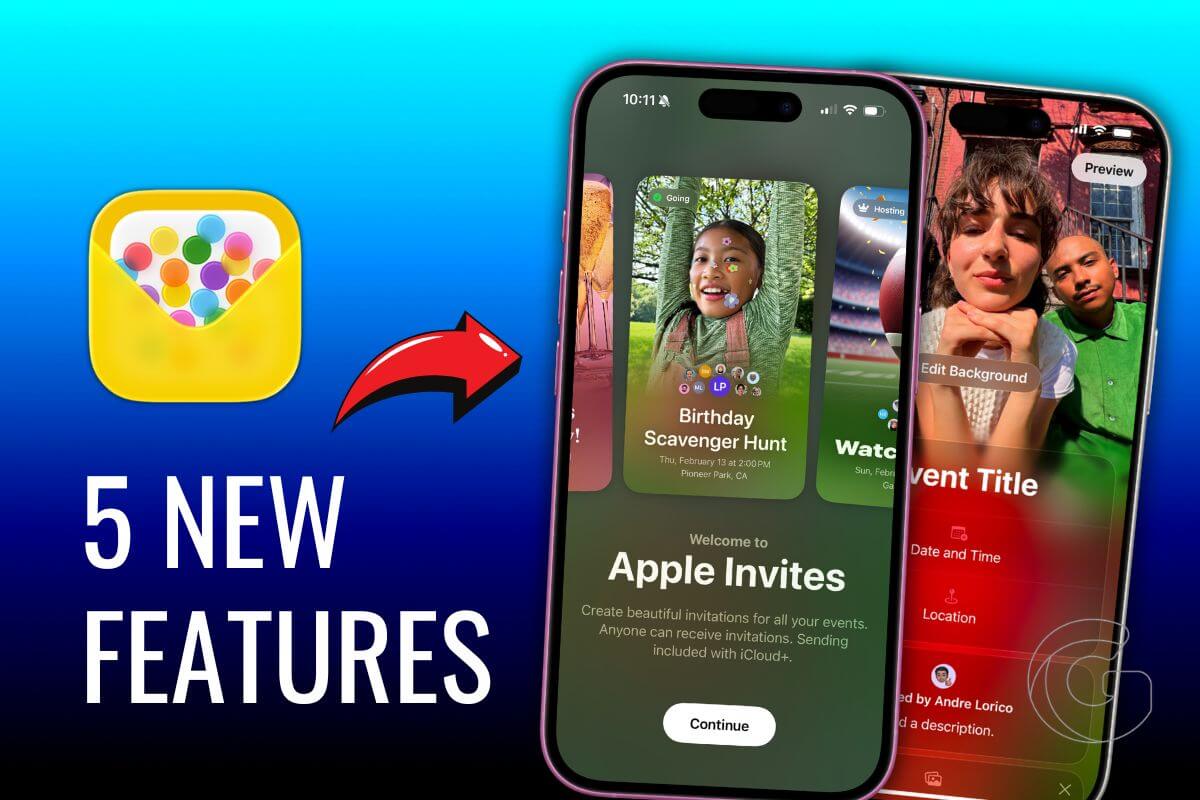
If you’ve ever planned a get-together and wished your iPhone could handle more of the organizational headache, Apple just made a move worth knowing about.
The latest version of Apple Invites, v1.8.0, rolled out recently with a handful of changes that make the app feel noticeably more capable than before.
Here are the features worth checking out.
Time Zones and Guest Lists Get a Proper Fix
One of the more practical additions is time zone support. Hosts can now assign a specific time zone to an event, which sounds small until you’re trying to coordinate people flying in from different cities.
On top of that, managing your guest list got a real upgrade. You can now go in manually and adjust both individual RSVPs and the number of plus-ones attached to any response.
Anyone who’s dealt with last-minute headcount changes will appreciate that one.
Also: This low-key iPhone update might be the best thing Apple’s done for group chats and weekend planners
Your Music Picks Just Got Smarter
The Apple Music Shared Playlist feature in Invites now takes your actual listening habits into account when suggesting music for an event.
So instead of generic recommendations, the app pulls from what you already gravitate toward. It’s a subtle touch, but it makes the playlist-building part feel a lot less like guesswork.
Also: Google just confirmed something in Las Vegas that every iPhone user should be concerned about
Sharing an Invite Is Much Faster Now
Sending an invite through Messages used to mean jumping between apps, but a new iMessage extension changes that.
You can share an existing invite directly from within a conversation without ever leaving Messages.
There’s also a new option to generate a downloadable image of your invite card, handy if you want to drop it into a group chat or post it somewhere outside the app.
Also: Apple’s new event app is so good, you’ll never want to use Google Calendar for invitations again
Everything in One Place
The app’s main dashboard now shows all your events together, past and upcoming, in a single view. Previously, keeping track of older events required more digging around.
The consolidated layout makes it easier to reference something from a few months back without hunting through menus.
Apple Invites is a free download from the App Store for iPhone users and is also accessible at iCloud.com/invites in any browser. Guests can RSVP via either option, so an iPhone isn’t required on their end.

