
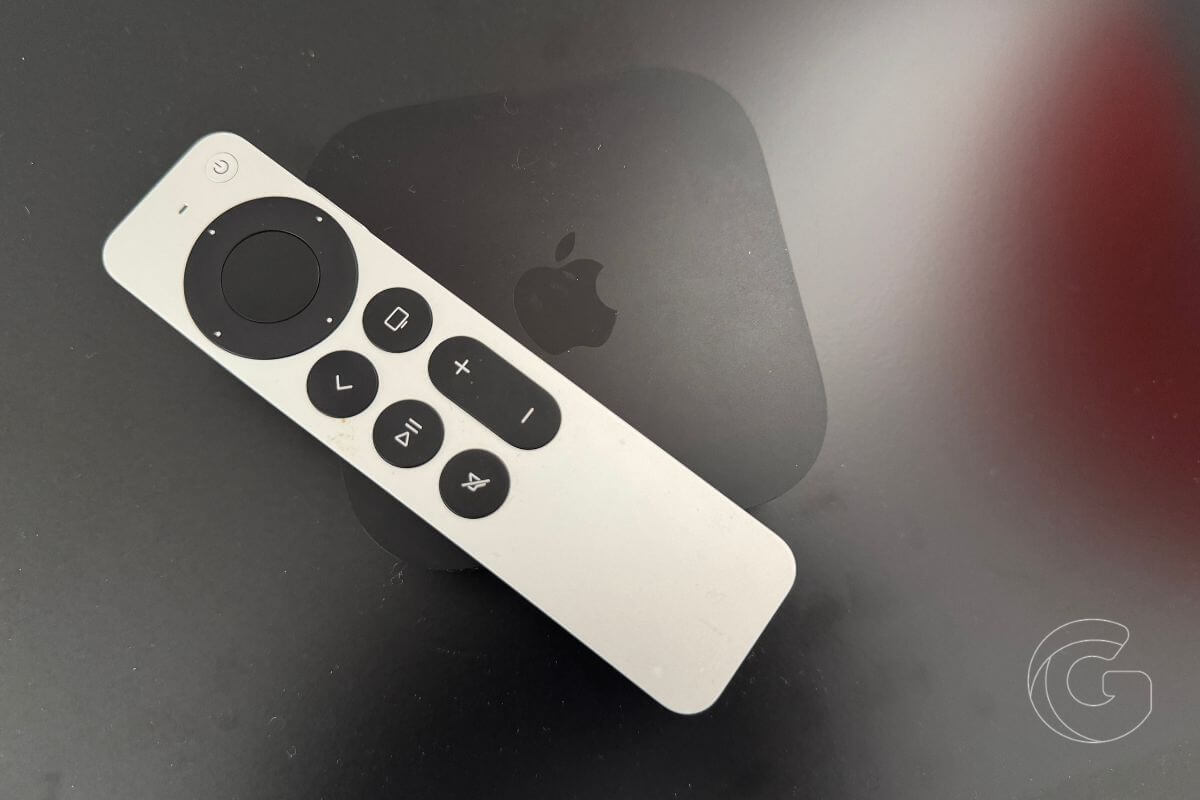
Losing your Apple TV remote between couch cushions is frustrating, but iOS 27.2 makes finding it easier without requiring you to buy a new one.
The update brings Siri Remote tracking directly into the Find My app, letting you locate a misplaced remote from your iPhone instead of relying on the Remote controls buried in Control Center.
Once connected, the Siri Remote appears under the Devices tab in Find My. Tap Find, and a blue dot grows larger as you move closer to the remote.
Which Siri Remotes Support Find My?
The feature works with the second-generation Siri Remote, introduced in 2021, and newer models. The original all-black Siri Remote isn’t supported.
You’ll also need both devices running the latest software:
- iPhone: iOS 27.2 or later.
- Apple TV: tvOS 27.2 or later.
Unlike AirTag tracking, the feature doesn’t support Precision Finding. You won’t see directional arrows pointing toward the remote because older Siri Remotes lack the necessary Ultra Wideband hardware.
Instead, the growing blue dot provides a visual indication of how close you are.
The New Apple TV Remote Offers More Precise Tracking
Apple’s upcoming fourth-generation Apple TV 4K takes remote tracking further with an upgraded Siri Remote that supports Precision Finding.
That means you can follow directional arrows on your iPhone to locate the remote more accurately. It also includes a built-in speaker, allowing you to play a sound when the remote is hidden nearby.
The new Siri Remote costs $59 separately, while the fourth-generation Apple TV 4K starts at $299 and arrives November 13.
Apple’s updated streaming box also introduces hands-free Siri and support for a four-speaker HomePod surround sound setup.
For existing Apple TV owners, however, iOS 27.2 and tvOS 27.2 provide a useful improvement at no additional cost, making it easier to find a misplaced Siri Remote using hardware they already own.

